






 Microsoft Copilot


Copilot agent governance keeps every agent in your tenant inventoried, owned and assessed for risk. Anyone with a licence can build a Copilot Studio or SharePoint agent, and each one can read company data and act through connectors, so unmanaged creation produces the same sprawl and oversharing as any other self-service tool. Governance means finding every agent, mapping what it can reach, giving it an owner and retiring the ones that no longer earn their access.
In short
- Agents are self-service, so they multiply faster than anyone reviews them.
- An agent's risk comes from the data it can read and the actions it can take.
- An owner for every agent is the condition for any later review.
- Unused, ownerless and public agents are the first to retire or fix.
Agent sprawl follows the same curve as app sprawl
Anyone who watched Power Apps spread will recognise the pattern: a useful self-service tool, no lifecycle attached, and a count that grows past what manual review can keep up with. Copilot agents follow the same curve, with direct access to company data and, in Copilot Studio, consumption-based costs.
Gartner projects that the average Fortune 500 company will have more than 150,000 AI agents in use by 2028 (Gartner, Reduce AI Sprawl, Digital Workplace Summit London, 2026). Only 14% of IT leaders agree they have the right governance structures in place to manage AI agents (Gartner Microsoft 365 and Copilot Survey, 2025).
Step by step
Five steps keep agent creation open while every agent stays known, owned and within its intended reach.
-
Find every agent
List all Copilot Studio agents and SharePoint agents in the tenant, with who built each one, when, in which environment, and whether it is published. Include agents in every environment, not only the default one.
-
Map what each agent can reach
For every agent record its knowledge sources, the connectors and actions it can call, and whether it needs sign-in. An agent that reads a confidential site or answers anyone without authentication is a concrete risk you can rank and fix.
Tip: Check agents published without sign-in first. Anyone with the link can talk to them.
-
Give every agent an owner
Assign an accountable owner to each agent and a second owner for business-critical ones. Ownerless agents keep their access after their purpose has gone.
-
Rank agents by risk
Rank agents by the sensitivity of the data they reach, the breadth of their actions and whether they run autonomously. Review effort then goes to the agents that could do harm.
-
Retire stale and risky agents
Ask each agent's owner to unpublish or delete it in Copilot Studio when it has been unused for 90 days or left as a draft for 30 days. For agents without an owner, ask the creator or a Power Platform administrator. Keep your own record of each decision.
Connectors in this How-to
Each connector page in the Rencore docs lists the objects, policies, reports and actions behind these steps.

Watch it in Rencore
Short narrated product guides that play in your browser, with no sign-in.
-
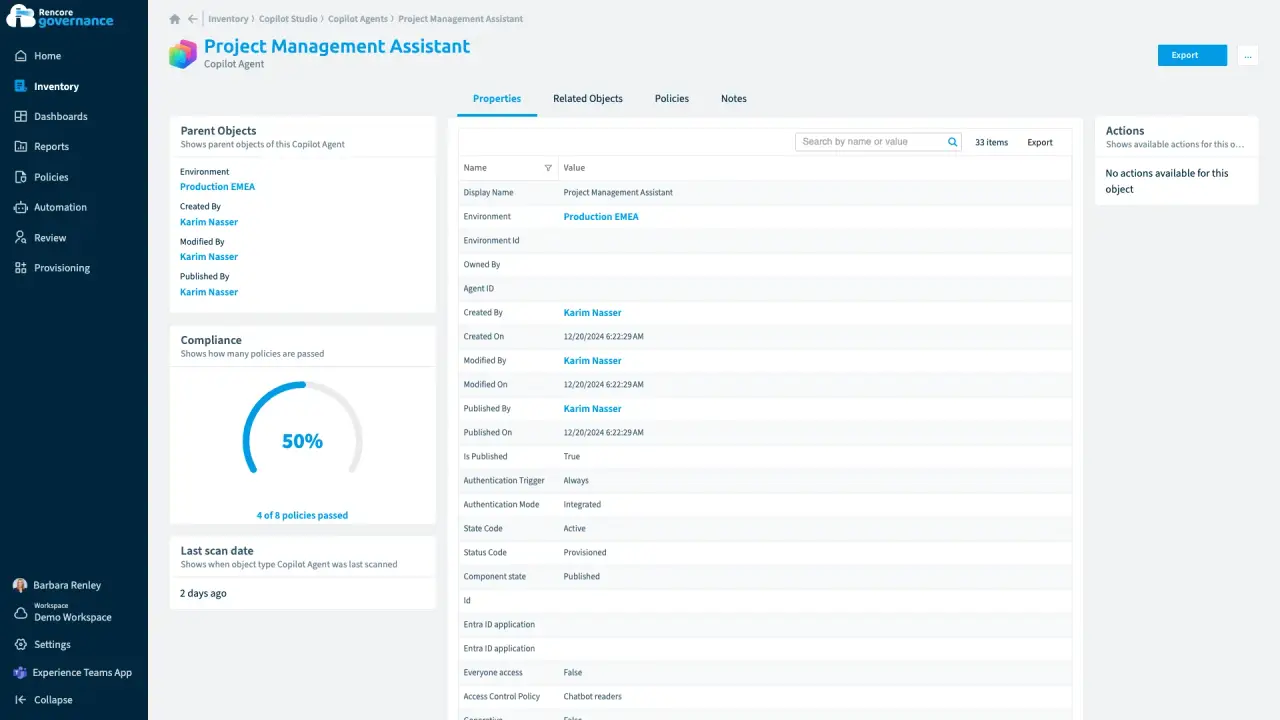
An agent nobody owns anymore
Length: 4 minA Copilot agent keeps running on its own after its maker leaves, and nobody answers for what it can reach.
- Copilot Studio
- AI Governance
- Sprawl & Lifecycle
-
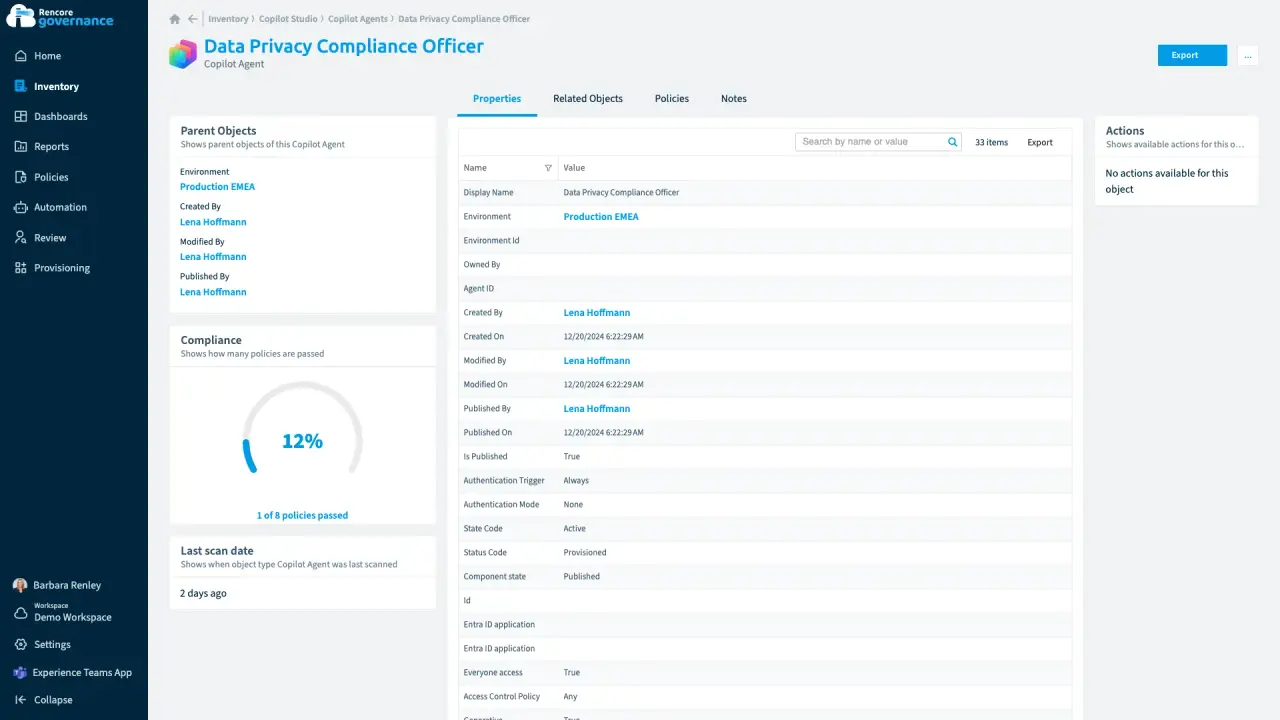
A public agent anyone can talk to
Length: 4 minA Copilot agent published without sign-in lets anyone talk to it, and nobody knows why it is public.
- Copilot Studio
- AI Governance
- Access & Sharing
-
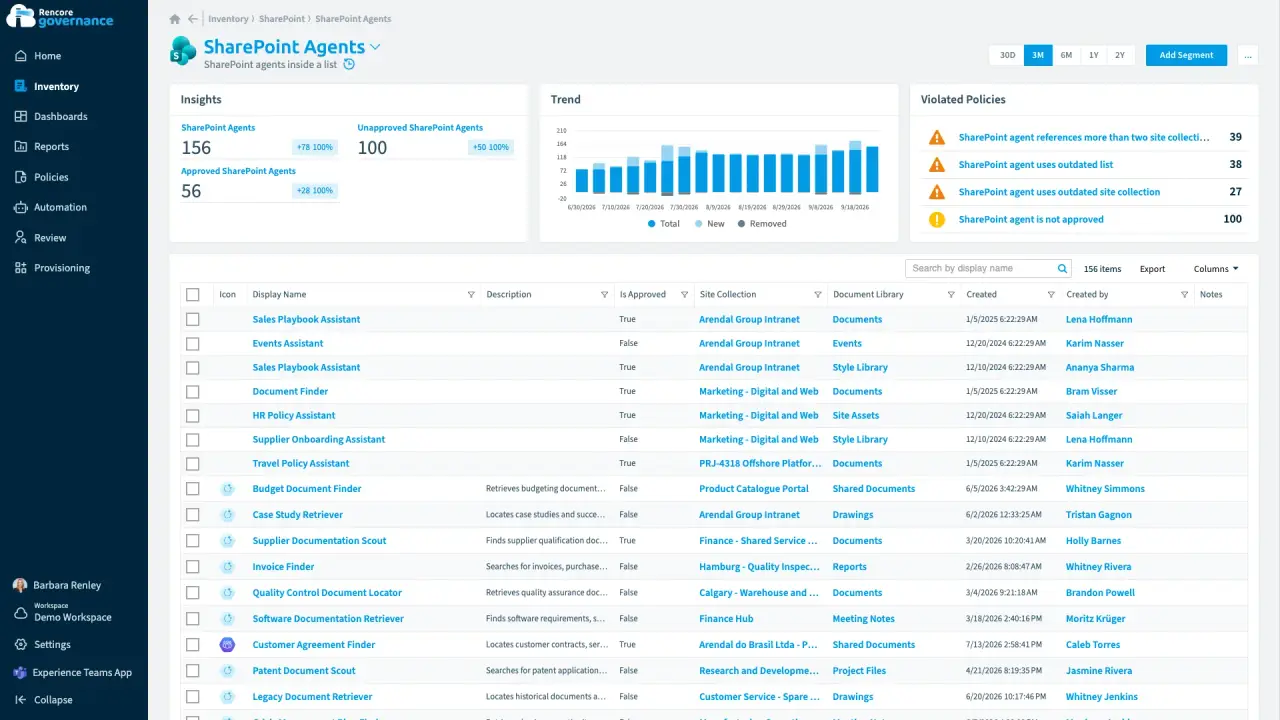
An agent nobody approved, answering from old files
Length: 4 minAnyone can build a SharePoint agent, so one nobody approved answers from other teams' sites and from sources nobody has updated in a year.
- SharePoint Agents
- SharePoint
- AI Governance
- Access & Sharing
- Policies
- Automation
-
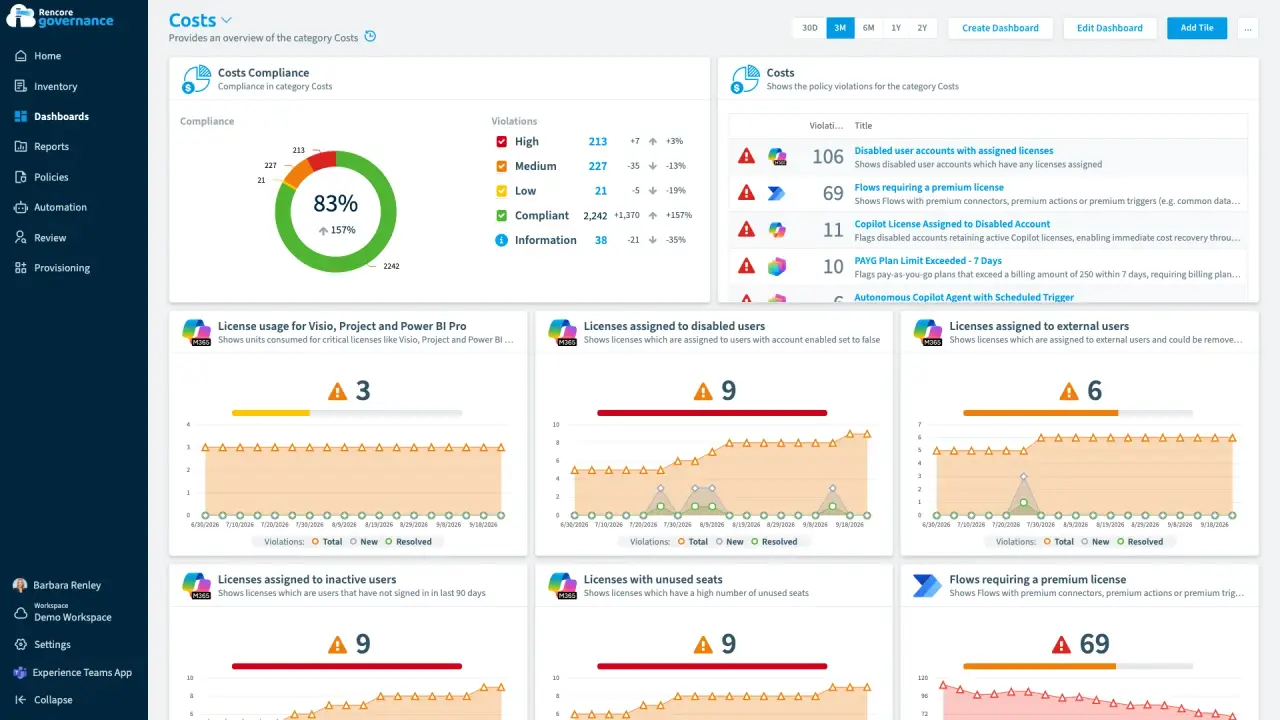
The agent bill nobody forecast
Length: 4 minCopilot Studio agents bill by consumption, so the spend lands as one invoice nobody forecast and no budget owner hears about an overrun.
- Copilot Studio
- Copilot
- Licences & Costs
- AI Governance
- Policies
- Automation


Last updated 8 October 2026


