






 Microsoft Copilot
Start here
Two tours of the whole product: what administrators set up in Rencore Governance, and what owners and employees do in the Rencore Teams App.
-
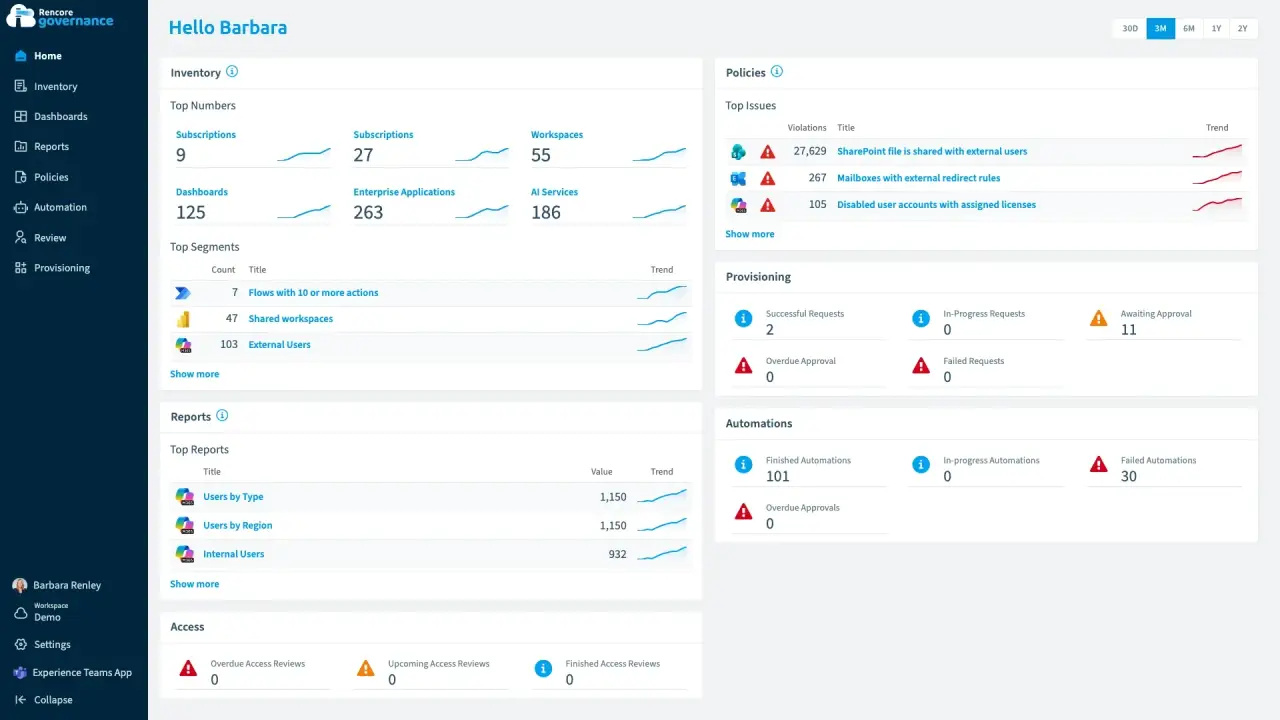
Rencore Governance 101: the admin view
Length: 5 minAdmins juggle separate admin centers, reports and scripts to see what exists across Microsoft 365, Power Platform and Copilot and keep it in line.
- Teams
- SharePoint
- Exchange
- Entra ID
- Power Apps
- Power Automate
- Copilot
- Copilot Studio
- Reports
- Dashboards
- Policies
- Automation
- Reviews
- Provisioning
-
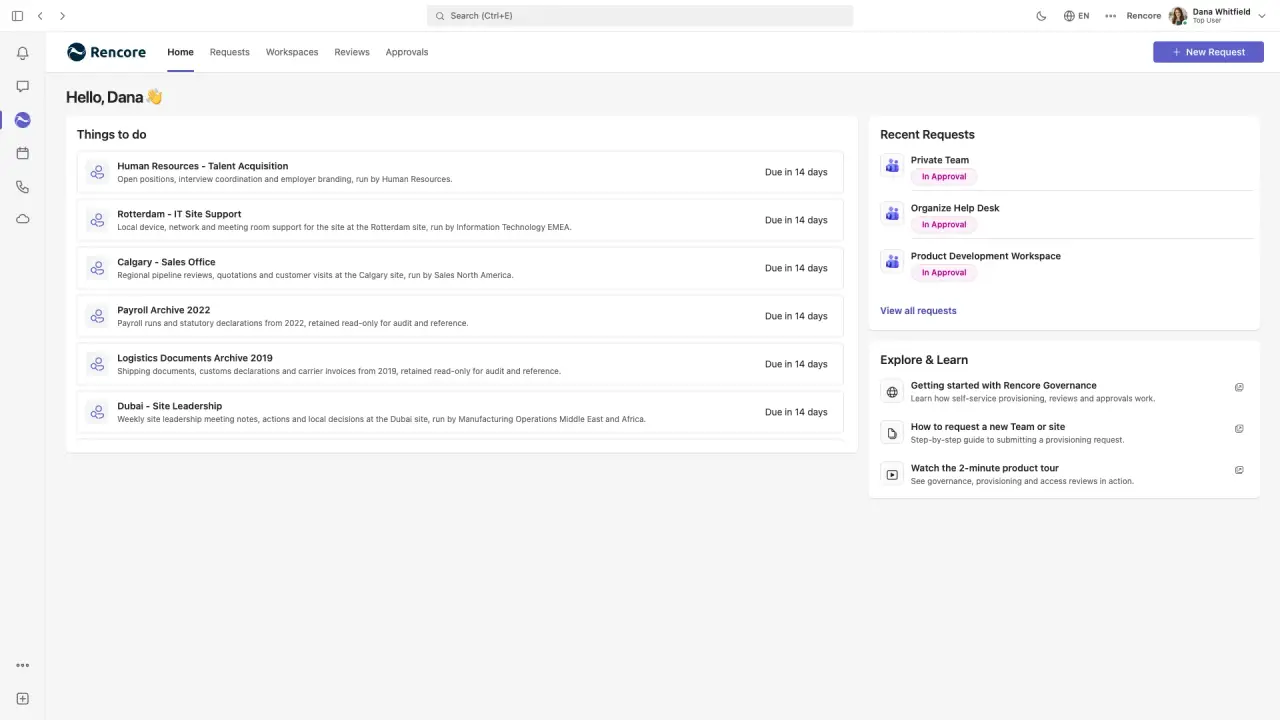
Rencore Teams App 101
Length: 4 minOwners and employees wait on IT tickets to request workspaces and confirm access, and IT still cannot see what they decided.
- Teams
- Provisioning
- Reviews

 Entra ID
All guides
44 guides
-
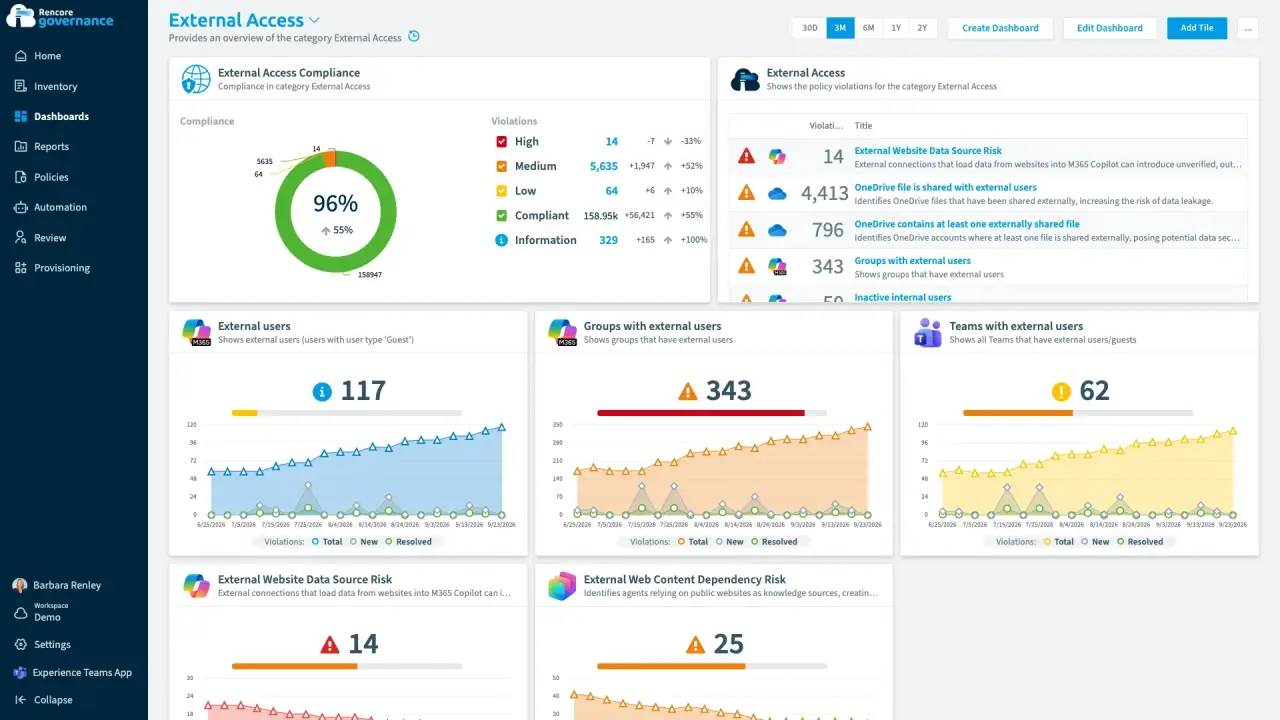
Recertify guest and external access
Length: 4 minGuests and external users keep their access long after the work ends, and nobody confirms whether each one still needs it.
- Teams
- SharePoint
- Entra ID
- Reviews
- Access & Sharing
-
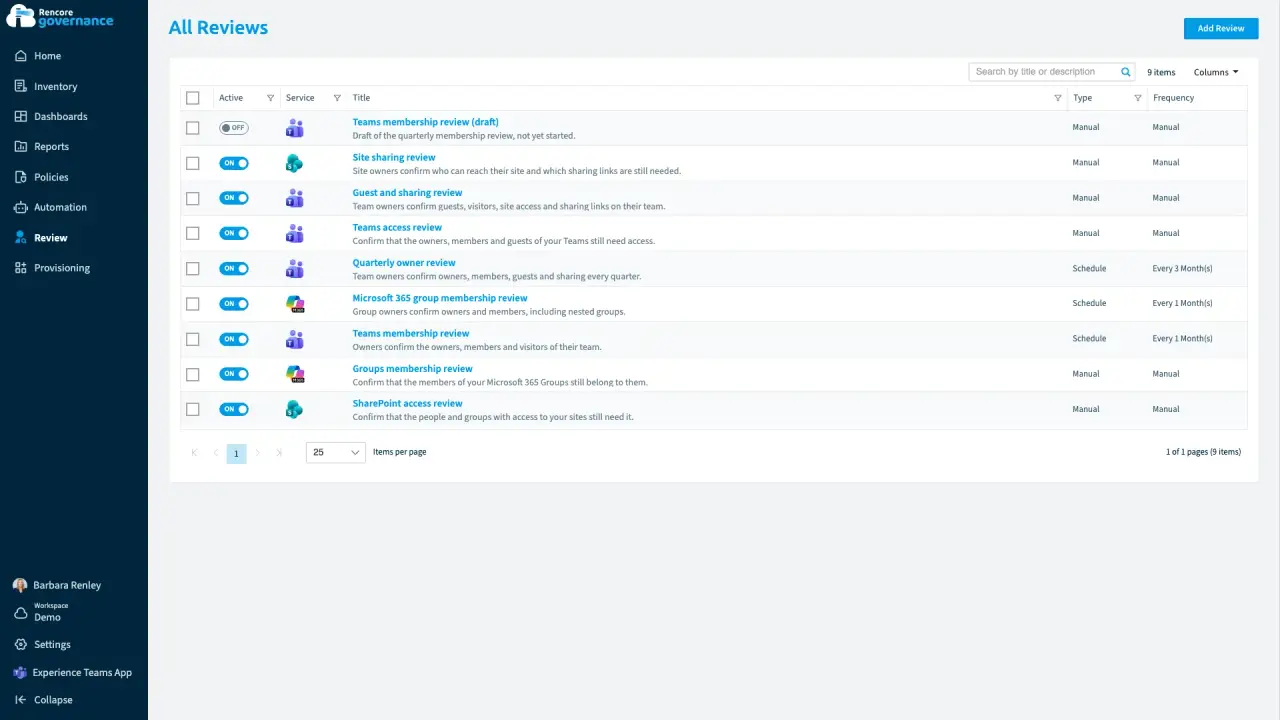
Escalate unanswered reviews
Length: 5 minAccess reviews stall when owners ignore them, and every unanswered review leaves the access in place.
- Teams
- Reviews
- Automation
-
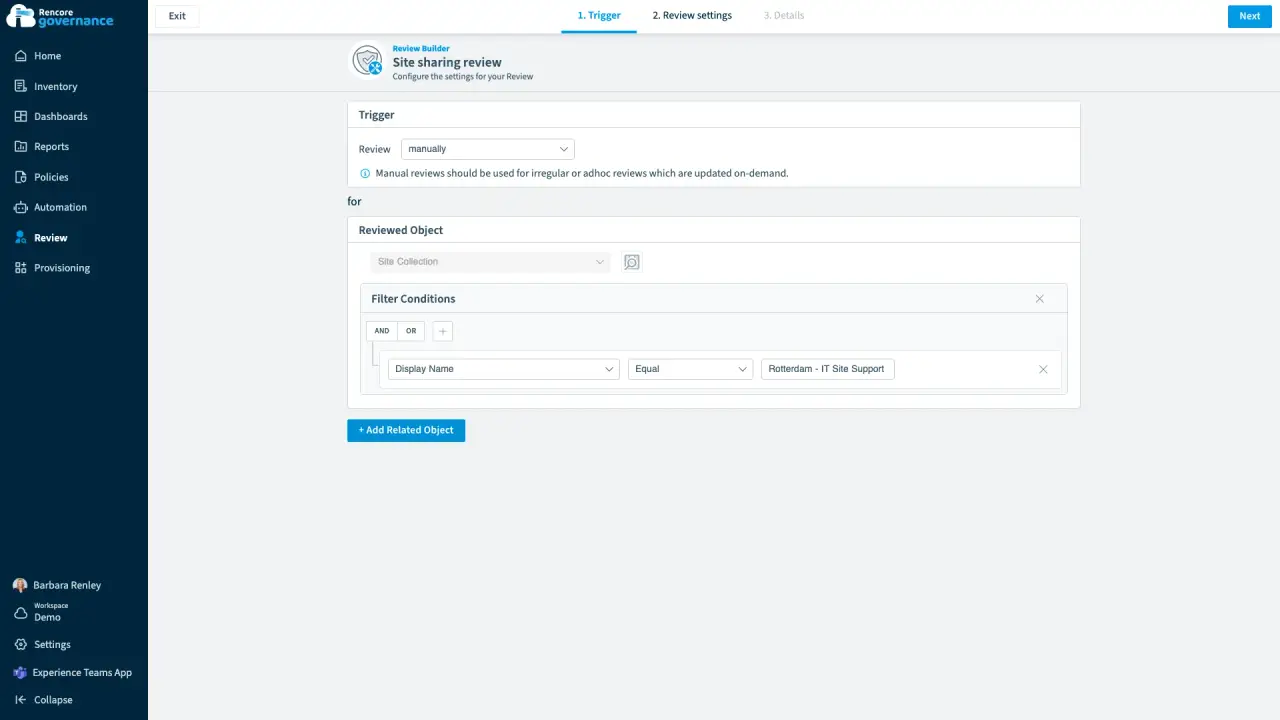
Review site access and sharing links
Length: 4 minSite owners rarely check who can reach their SharePoint site or which of its sharing links are still open.
- SharePoint
- Teams
- Reviews
- Access & Sharing
-
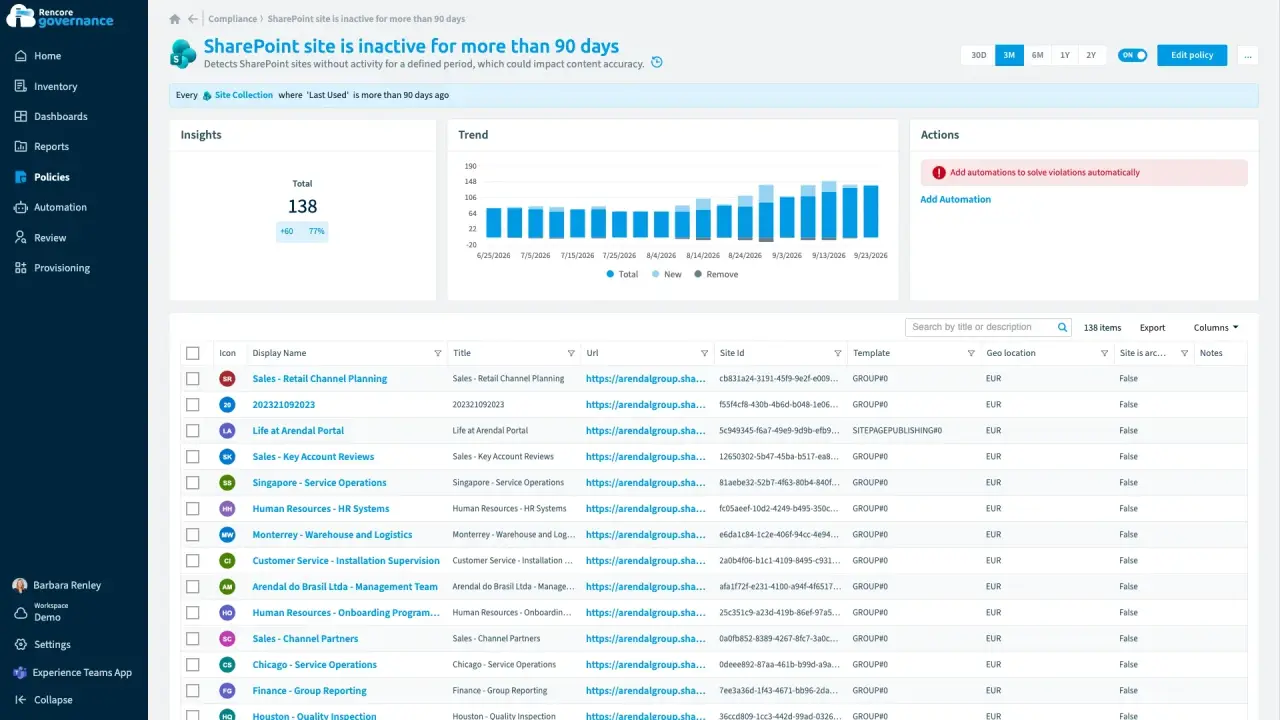
Archive inactive workspaces
Length: 5 minUnused teams and sites pile up because nobody decides whether to keep or archive them.
- Teams
- SharePoint
- Sprawl & Lifecycle
- Reviews
- Policies
- Automation
-
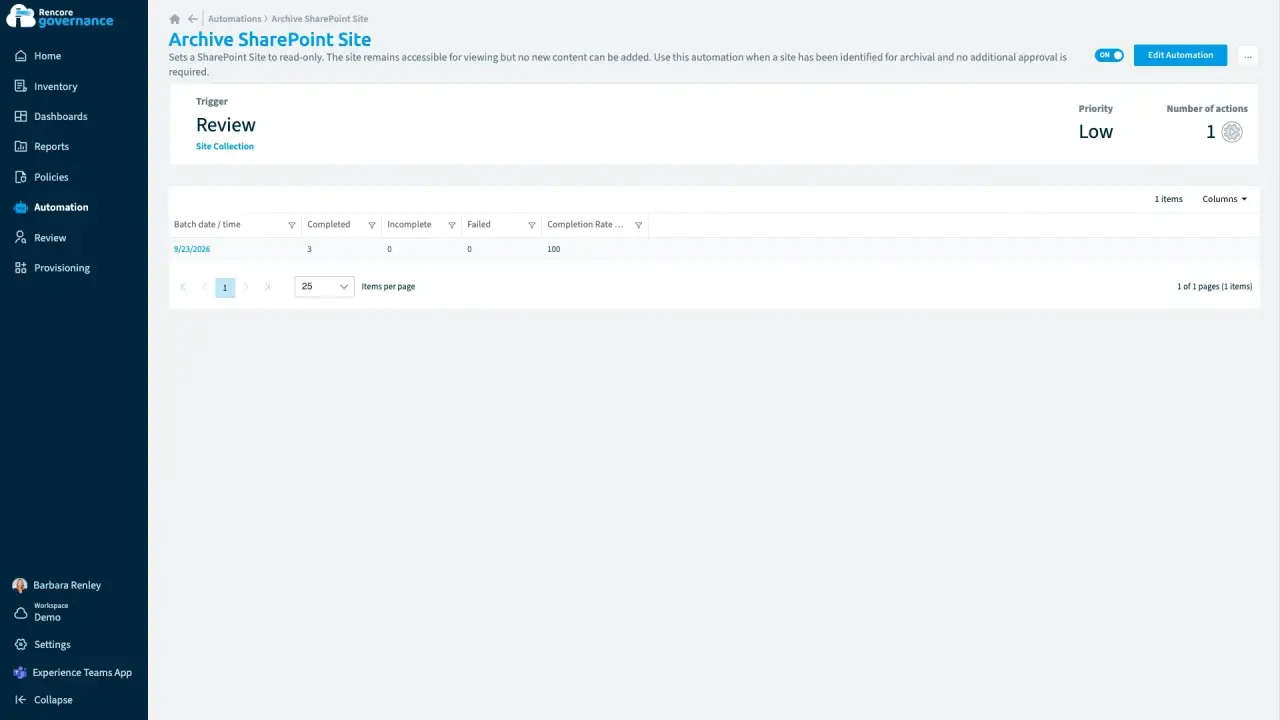
Archive and unarchive SharePoint sites
Length: 4 minInactive SharePoint sites clutter search and storage, but archiving feels risky when you cannot bring a site back.
- SharePoint
- Sprawl & Lifecycle
- Policies
- Automation
-
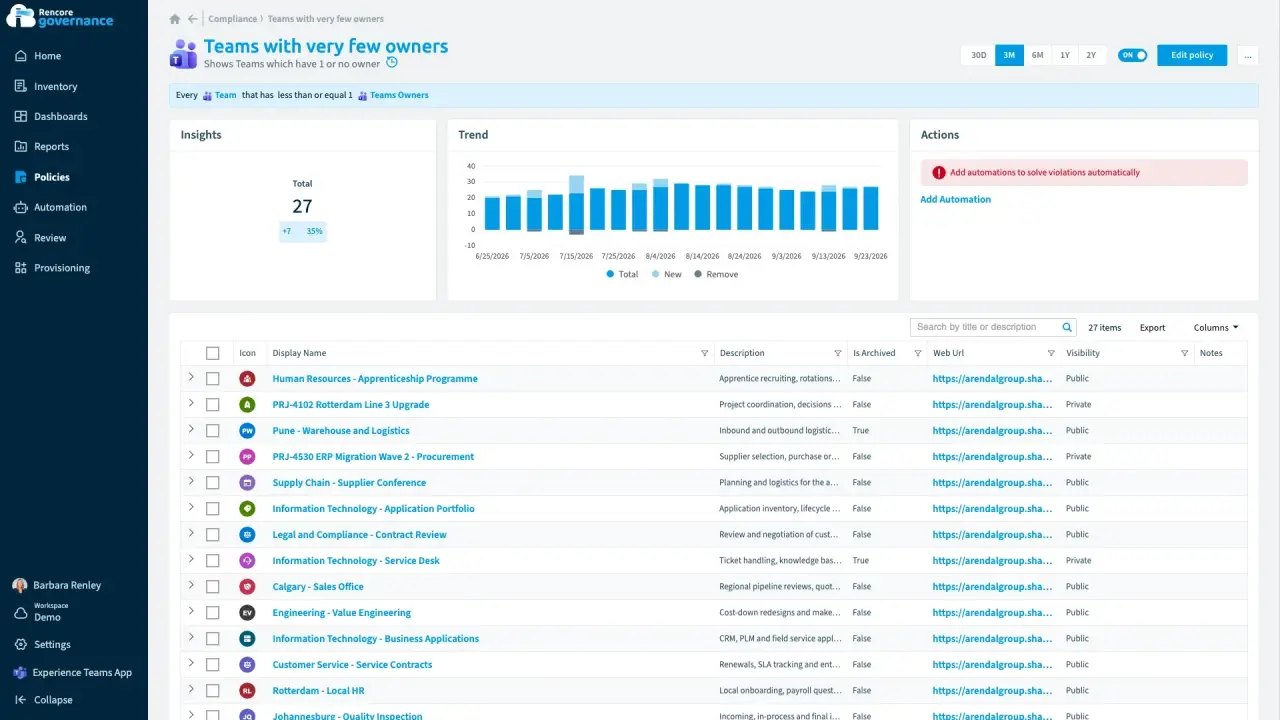
Fix ownerless workspaces with manager escalation
Length: 6 minTeams lose their owners when people leave or change roles, and nobody is left to decide what happens to them.
- Teams
- Entra ID
- Sprawl & Lifecycle
- Policies
- Automation
-
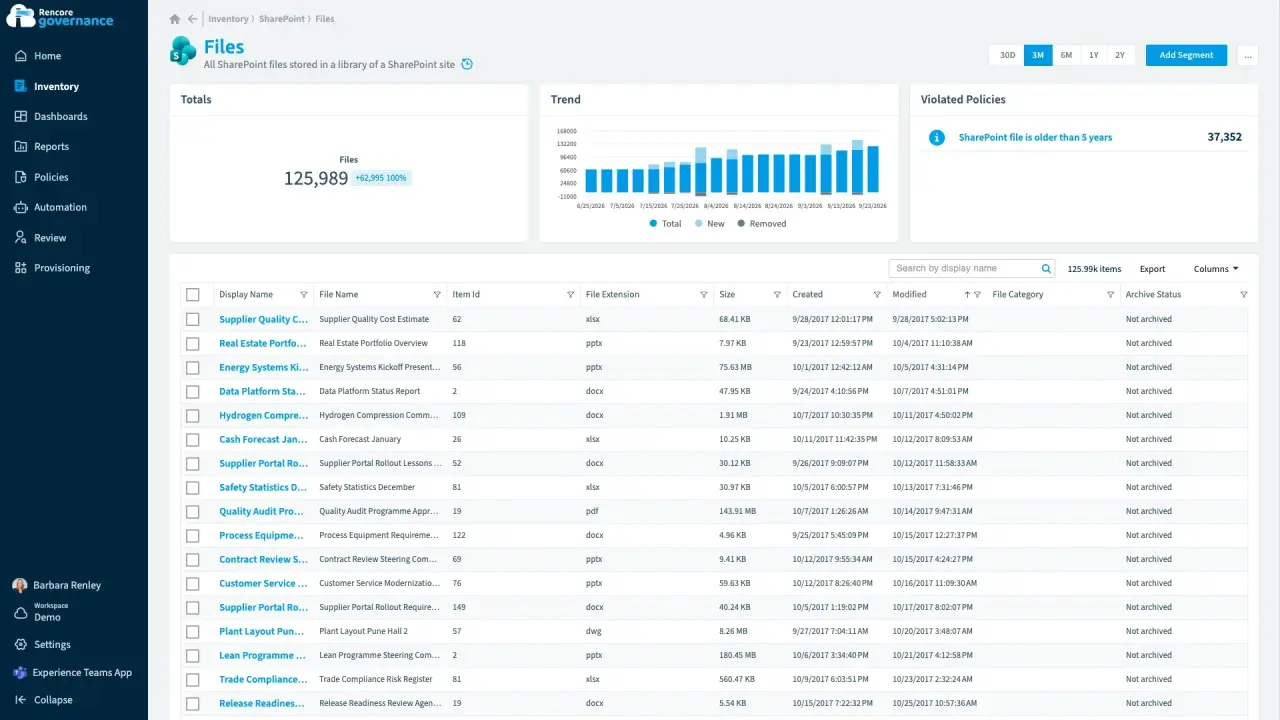
Clean up old file versions
Length: 4 minOld file versions quietly fill your SharePoint storage, and you pay for space that holds files nobody opens.
- SharePoint
- Licences & Costs
- Policies
- Automation
-
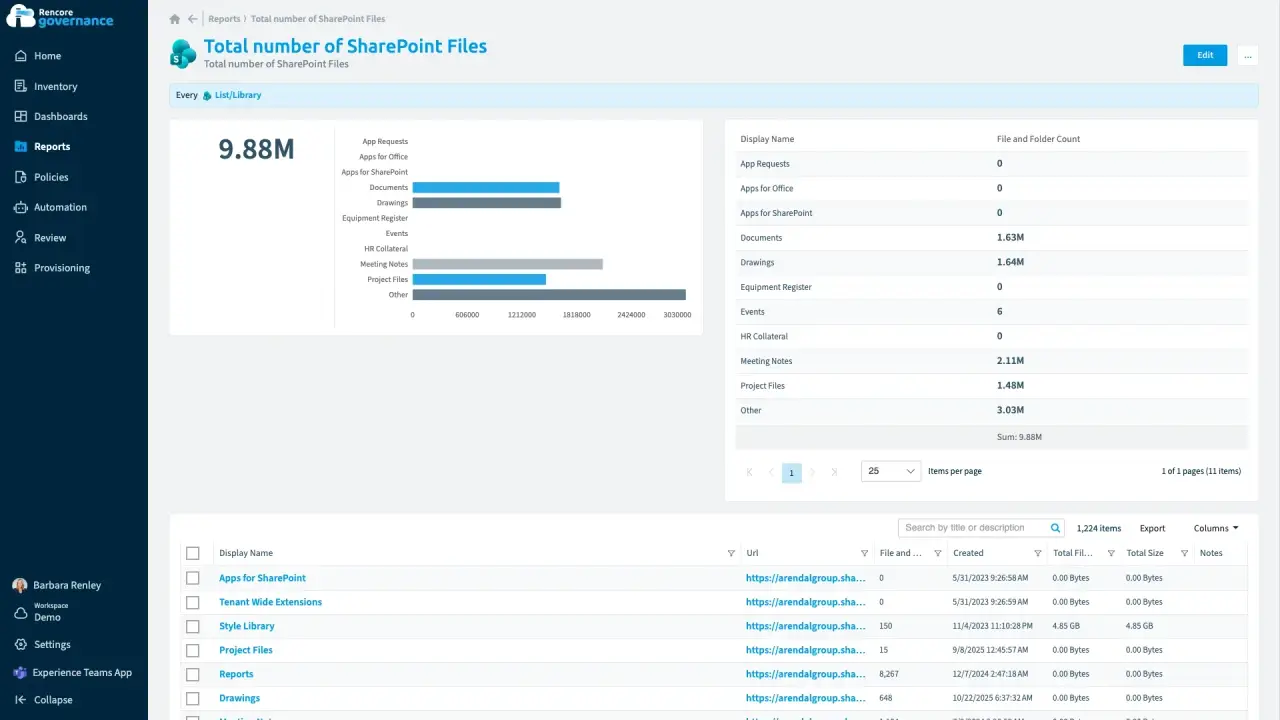
Clean up redundant, obsolete and trivial content
Length: 4 minOutdated files and unused sites stay searchable, so Copilot can answer from content nobody should rely on.
- SharePoint
- Copilot
- Sprawl & Lifecycle
- AI Governance
- Policies
- Automation
-
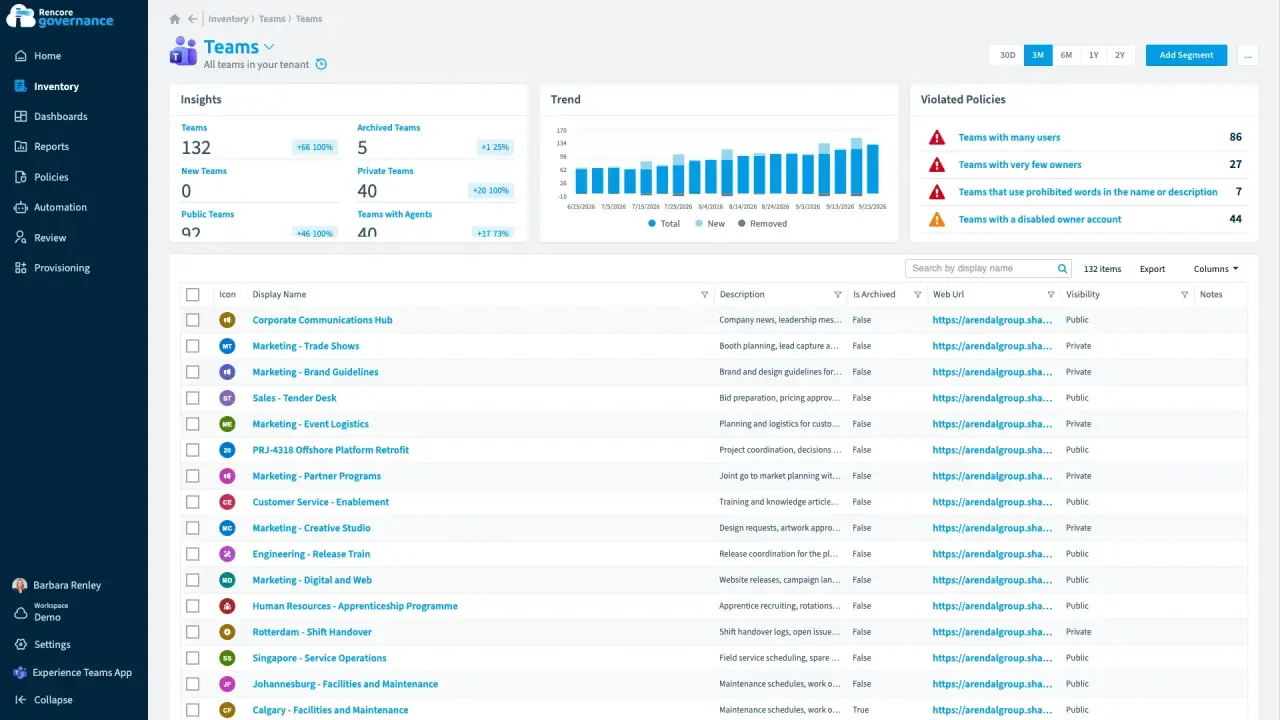
Bulk actions from the inventory
Length: 3 minThe same change is due on dozens of teams or sites at once, and doing it one workspace at a time takes days.
- Teams
- SharePoint
- Automation
-
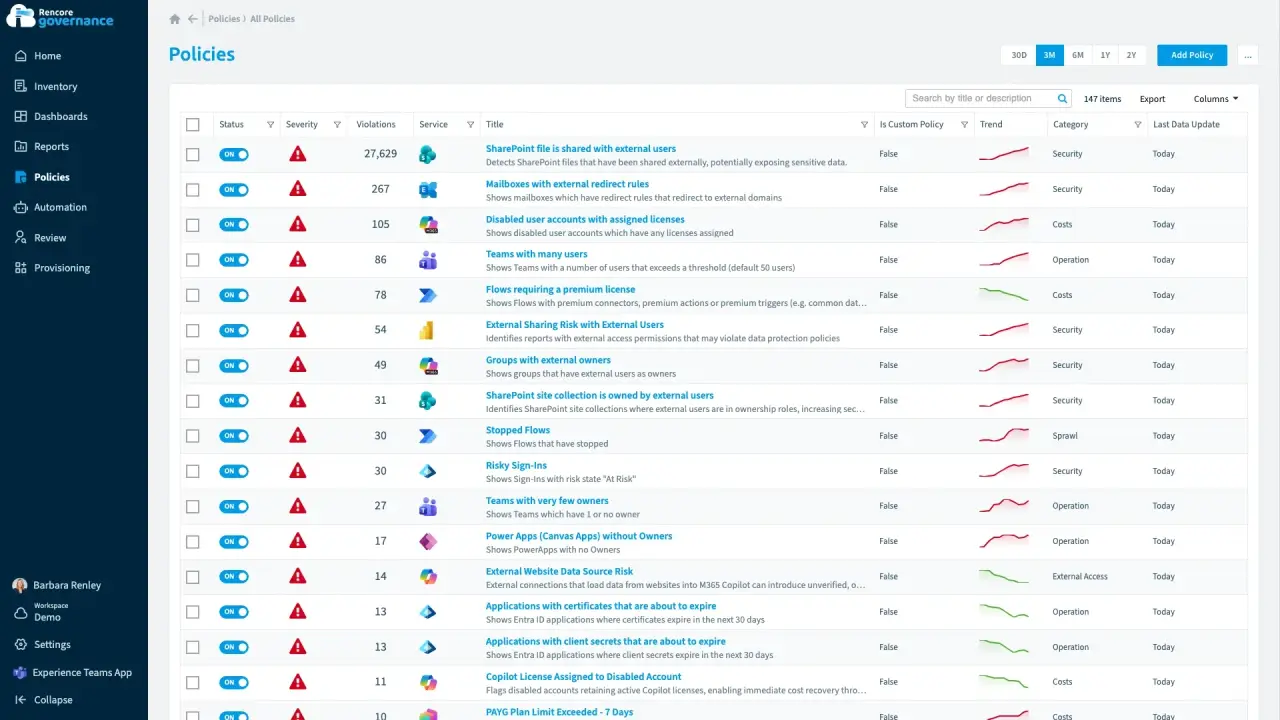
Roll out a governance policy change
Length: 4 minTightening a rule across the tenant is risky when you cannot see which teams it affects or switch it back.
- Teams
- Policies
- Automation
-
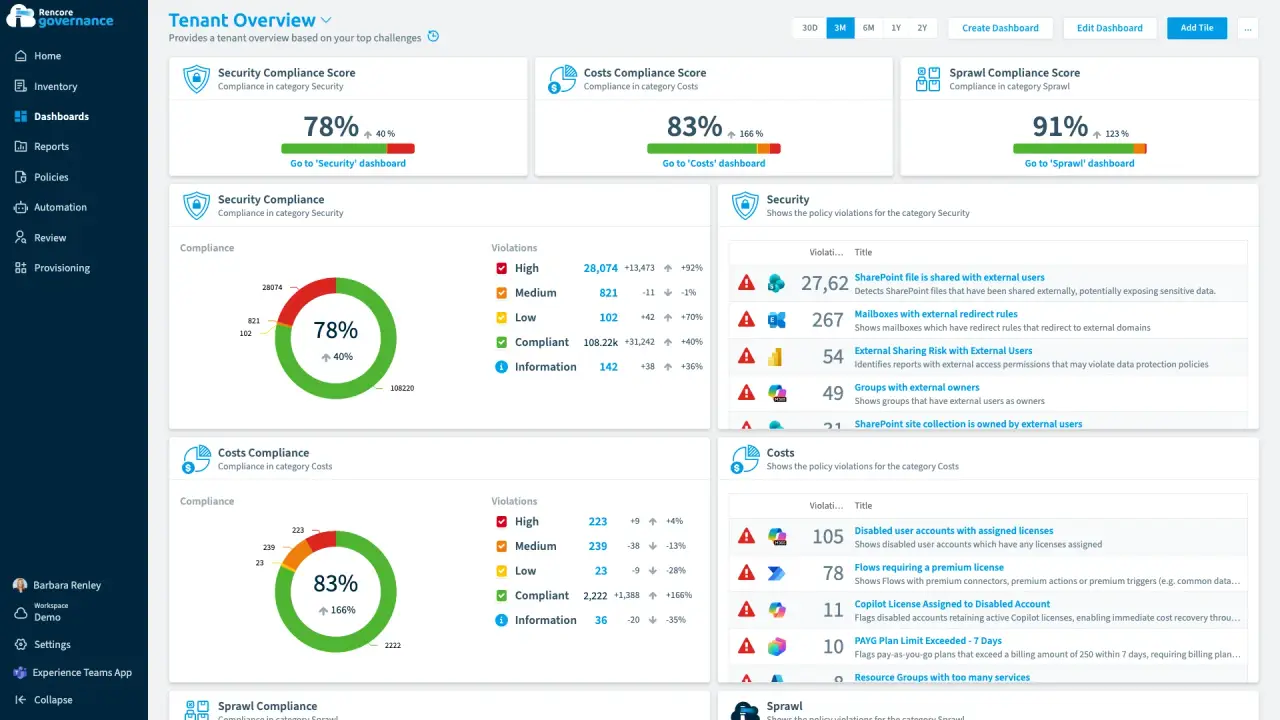
Build a governance dashboard
Length: 4 minLeadership, security and service owners each want their own view of the estate, and building every one by hand takes days.
- Teams
- SharePoint
- Power Platform
- Copilot
- Dashboards
-
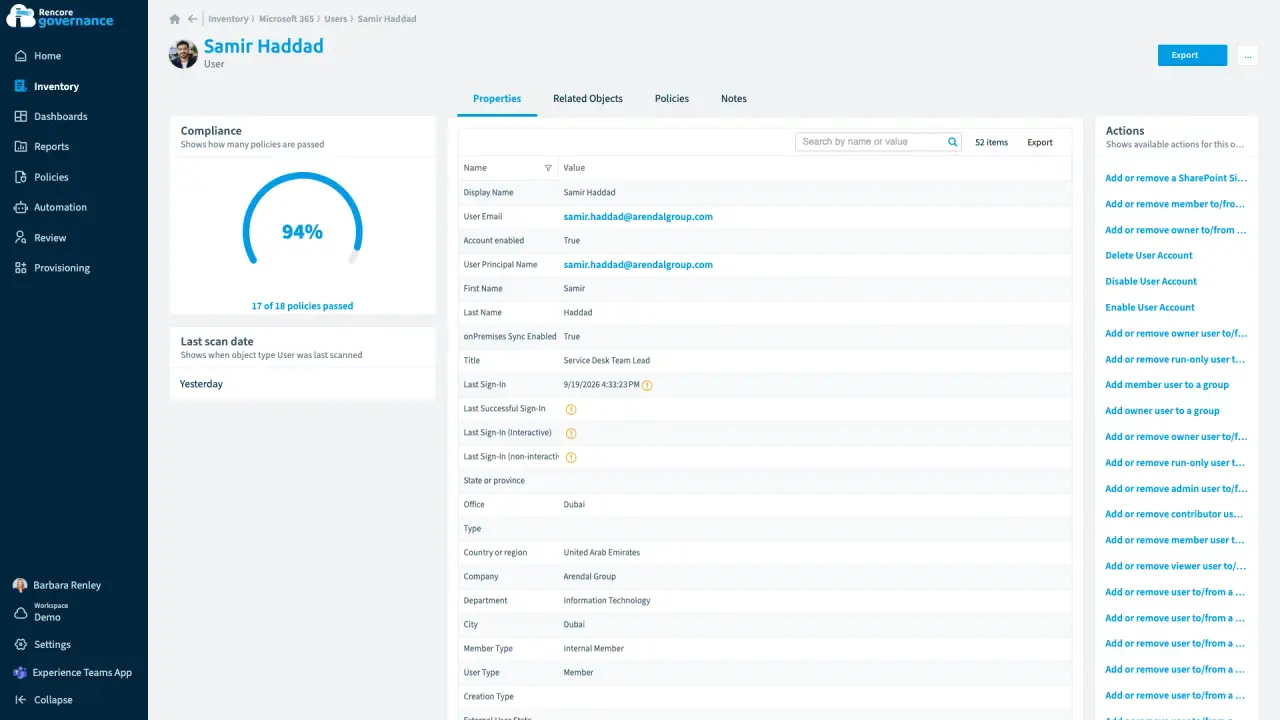
Who has access to what for one user
Length: 3 minWhen someone leaves or an auditor asks, nobody can say quickly which teams, sites, licences and shared files one person can reach.
- Microsoft 365
- Teams
- SharePoint
- OneDrive
- Entra ID
- Access & Sharing
- Reports
-
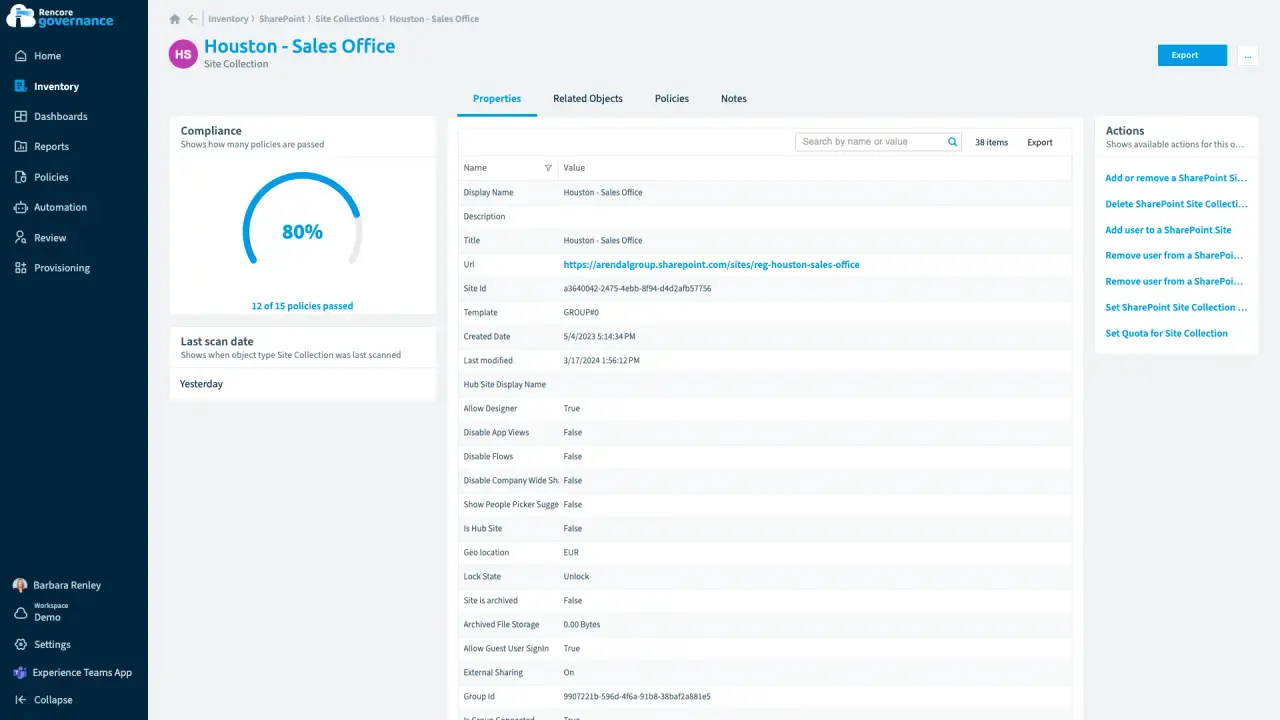
Who has access to which folder
Length: 4 minShared folders reach people nobody intended, and auditors want proof of who can open them.
- SharePoint
- OneDrive
- Access & Sharing
- Reports
-
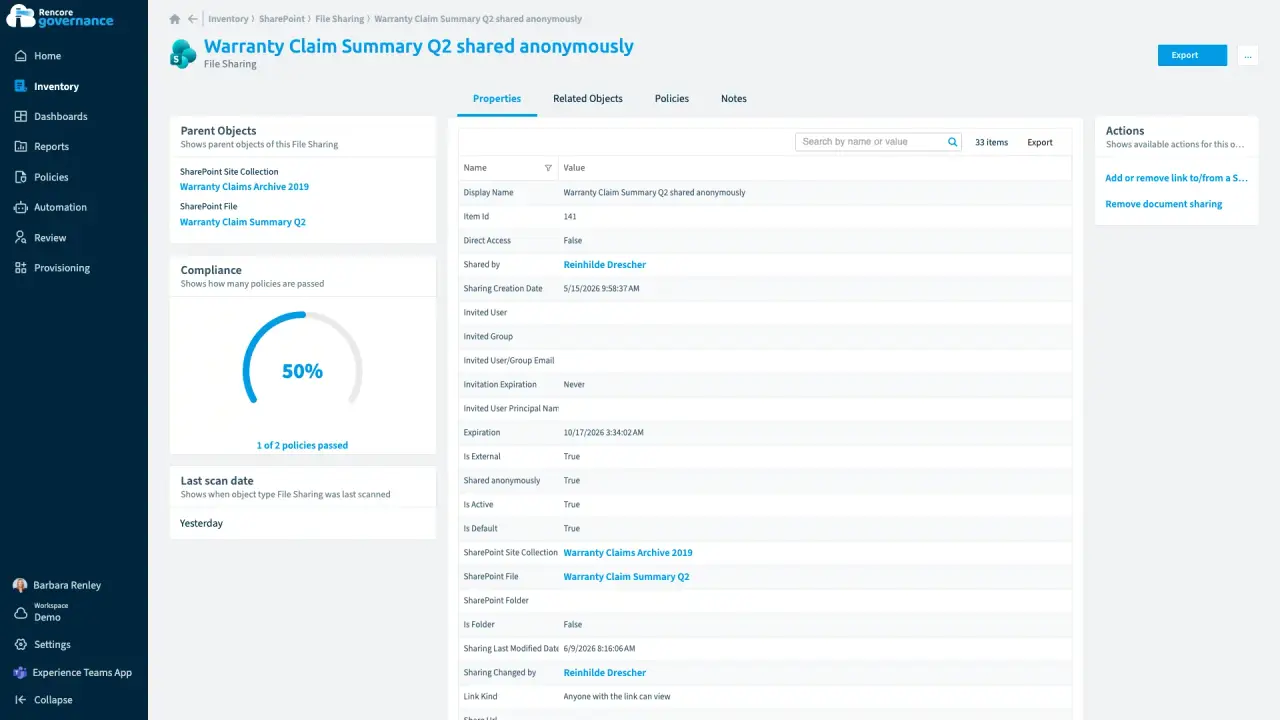
Every file and every sharing link
Length: 4 minA sensitive file shared with anyone who has the link can travel anywhere, and nobody owns the fix.
- SharePoint
- OneDrive
- Access & Sharing
- Policies
- Automation
-
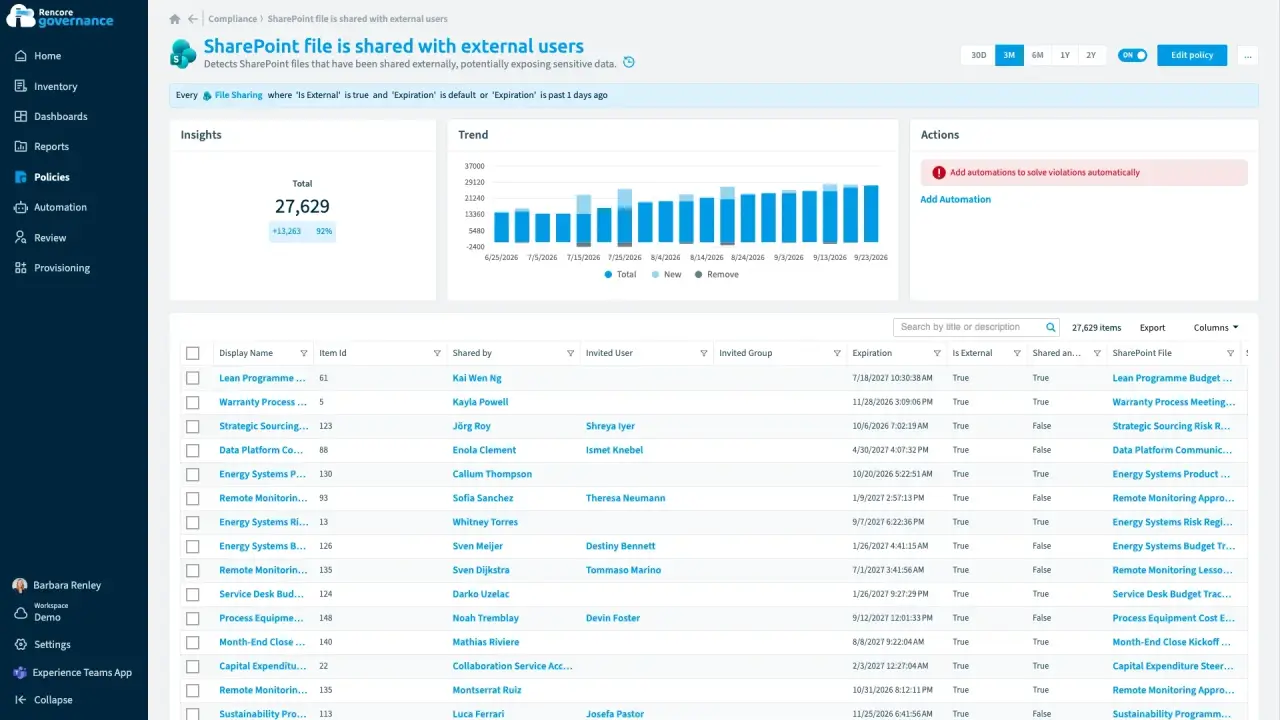
Find and fix oversharing
Length: 4 minGuests and sharing links reach further into your content than anyone intended, and nobody removes the ones that are no longer needed.
- Teams
- SharePoint
- Entra ID
- Access & Sharing
- Reviews
-
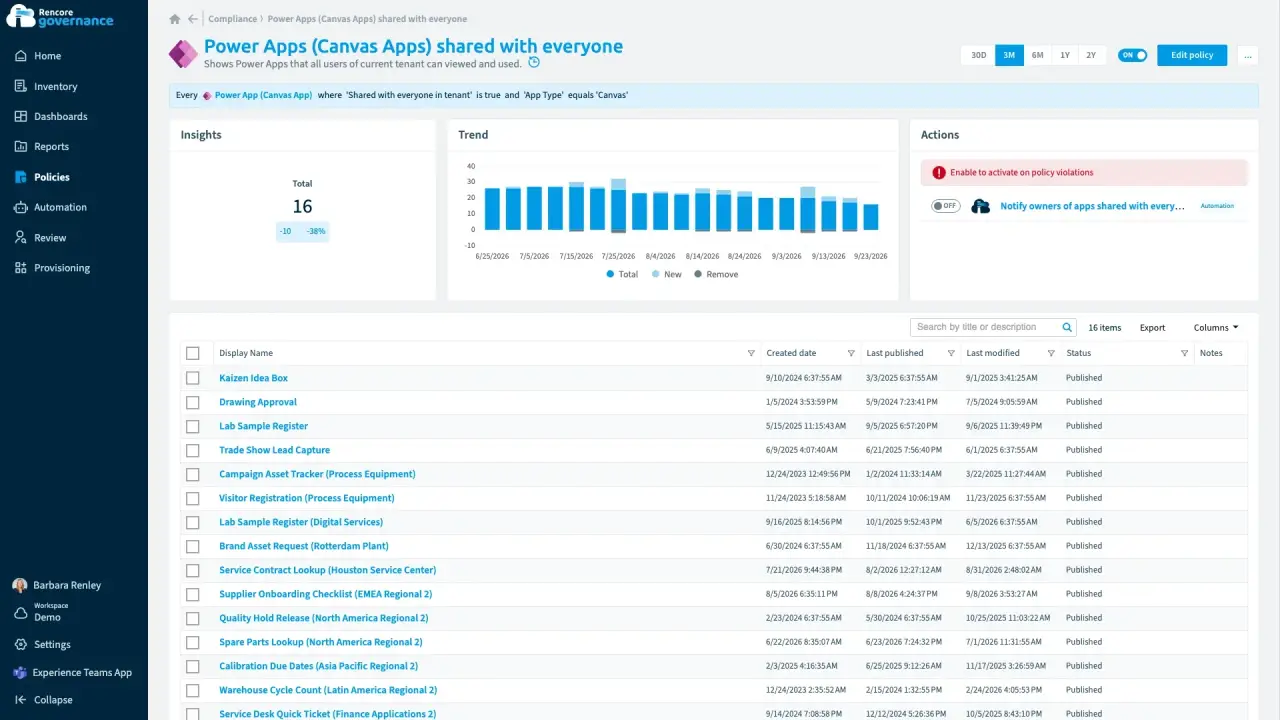
Apps and flows shared broadly
Length: 3 minPower Apps shared with the whole organization expose their data to people who never needed it.
- Power Apps
- Access & Sharing
-
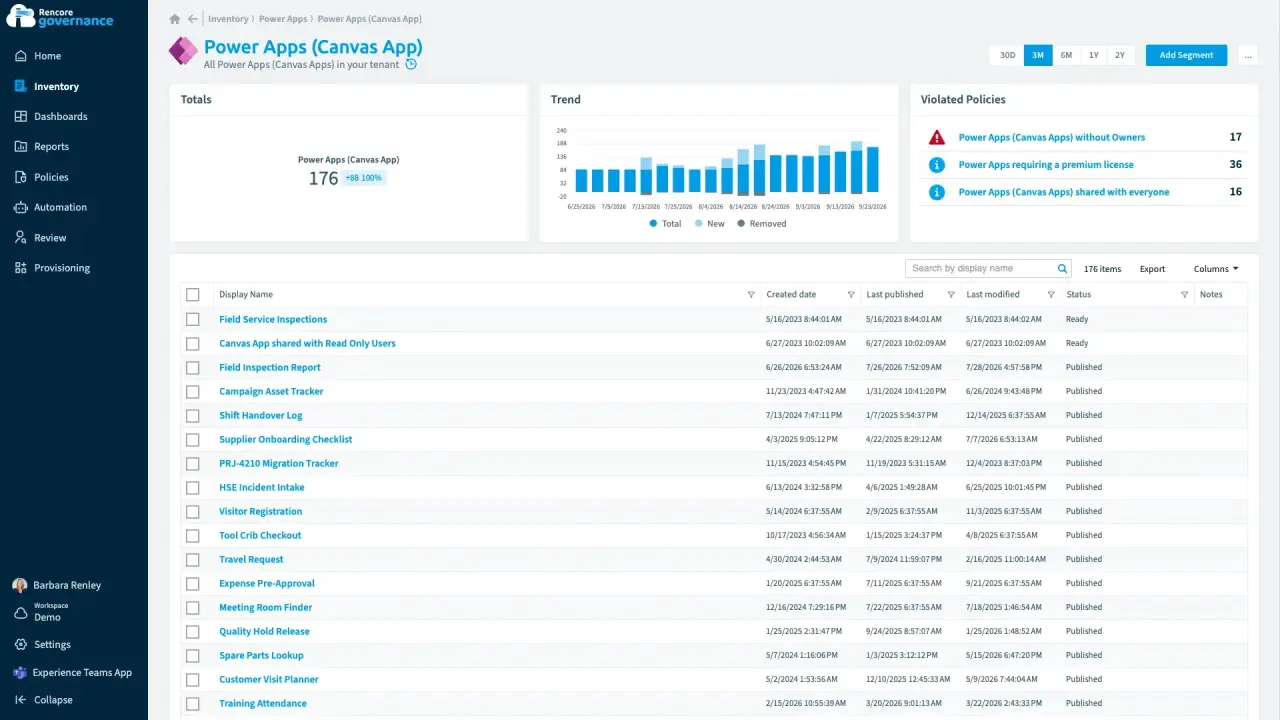
Power Apps and flows without owners
Length: 5 minApps and flows keep running after their makers leave, and nobody is accountable for them.
- Power Apps
- Power Automate
- Sprawl & Lifecycle
- Policies
- Automation
-
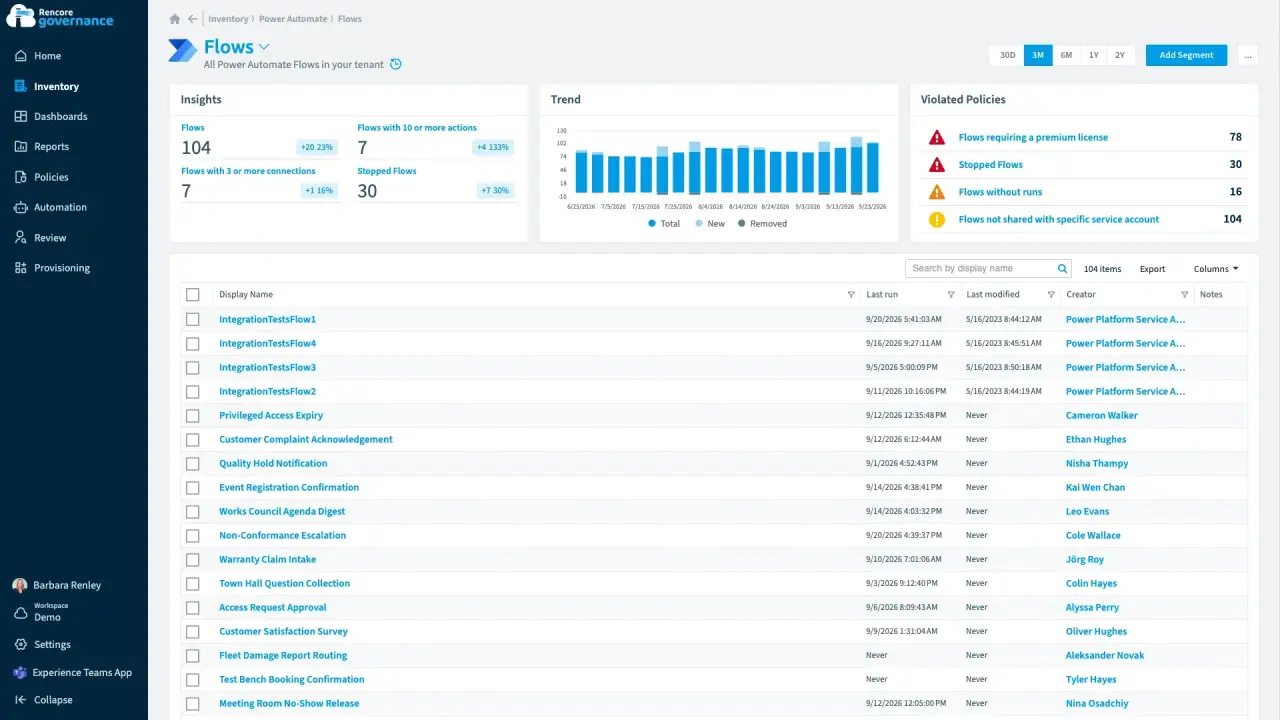
Unused and stopped flows
Length: 4 minFlows that never ran or quietly stopped clutter your environments, and nobody knows whether they still matter.
- Power Automate
- Sprawl & Lifecycle
- Policies
- Automation
-
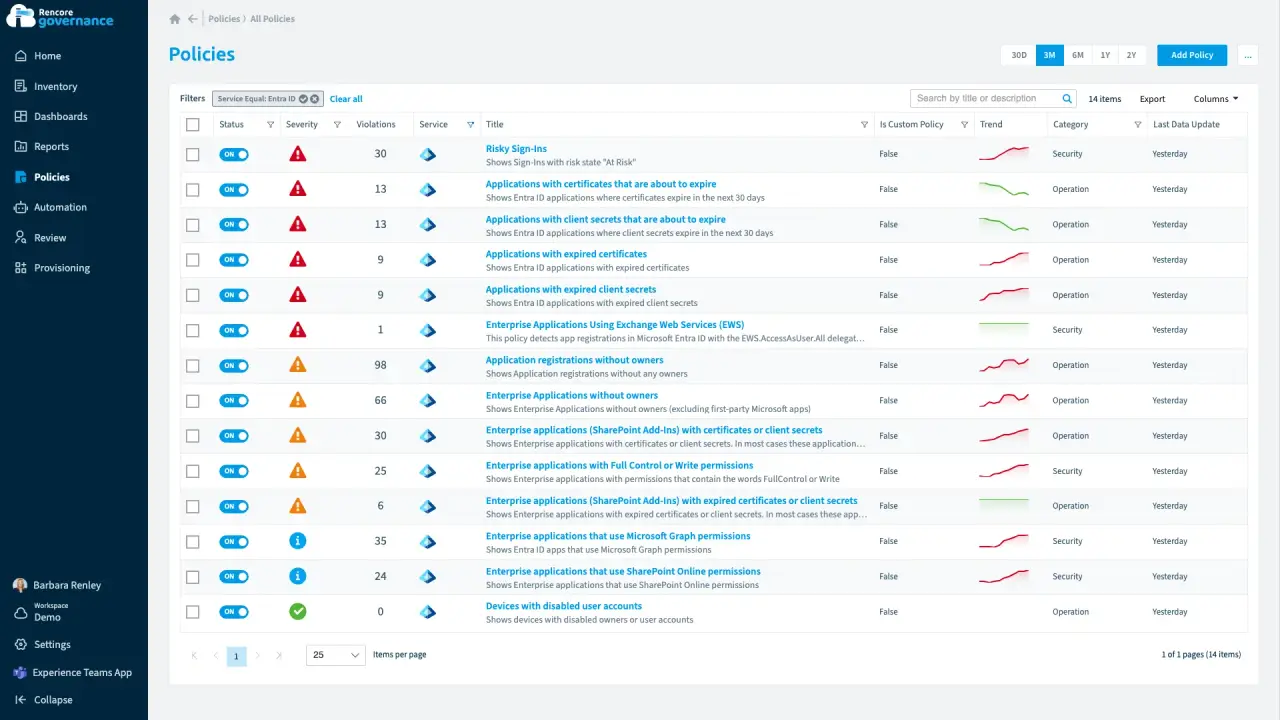
Entra ID and app registrations under control
Length: 6 minAn app that can read every mailbox has no owner, and an expiring secret can stop an integration without warning.
- Entra ID
- Exchange
- Access & Sharing
- Policies
- Automation
-
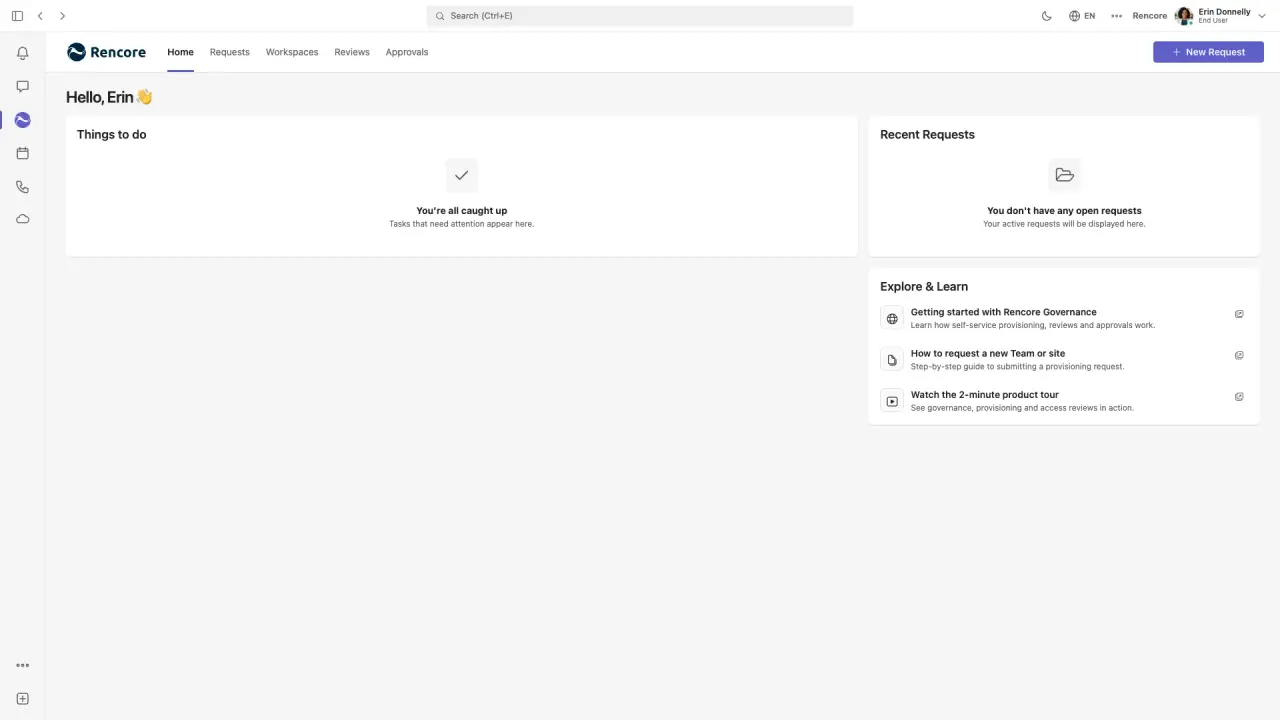
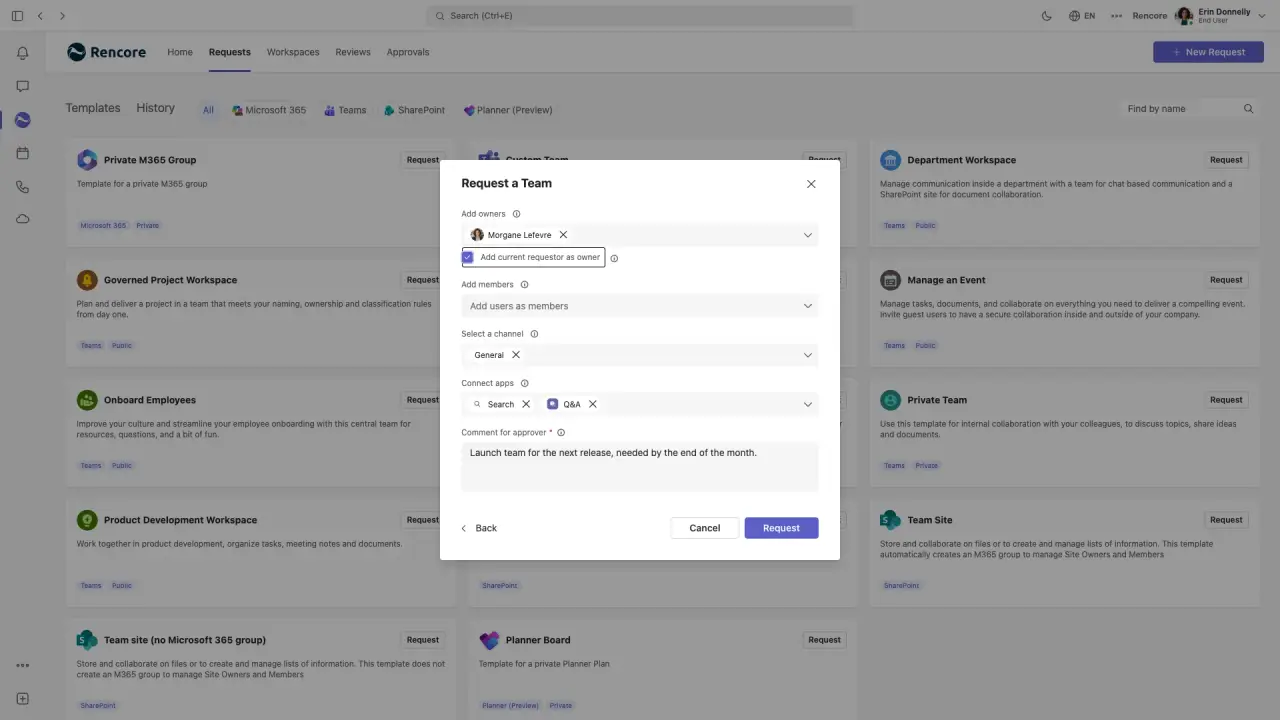
Request a governed workspace in Microsoft Teams
Length: 4 minTeams created without rules arrive with a single owner, no naming convention and no label, and fixing them afterwards is slow.
- Teams
- Provisioning
-
Approve and provision a governed workspace
Length: 5 minApproving new workspaces over email leaves no record and lets teams go live without the right owners, naming or label.
- Teams
- Provisioning
-
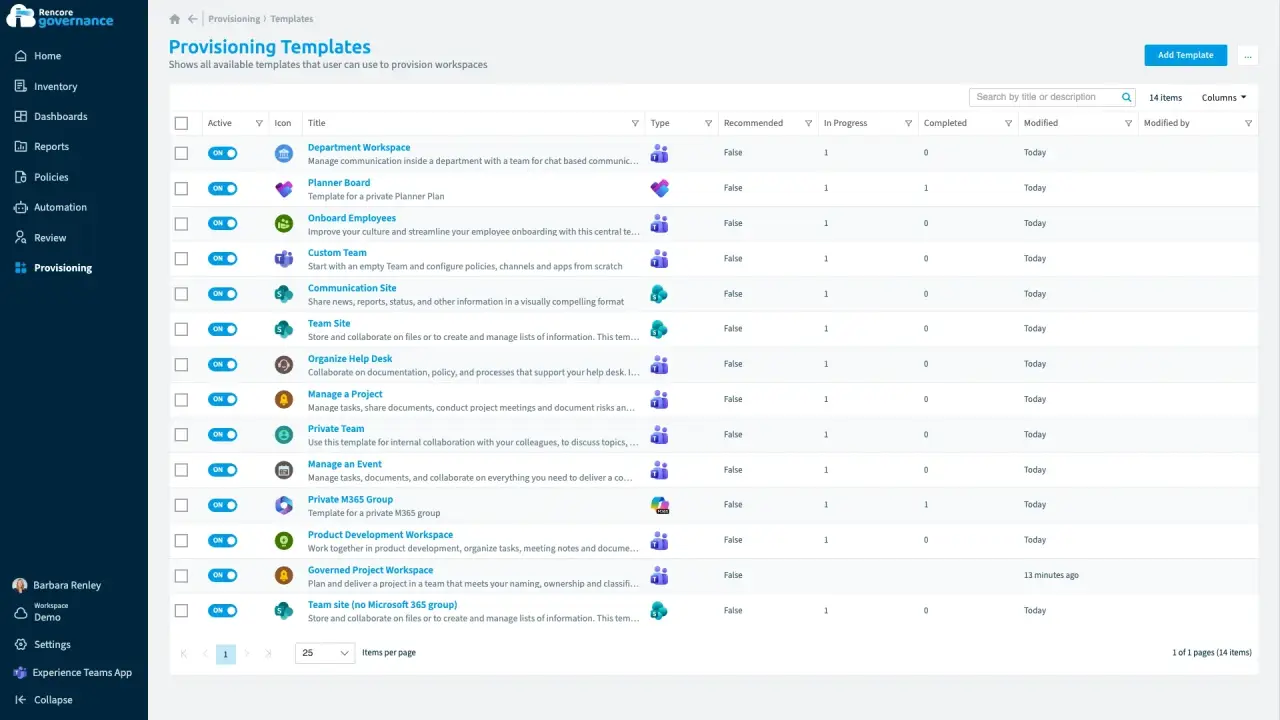
Configure a governed provisioning template
Length: 5 minRules for new workspaces live in documents nobody reads, so every team is set up differently and drifts over time.
- Teams
- SharePoint
- Planner
- Provisioning
- Policies
- Automation
-
Rencore Governance 101: the admin view
Length: 5 minAdmins juggle separate admin centers, reports and scripts to see what exists across Microsoft 365, Power Platform and Copilot and keep it in line.
- Teams
- SharePoint
- Exchange
- Entra ID
- Power Apps
- Power Automate
- Copilot
- Copilot Studio
- Reports
- Dashboards
- Policies
- Automation
- Reviews
- Provisioning
-
Rencore Teams App 101
Length: 4 minOwners and employees wait on IT tickets to request workspaces and confirm access, and IT still cannot see what they decided.
- Teams
- Provisioning
- Reviews
-
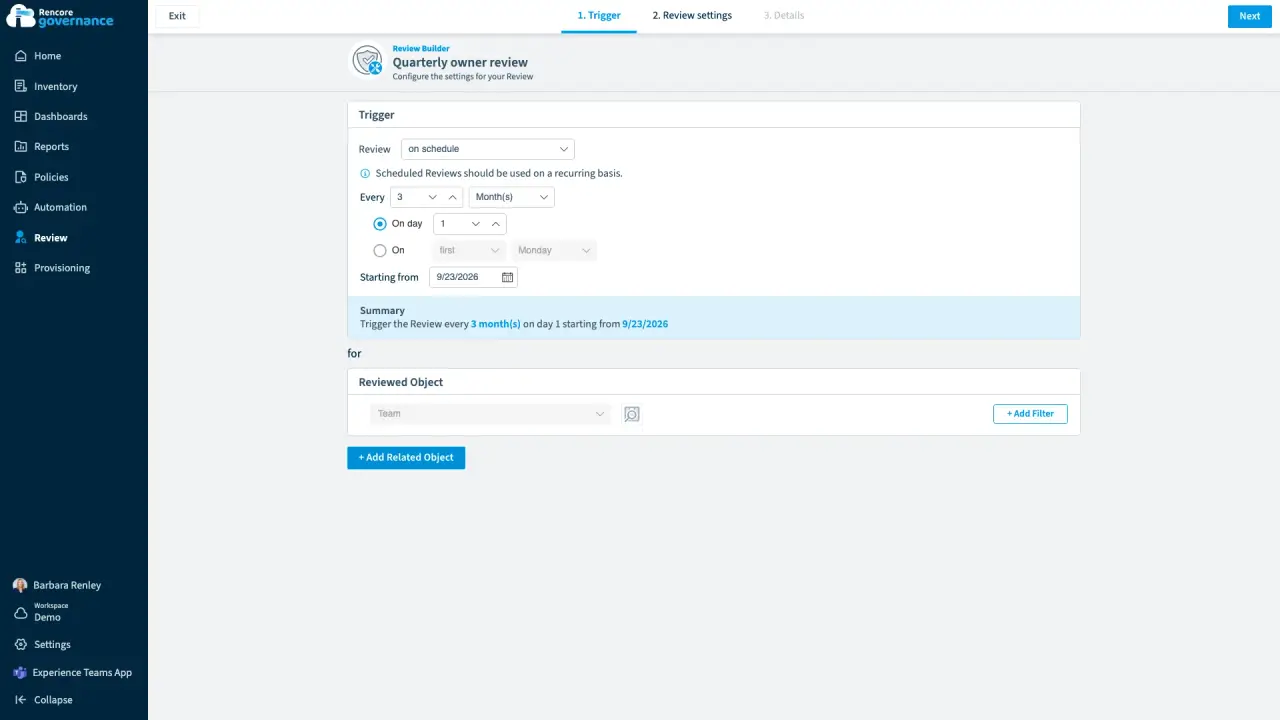
Scheduled owner review
Length: 5 minMembers and guests drift out of date every week, and nobody checks them unless a review makes them.
- Teams
- Reviews
-
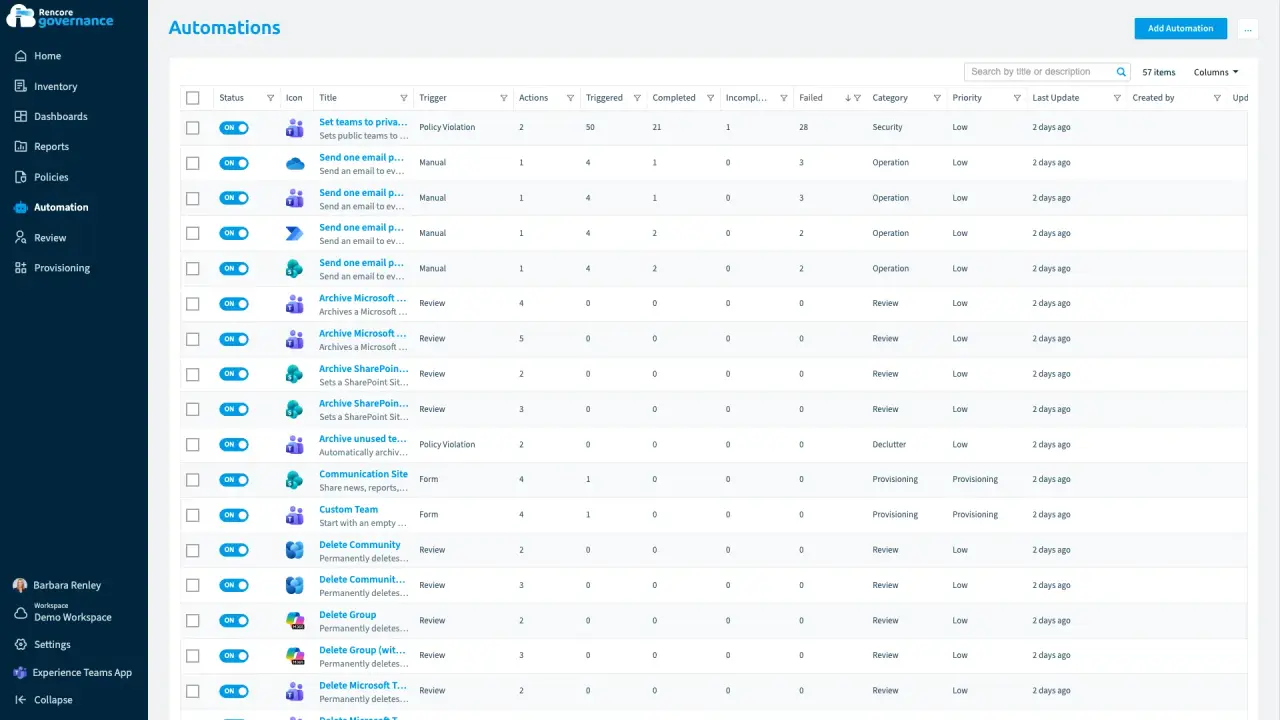
The automation that failed on half its teams
Length: 4 minAn automation reports that it ran while it failed on half its teams, and nobody looks until an owner complains.
- Teams
- Automation
-
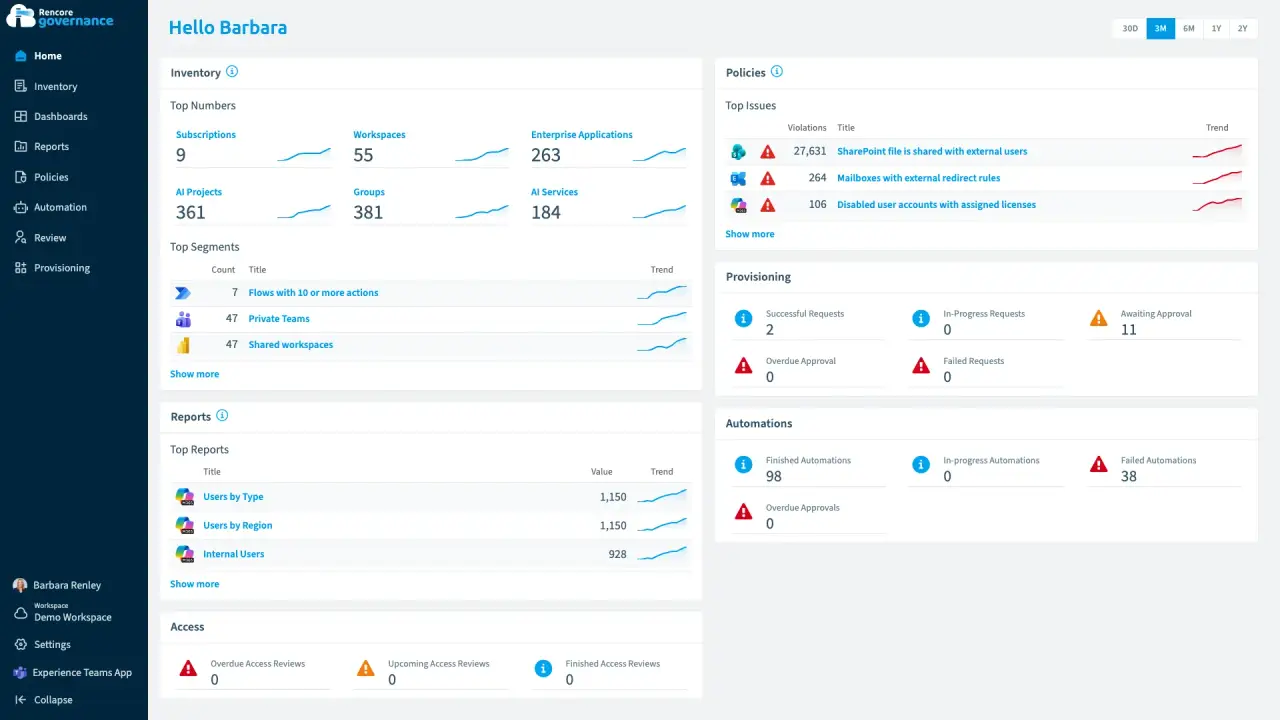
Licences on people who stopped working here
Length: 4 minLicences stay assigned to disabled accounts and keep landing on the invoice every month.
- Microsoft 365
- Entra ID
- Copilot
- Power BI
- Licences & Costs
-
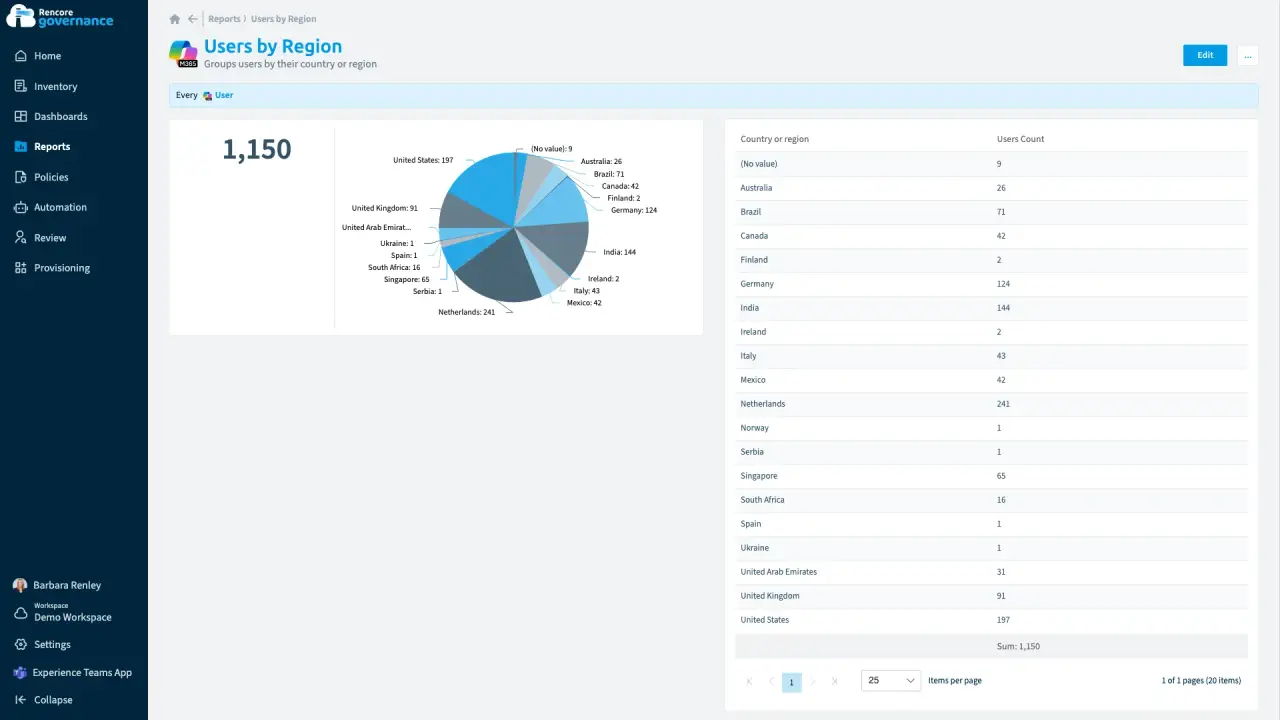
Give one country its own governance
Length: 4 minOne country needs its own admin for its own people and teams, but central IT cannot hand over the whole tenant.
- Microsoft 365
- Teams
- Entra ID
- Policies
- Reports
-
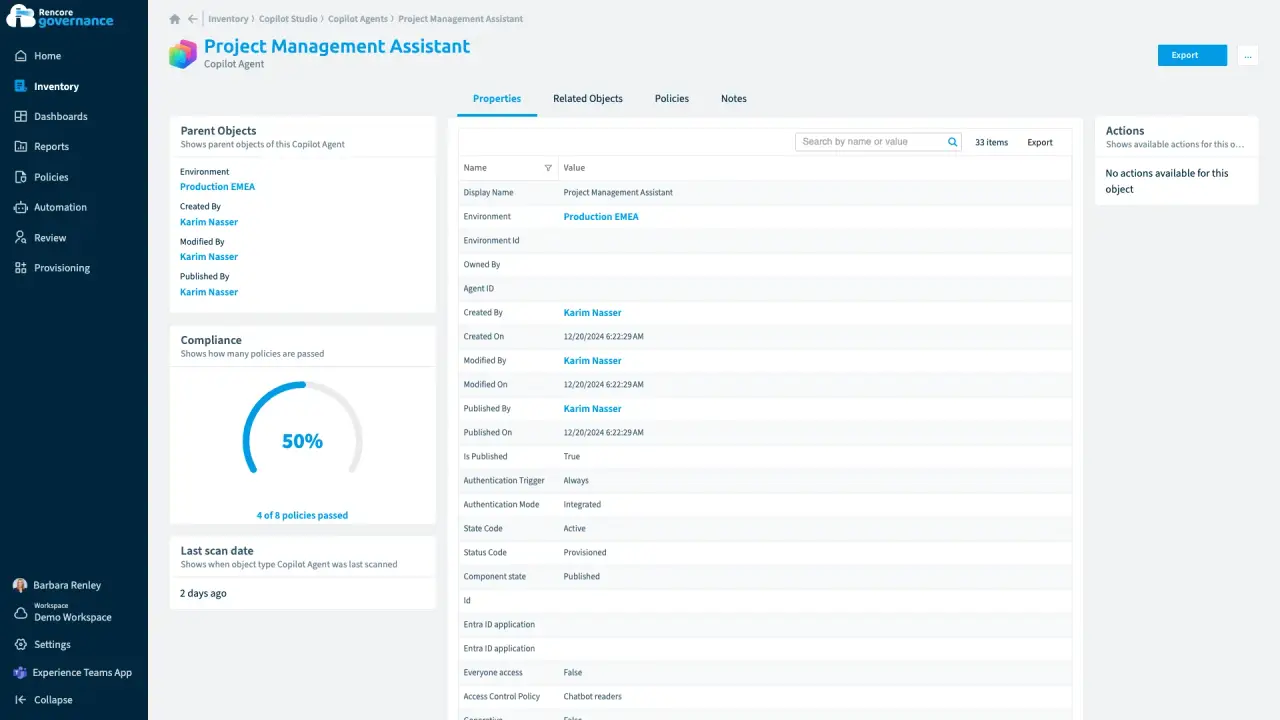
An agent nobody owns anymore
Length: 4 minA Copilot agent keeps running on its own after its maker leaves, and nobody answers for what it can reach.
- Copilot Studio
- AI Governance
- Sprawl & Lifecycle
-
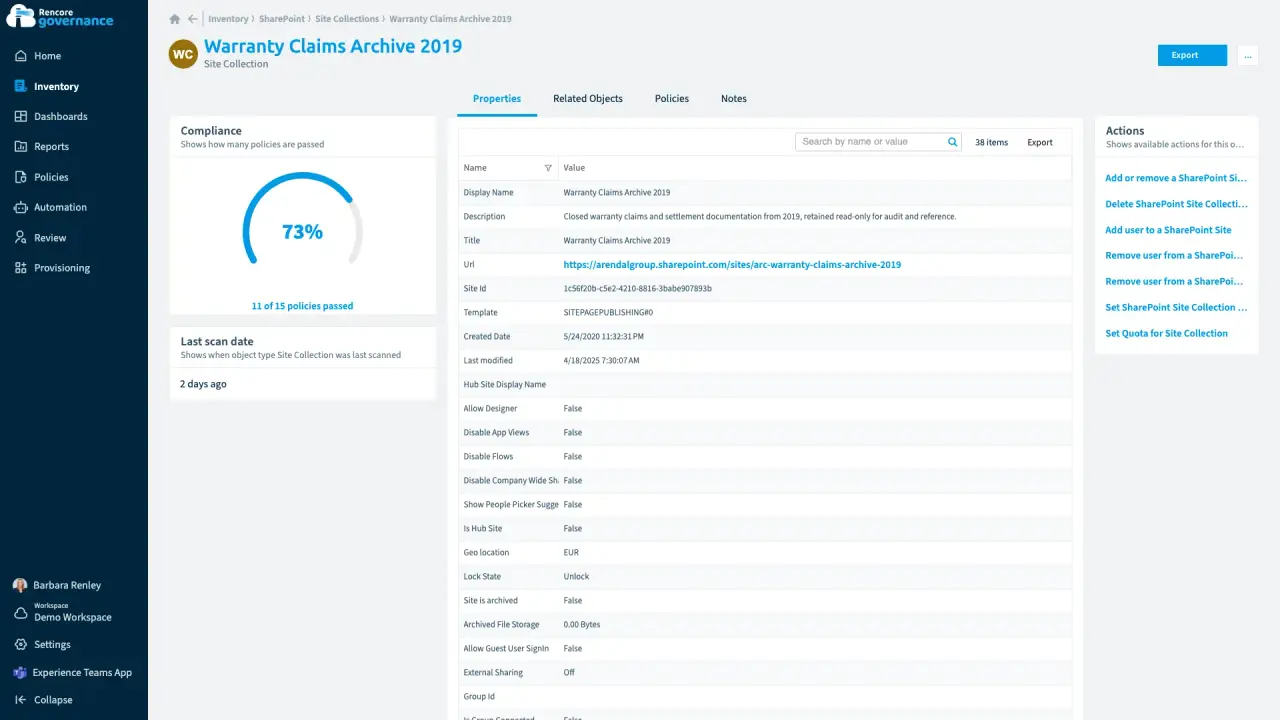
Label the sites Copilot should not read freely
Length: 4 minSites without a sensitivity label slip past your Copilot checks, so Copilot can read content it should not read freely.
- SharePoint
- Copilot
- AI Governance
- Policies
- Automation
-
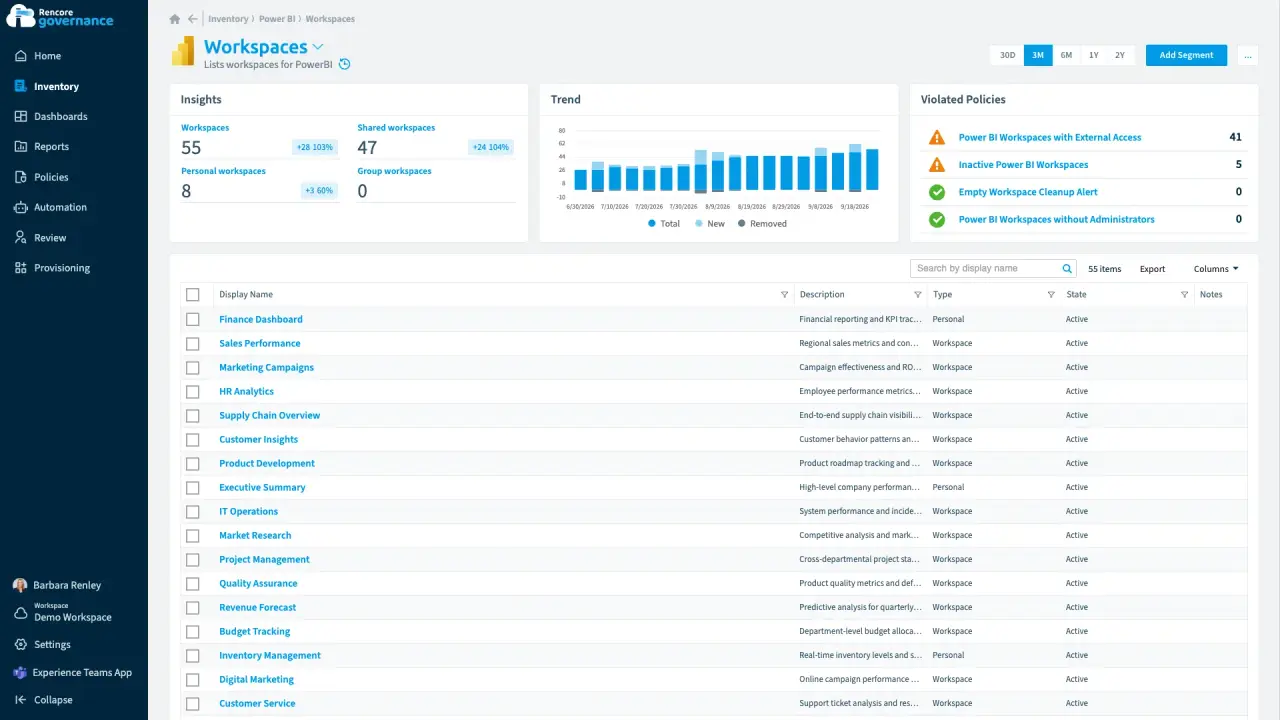
A partner guest in the HR analytics workspace
Length: 4 minAn external guest in an HR Power BI workspace can still see sensitive reports long after the work ended.
- Power BI
- Access & Sharing
- Reviews
- Policies
- Automation
-
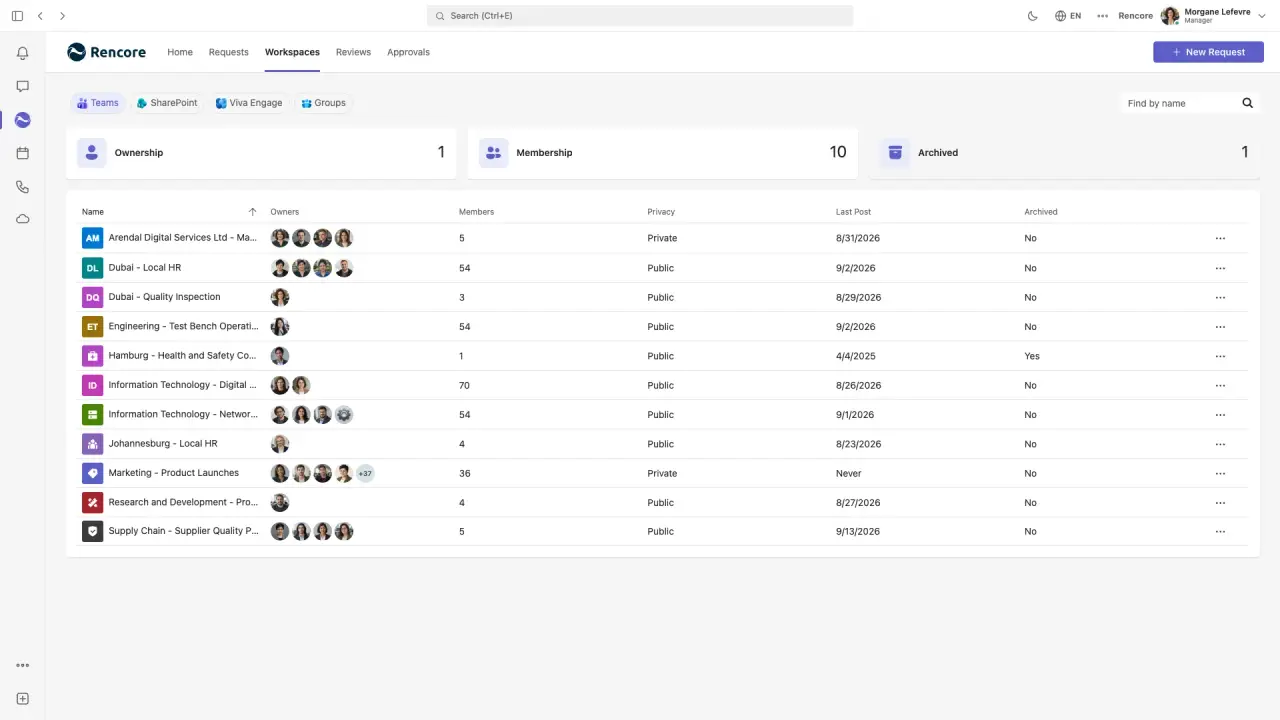
The owner who adds a second owner herself
Length: 4 minA team with a single owner is one departure away from having no owner at all.
- Teams
- Sprawl & Lifecycle
-
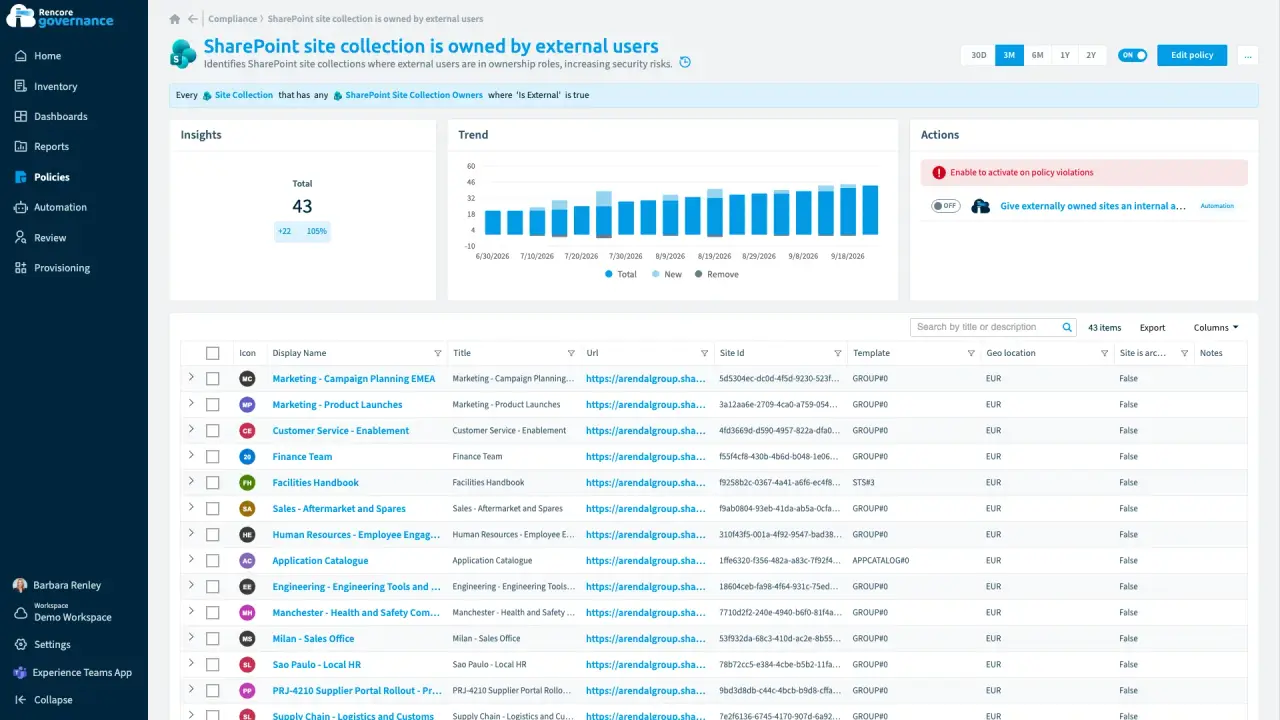
A partner in charge of an internal site
Length: 4 minAn outside guest owns an internal SharePoint site, so someone outside the company decides who gets in.
- SharePoint
- Microsoft 365
- Entra ID
- Access & Sharing
- Policies
- Automation
-
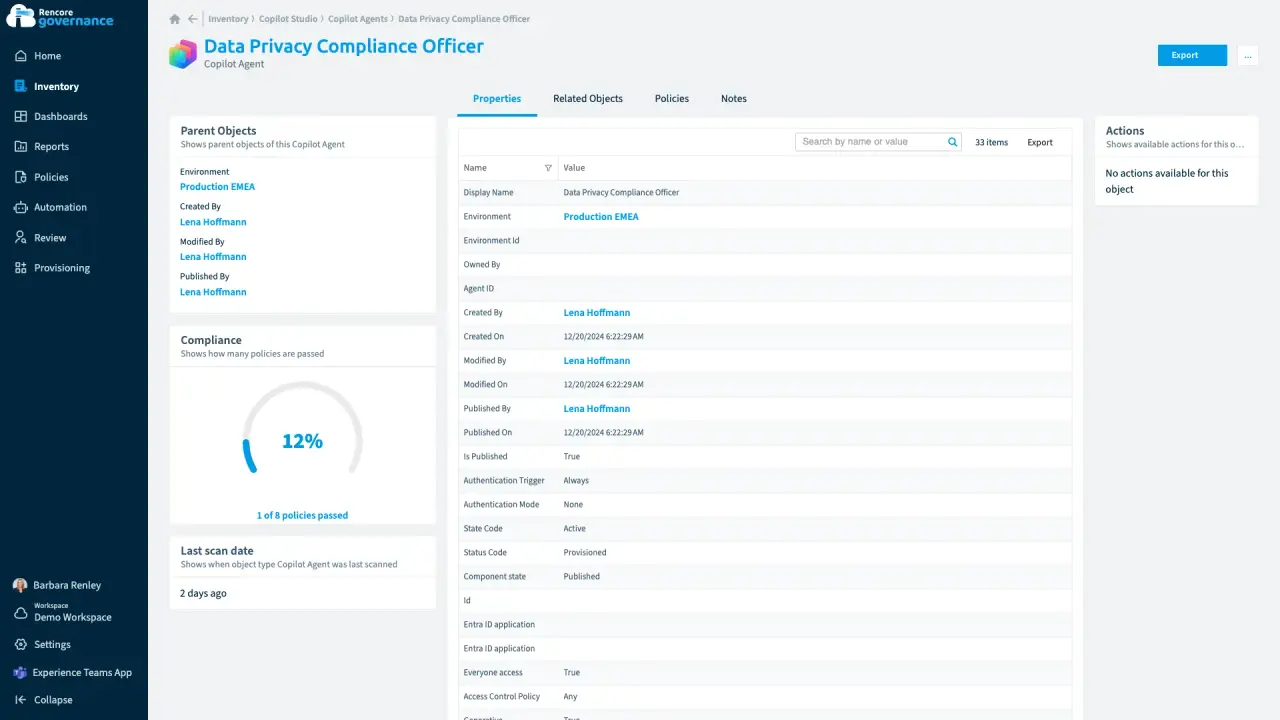
A public agent anyone can talk to
Length: 4 minA Copilot agent published without sign-in lets anyone talk to it, and nobody knows why it is public.
- Copilot Studio
- AI Governance
- Access & Sharing
-
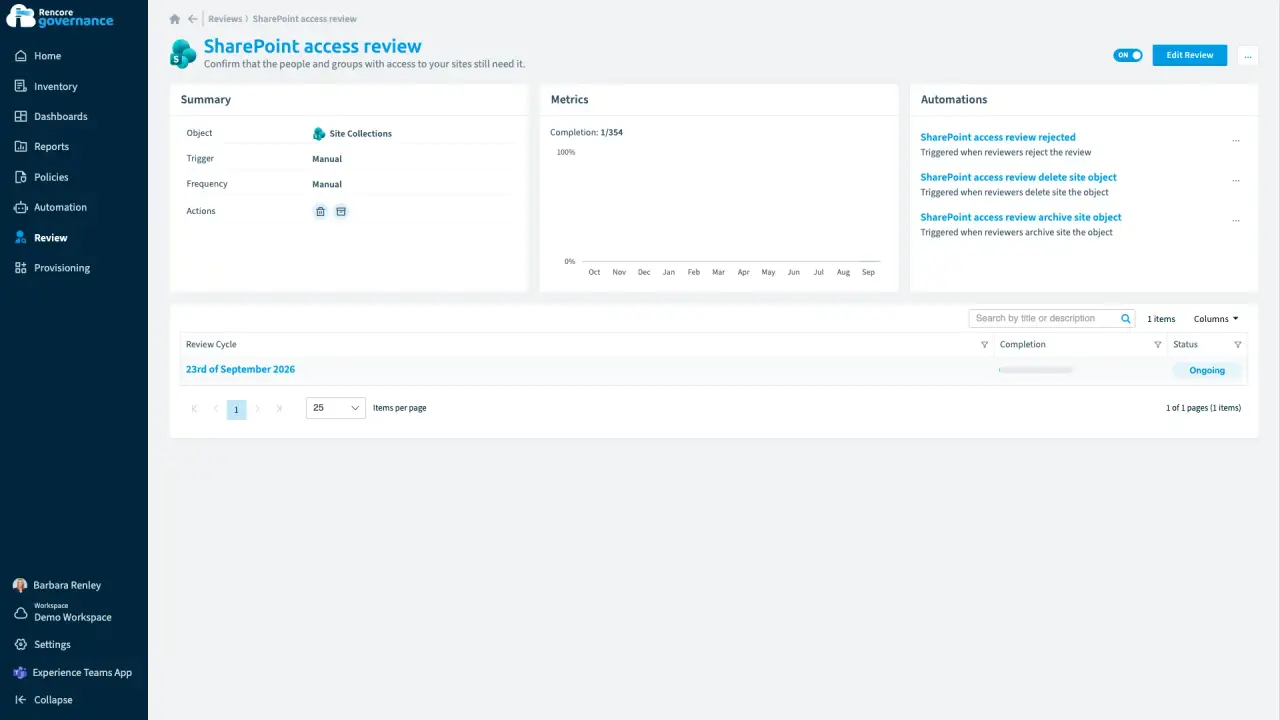
Keep a workspace with a business justification
Length: 4 minAn old workspace survives every cleanup, but nobody recorded why it is still needed when the auditor asks.
- SharePoint
- Teams
- Reviews
- Sprawl & Lifecycle
-
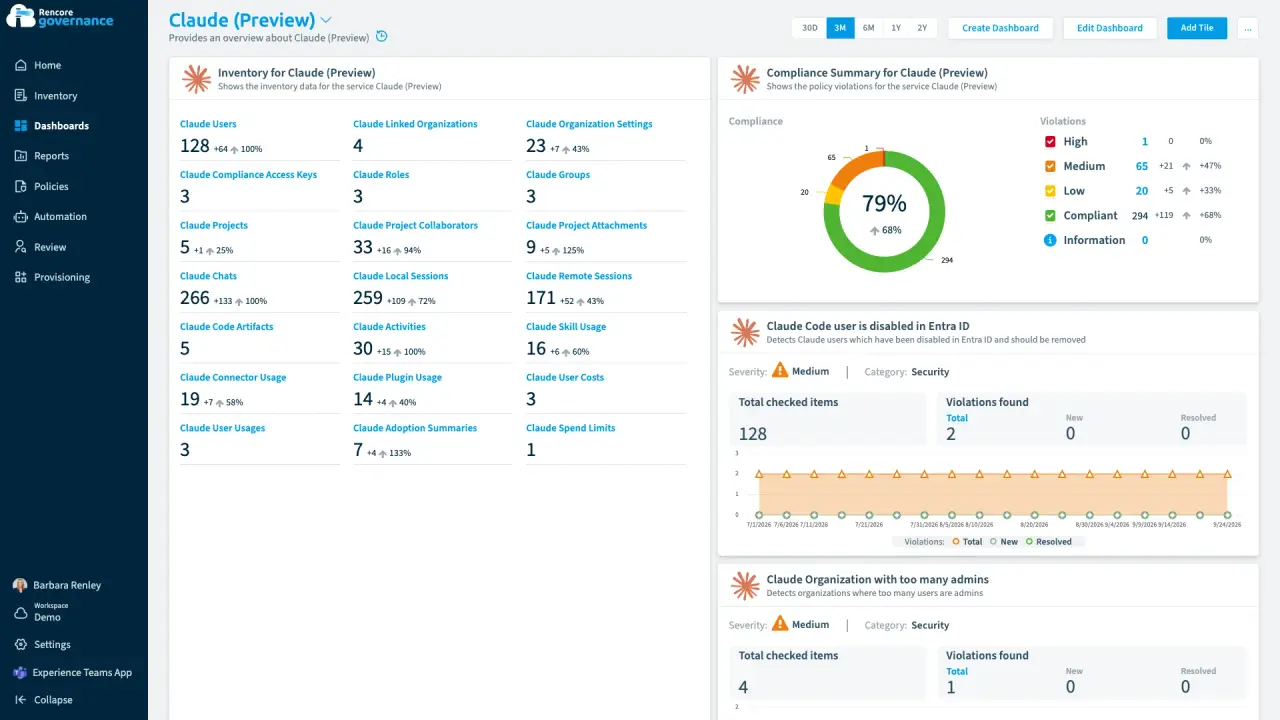
Abandoned Claude projects, cleaned up
Length: 4 minClaude projects nobody has touched in months keep their files and shared context, and nobody decides whether they can go.
- Claude Enterprise
- Sprawl & Lifecycle
- AI Governance
-
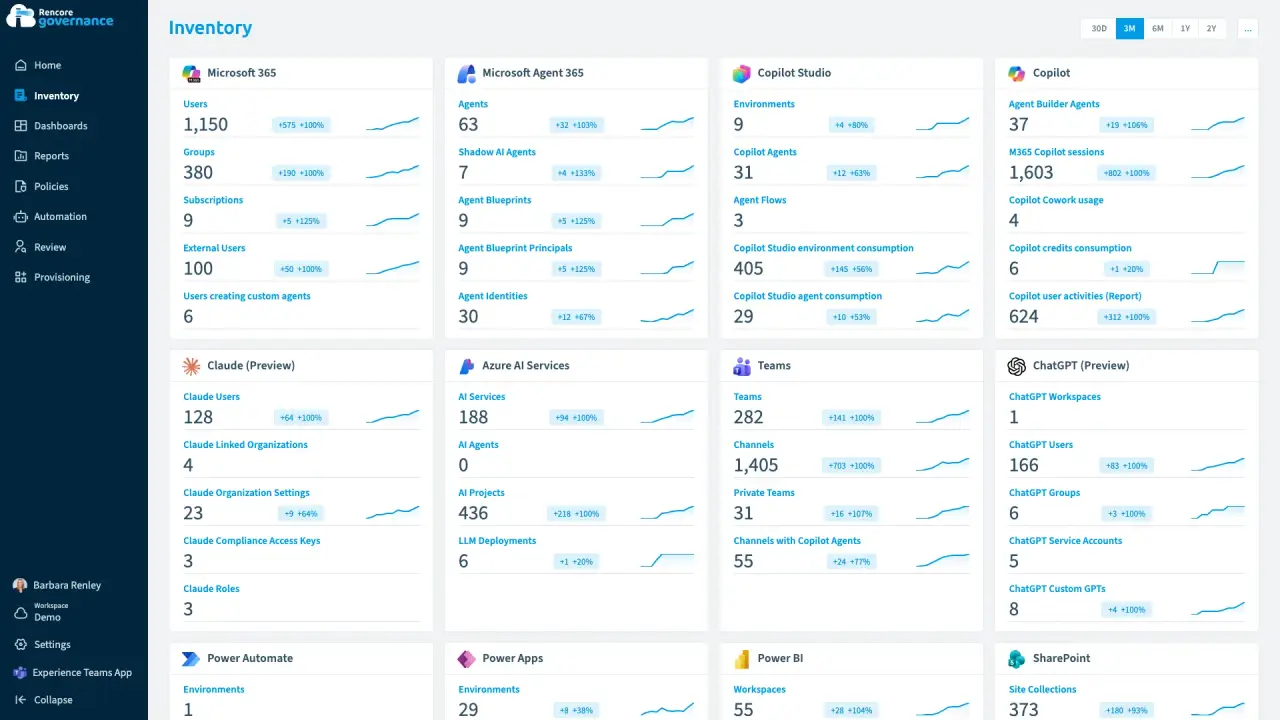
One outside account in Claude and ChatGPT
Length: 5 minAn account that is in Claude and ChatGPT but not in your Entra ID keeps access to company AI work that nobody inside can vouch for.
- Claude Enterprise
- ChatGPT Enterprise
- Entra ID
- Access & Sharing
- AI Governance
-
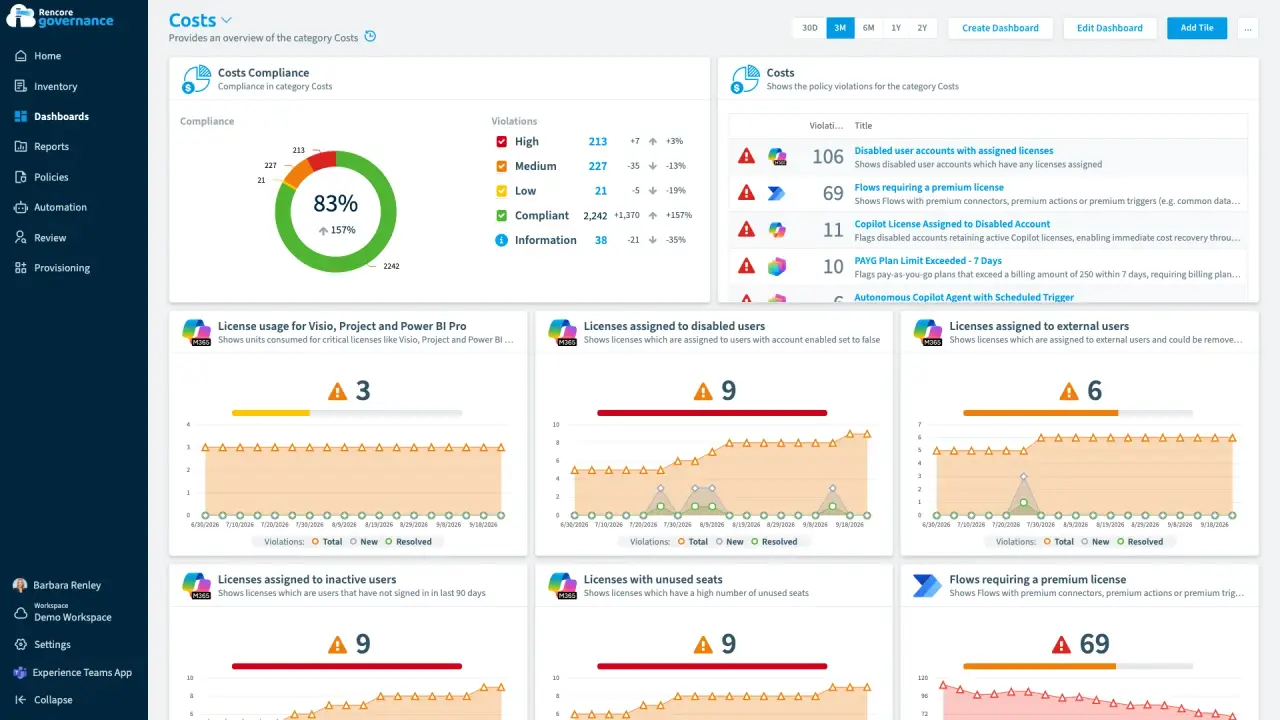
The agent bill nobody forecast
Length: 4 minCopilot Studio agents bill by consumption, so the spend lands as one invoice nobody forecast and no budget owner hears about an overrun.
- Copilot Studio
- Copilot
- Licences & Costs
- AI Governance
- Policies
- Automation
-
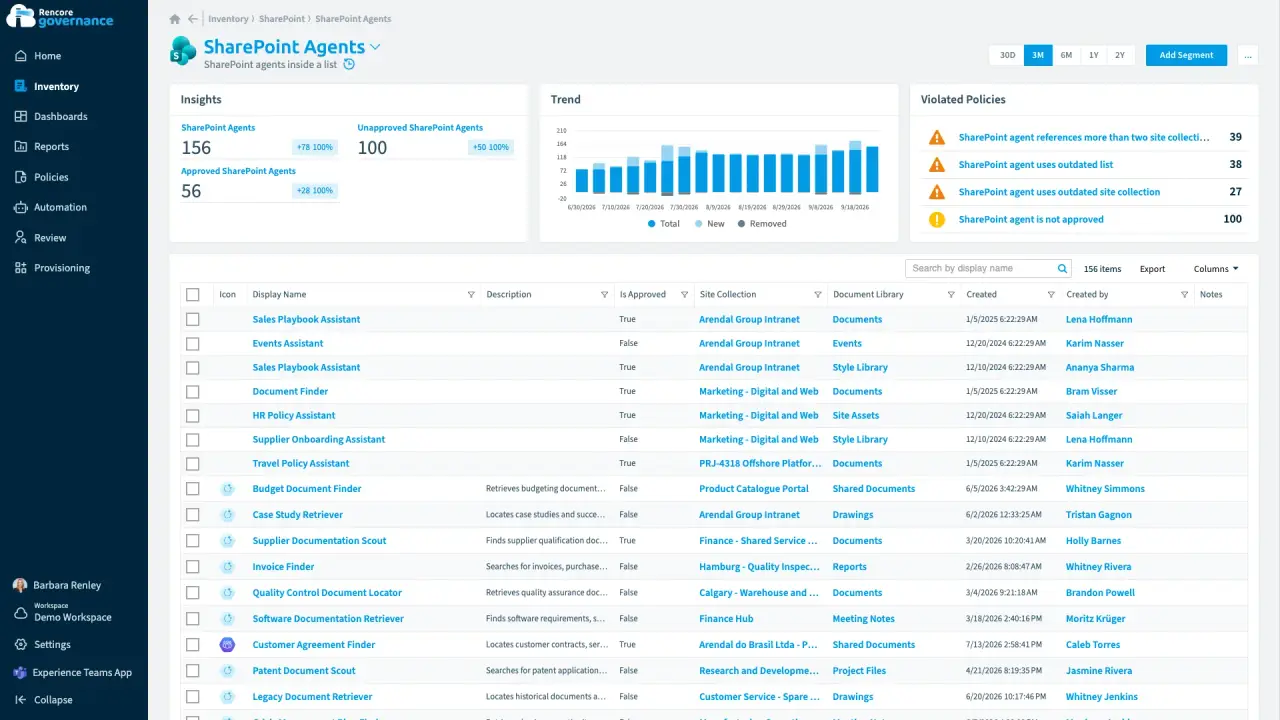
An agent nobody approved, answering from old files
Length: 4 minAnyone can build a SharePoint agent, so one nobody approved answers from other teams' sites and from sources nobody has updated in a year.
- SharePoint Agents
- SharePoint
- AI Governance
- Access & Sharing
- Policies
- Automation
-
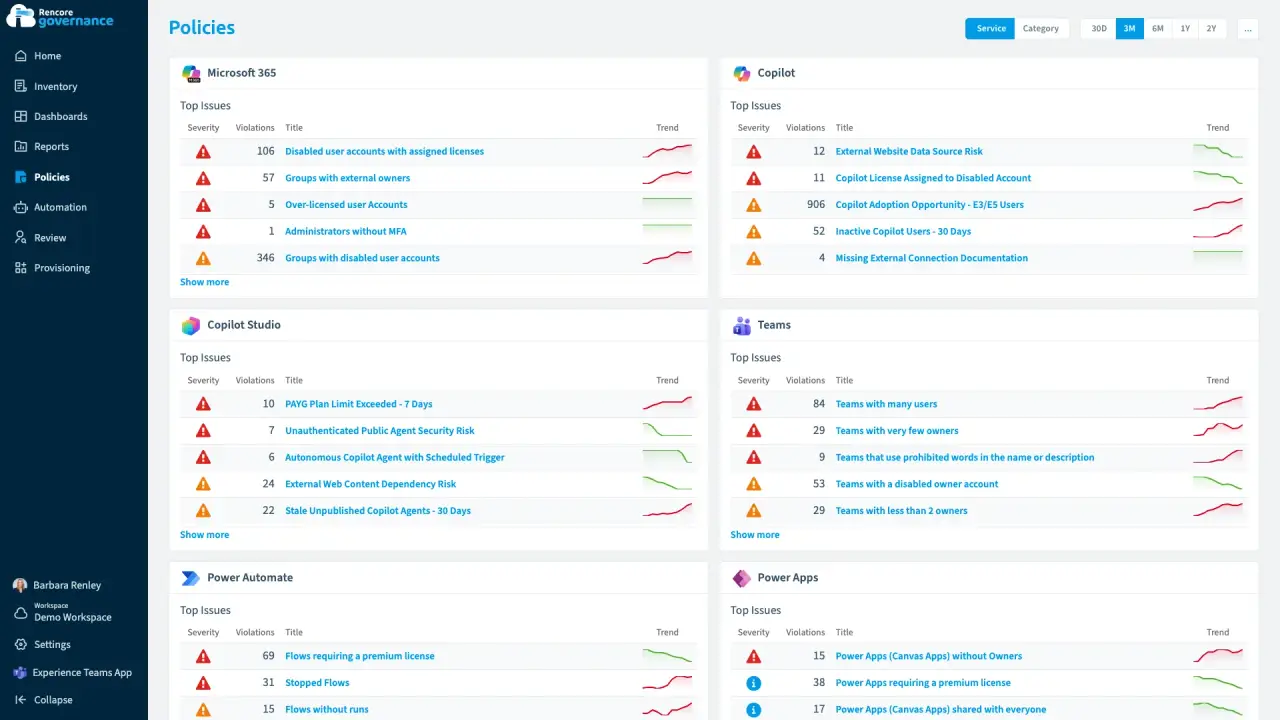
Copilot seats back from people who stopped using them
Length: 4 minCopilot licences stay on people who still work here but never open Copilot, and every idle seat is billed again each month.
- Copilot
- Microsoft 365
- Entra ID
- Licences & Costs
- AI Governance
- Policies
- Automation
-
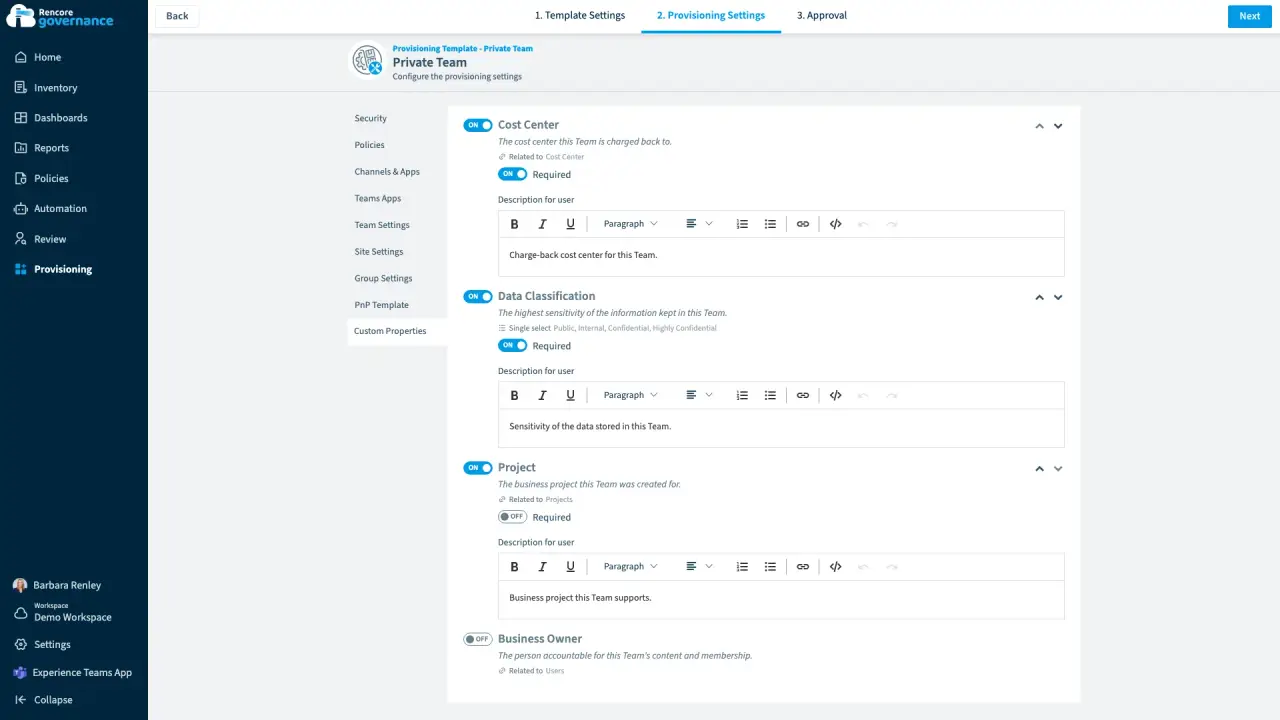
Business metadata, captured at request
Length: 4 minOnce a team exists nobody remembers which cost center pays for it or how sensitive its data is, so chargeback and reviews start from a guess.
- Teams
- Provisioning
-
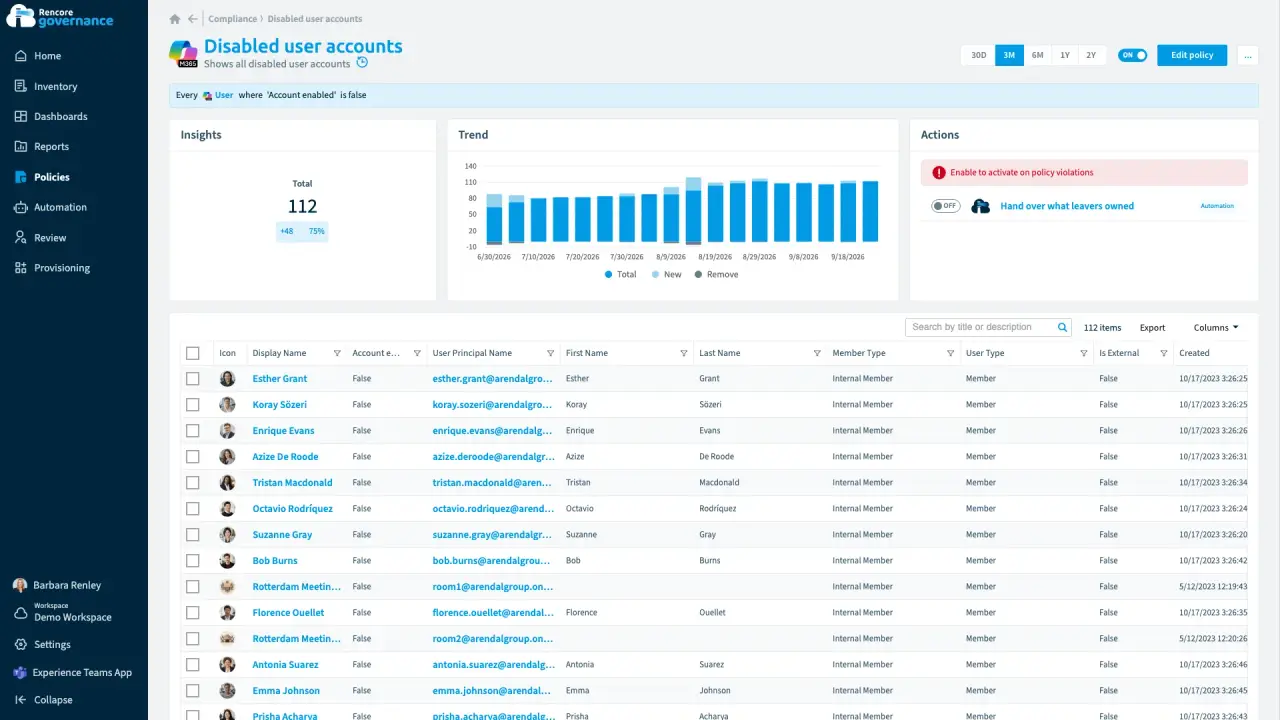
The leaver who owned half the workplace
Length: 4 minWhen someone leaves, the teams they co-owned, the community only they owned, a mailbox rule and a shared plan stay behind with nobody answering for them.
- Microsoft 365
- Entra ID
- Teams
- OneDrive
- Exchange
- Planner
- Viva Engage
- Sprawl & Lifecycle
- Policies
- Automation
-
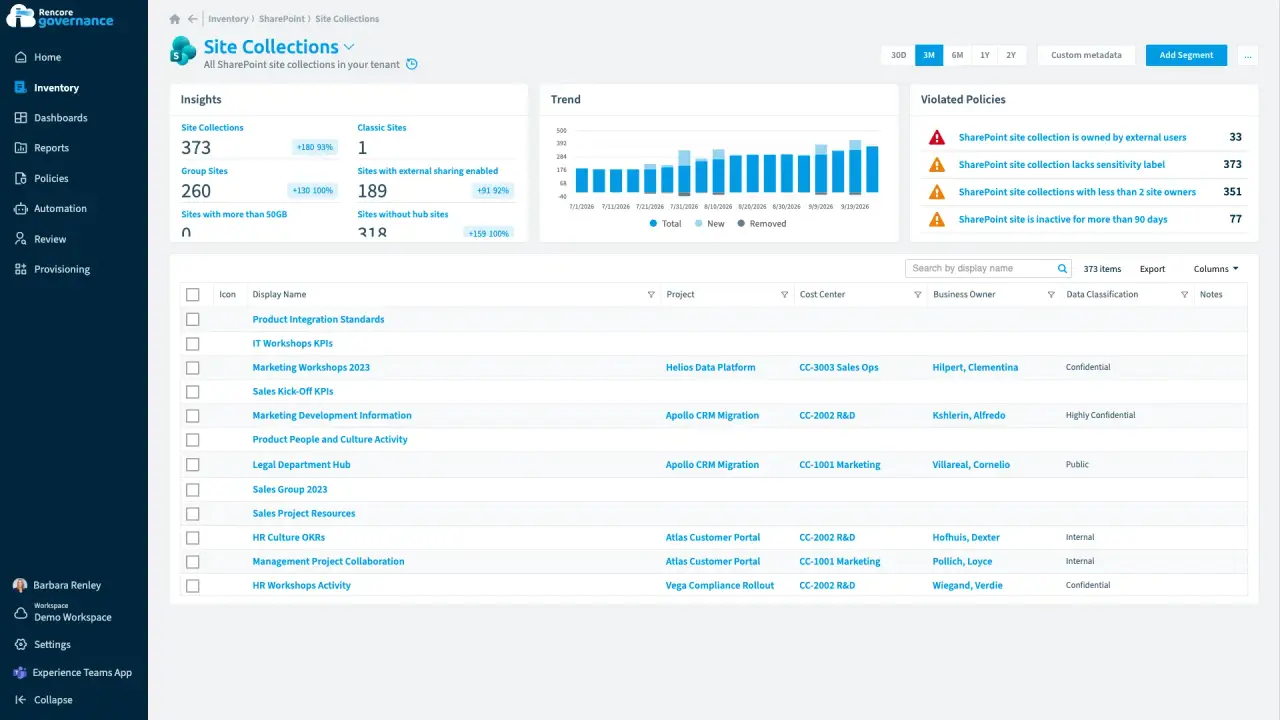
Who pays for this site?
Length: 4 minMicrosoft 365 knows who owns a site but not which cost center pays for it, so finance has nothing to start a chargeback from.
- SharePoint
- Teams
- Licences & Costs
- Reviews
-
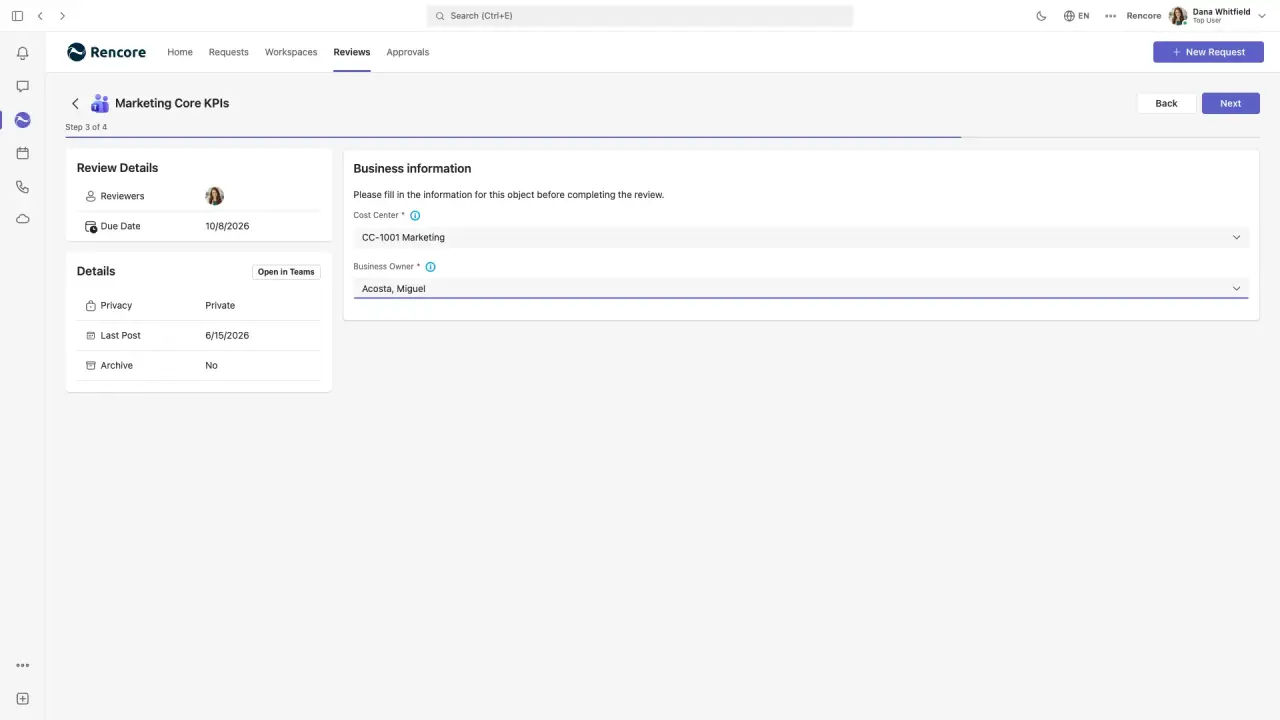
Owners correct the business context in their review
Length: 4 minCost centers and business owners on record go wrong as teams change hands, and only the people who own each team know the right values.
- Teams
- Reviews


 Power Platform
 Microsoft 365
  OneDrive


 Planner


No guide matches these filters.