






 Microsoft Copilot


An access review is a periodic, owner-led confirmation that the people and guests with access to a resource still need it. Run on a fixed cycle across Microsoft 365 workspaces, it keeps access in line with need and leaves a record that each grant was checked, which is what auditors and regulators ask to see.
In short
- Access is granted easily and removed rarely, so it drifts unless someone reviews it.
- The resource owner knows whether access is still needed; a central IT queue usually does not.
- A review only reduces risk if unconfirmed access is removed.
- Keep the record of every decision, because that record is the evidence.
Why access drifts
Projects end, people change teams, partners finish their work, and their access stays. Over time the gap grows between who can reach a team, a site, a group or a Viva Engage community and who should. Each extra grant is a path for oversharing, and Copilot follows every one of them when it answers a question.
The mechanics of a review are simple. The discipline is the hard part: reviews that owners run themselves, on a cycle, with consequences when access is not confirmed and with a record that survives the next audit.
Step by step
Five steps turn access review from an annual exercise into a routine owners complete as part of their normal work.
-
Define the scope
Decide which resources are reviewed: teams, SharePoint sites, Microsoft 365 groups and Viva Engage communities. Include guests and external users explicitly.
-
Route each review to the owner
Send each review to the people who own the resource, not to a central IT queue. Owners know whether a member still needs access, and their confirmation is what makes the result defensible.
Tip: Make sure every resource has an owner before the first cycle. Resources without one go to the manager of the last known owner.
-
Set the cycle by risk
Review most resources quarterly and resources with guests or sensitive data more often. Escalate reviews that stay unanswered to the owner's manager rather than letting them lapse.
-
Act on the result
Remove access that owners do not confirm when the review closes, not at some later date, and tell the people affected.
-
Keep the evidence
Keep a record of who reviewed what, when, and what was removed, so you can show access was checked over time. DORA, NIS2 and internal audit all ask for it.
Connectors in this How-to
Each connector page in the Rencore docs lists the objects, policies, reports and actions behind these steps.

Watch it in Rencore
Short narrated product guides that play in your browser, with no sign-in.
-
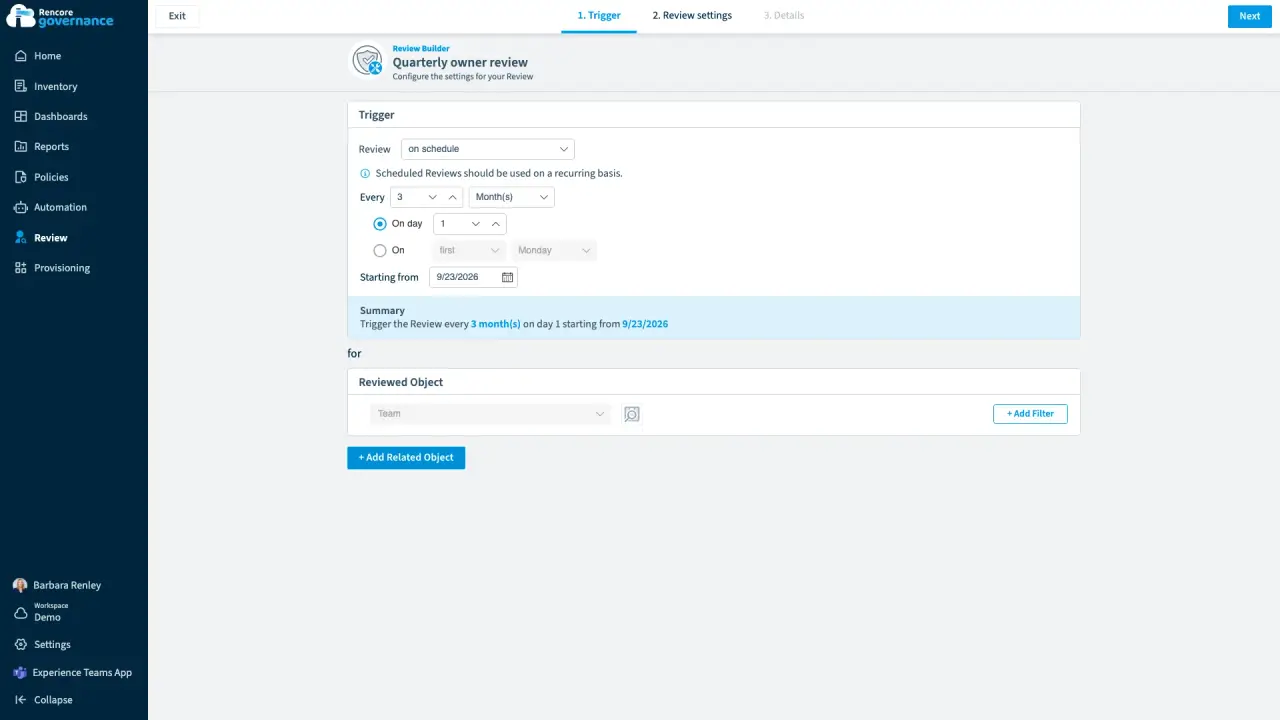
Scheduled owner review
Length: 5 minMembers and guests drift out of date every week, and nobody checks them unless a review makes them.
- Teams
- Reviews
-
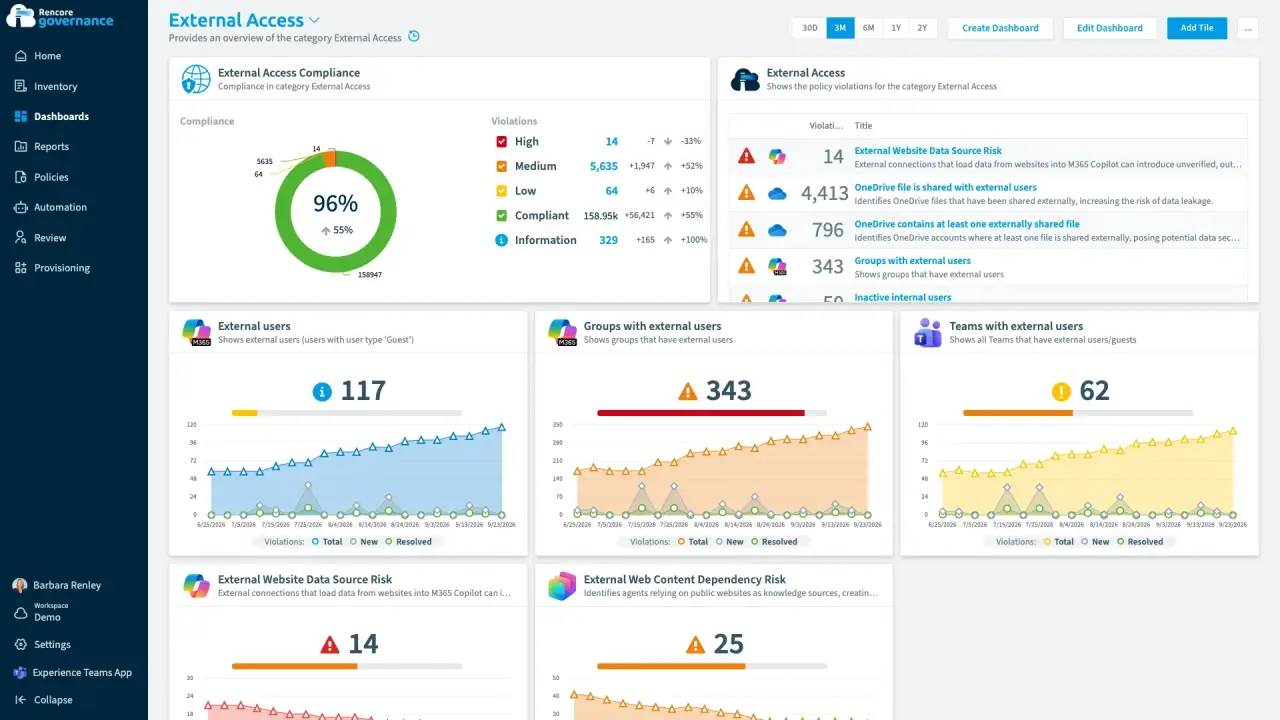
Recertify guest and external access
Length: 4 minGuests and external users keep their access long after the work ends, and nobody confirms whether each one still needs it.
- Teams
- SharePoint
- Entra ID
- Reviews
- Access & Sharing
-
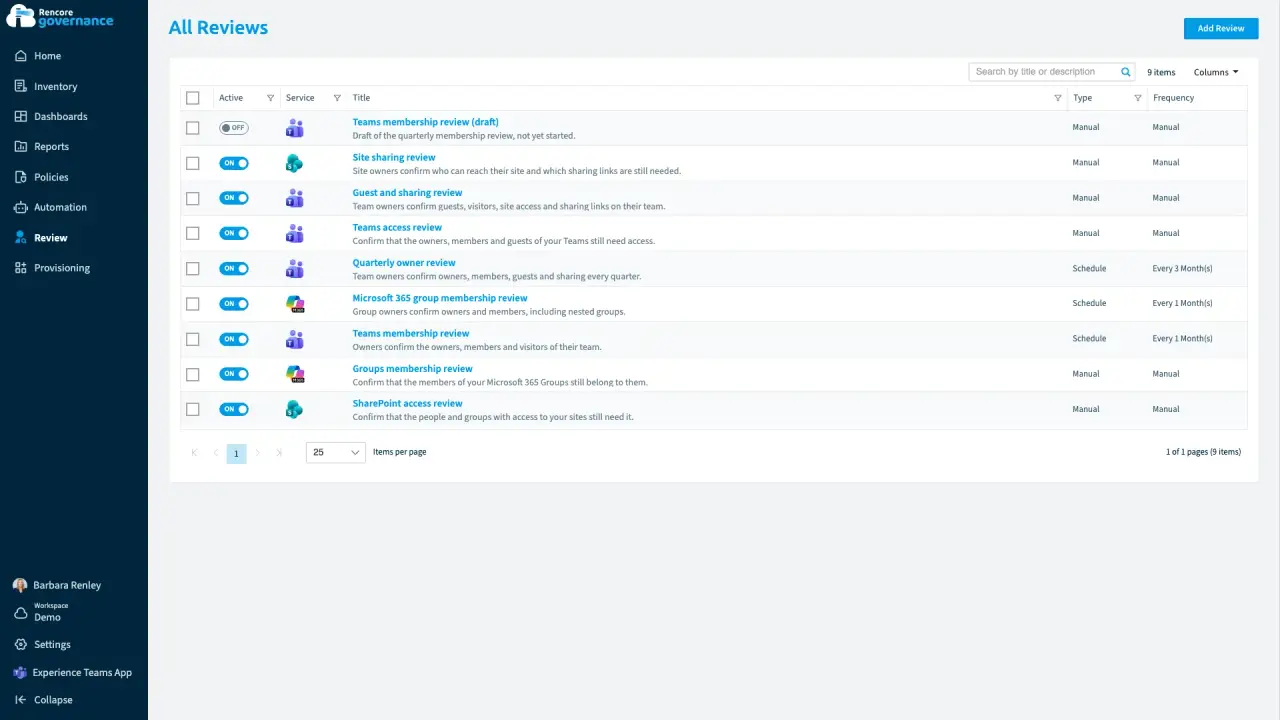
Escalate unanswered reviews
Length: 5 minAccess reviews stall when owners ignore them, and every unanswered review leaves the access in place.
- Teams
- Reviews
- Automation
-
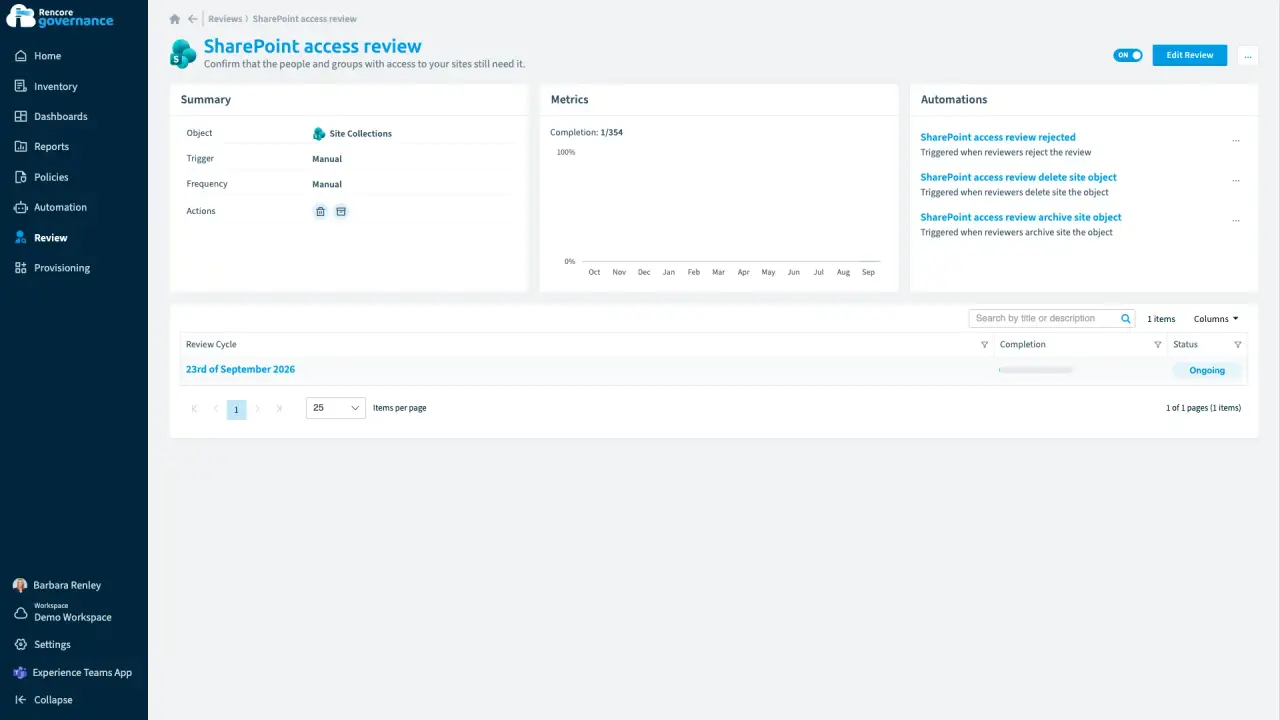
Keep a workspace with a business justification
Length: 4 minAn old workspace survives every cleanup, but nobody recorded why it is still needed when the auditor asks.
- SharePoint
- Teams
- Reviews
- Sprawl & Lifecycle


 Entra ID

Last updated 8 October 2026


