






 Microsoft Copilot


SharePoint oversharing is content that more people can reach than the business intends, through broad sharing links, guests who were never removed, broken permission inheritance or groups that grew too large. Fixing it is a cycle: measure the exposure, fix the most sensitive content first, repair the causes and check again, because access keeps drifting after every cleanup.
In short
- Oversharing builds up through links, inheritance and old grants, so measure it before you assume anything.
- Rank findings by how sensitive the content is, and fix the most sensitive first.
- Fix the causes, such as broken inheritance and external owners, or the same exposure returns.
- Close oversharing before Copilot reaches it, because Copilot answers with each user's permissions.
How oversharing accumulates
Oversharing rarely comes from one careless decision. A link is shared with a partner for a project. A folder breaks inheritance so one person can see it, and later a whole department is added. A guest becomes a site owner. Each step made sense at the time, and none was revisited, until a document set up for one team can be read across the tenant.
Copilot makes this urgent. It answers with the permissions of the person who asks, so anything a user can technically open can appear in a summary. In Gartner's research, 51% of IT leaders name oversharing and data loss as the top barrier to a successful Copilot deployment (Microsoft 365 Copilot and Agents: Assessing Impact and Value, 2026).
Step by step
Run these five steps as a monthly or quarterly cycle. The first run sets the baseline; each later run catches the drift.
-
Scan for broad access
Find content shared with external users, sites with external sharing enabled, extranet sites, sites owned by external users and sites with broken permission inheritance. Start from measured exposure, never from assumptions.
Tip: File-level sharing and permissions are a large data set. Scan them for the sites that matter most first, then widen.
-
Rank by sensitivity
Put the findings in order by how sensitive the content is, using sensitivity labels and site classification. Sites without a label are a finding in their own right, because nobody has decided how sensitive they are.
-
Remove broad sharing links
Remove or narrow the broadest links first, replace them with named access where the content needs to stay shared, and revoke access from guests who are no longer active.
-
Repair the causes
Restore broken inheritance where it no longer serves a purpose, move ownership of internal sites back from external users, and make sure every site has at least two internal owners who answer for its access.
-
Re-check on a fixed cycle
Repeat the scan on a schedule and have site owners confirm who can reach their sites and which sharing links are still needed. A one-off cleanup regresses within months.
Connectors in this How-to
Each connector page in the Rencore docs lists the objects, policies, reports and actions behind these steps.


Watch it in Rencore
Short narrated product guides that play in your browser, with no sign-in.
-
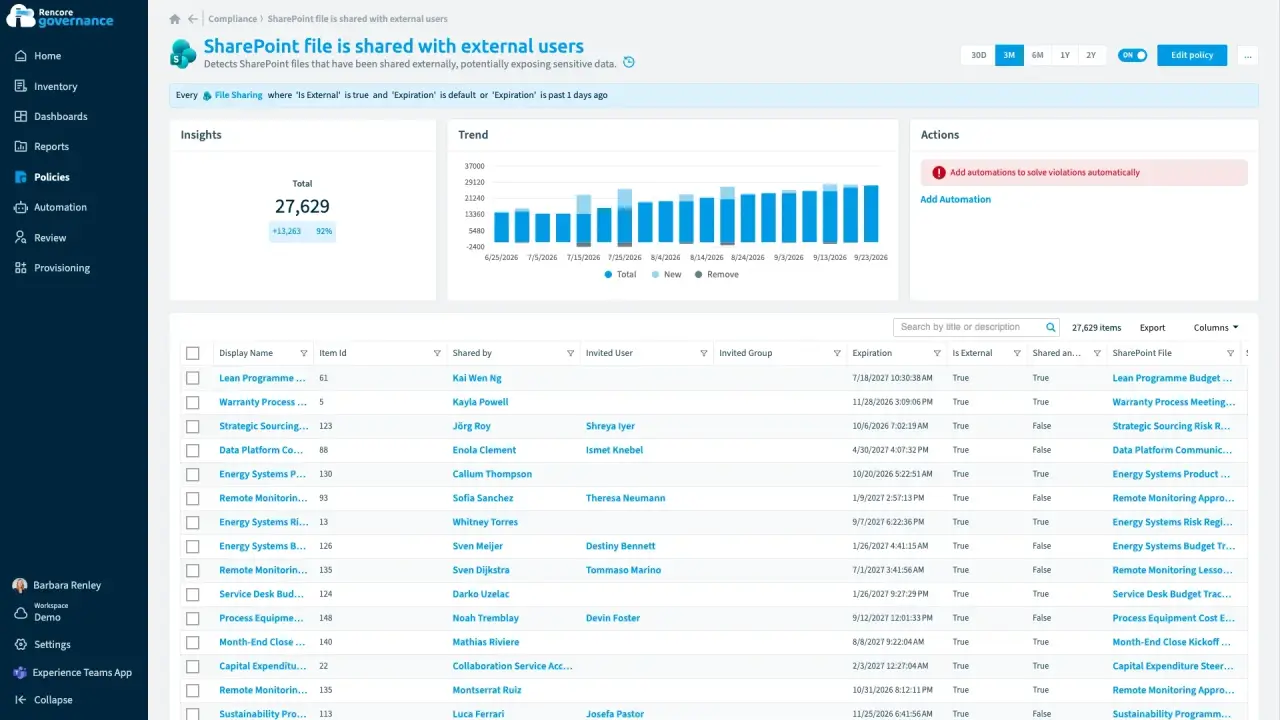
Find and fix oversharing
Length: 4 minGuests and sharing links reach further into your content than anyone intended, and nobody removes the ones that are no longer needed.
- Teams
- SharePoint
- Entra ID
- Access & Sharing
- Reviews
-
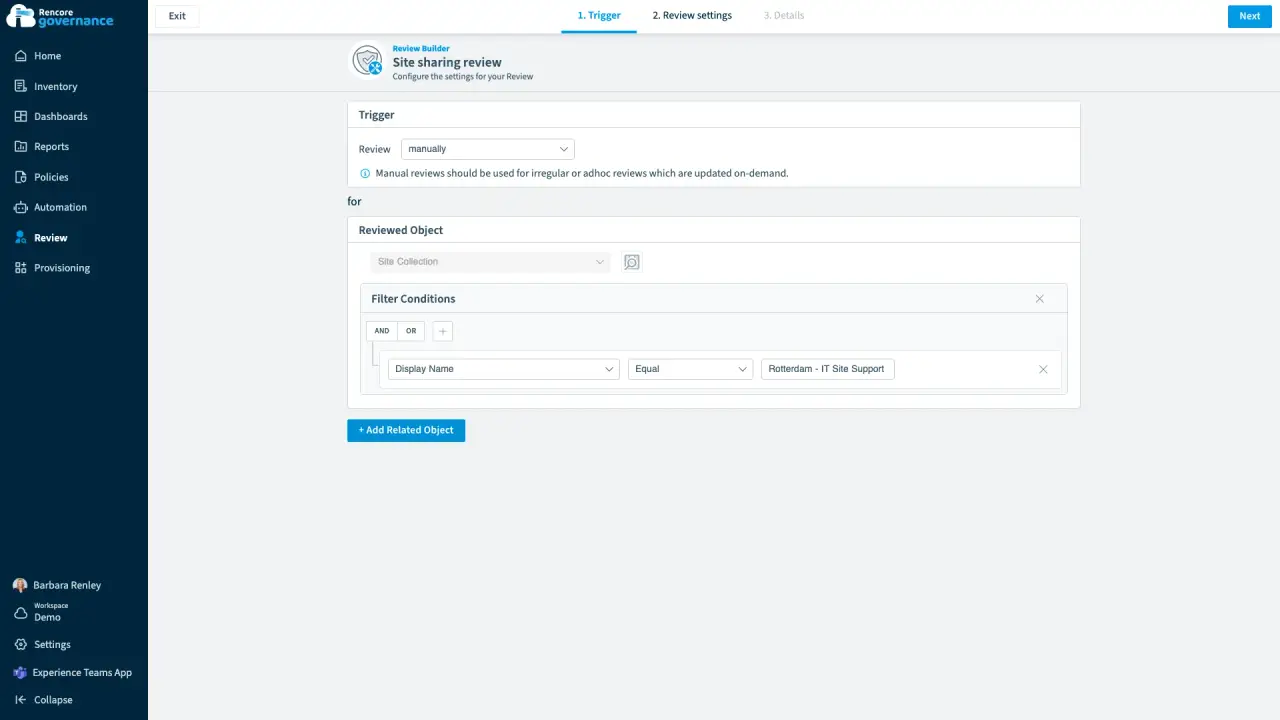
Review site access and sharing links
Length: 4 minSite owners rarely check who can reach their SharePoint site or which of its sharing links are still open.
- SharePoint
- Teams
- Reviews
- Access & Sharing
-
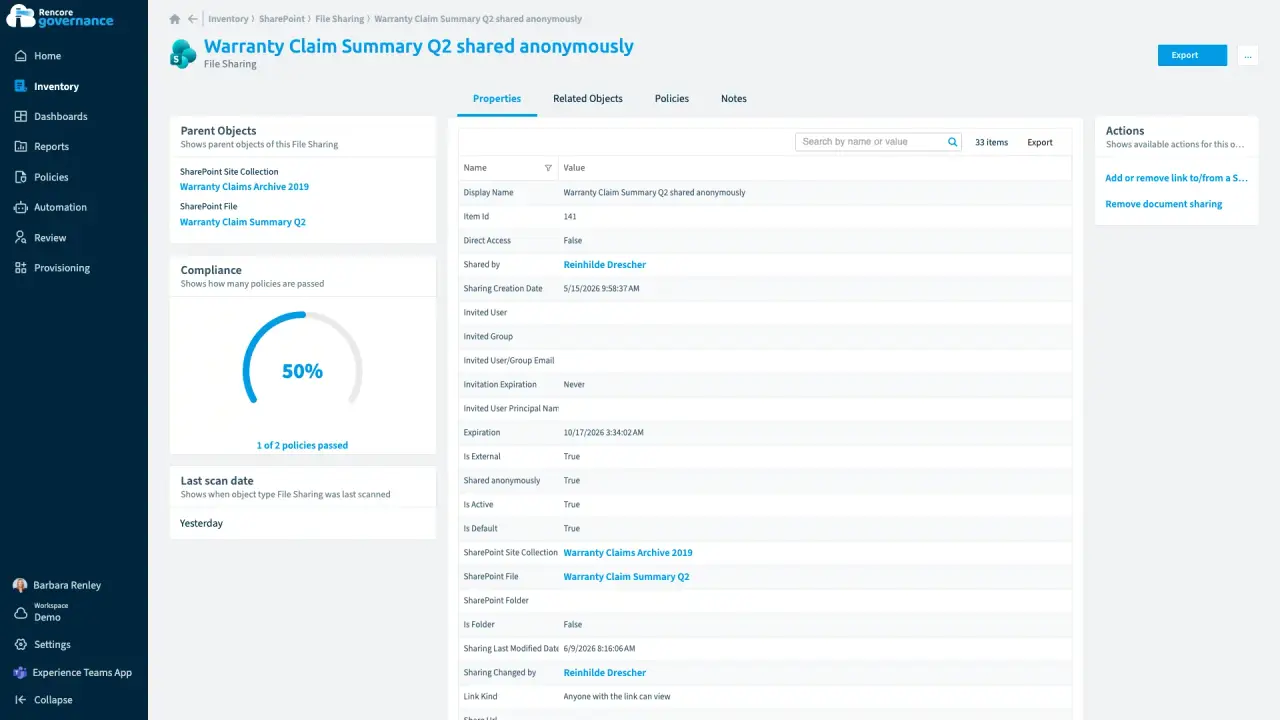
Every file and every sharing link
Length: 4 minA sensitive file shared with anyone who has the link can travel anywhere, and nobody owns the fix.
- SharePoint
- OneDrive
- Access & Sharing
- Policies
- Automation
-
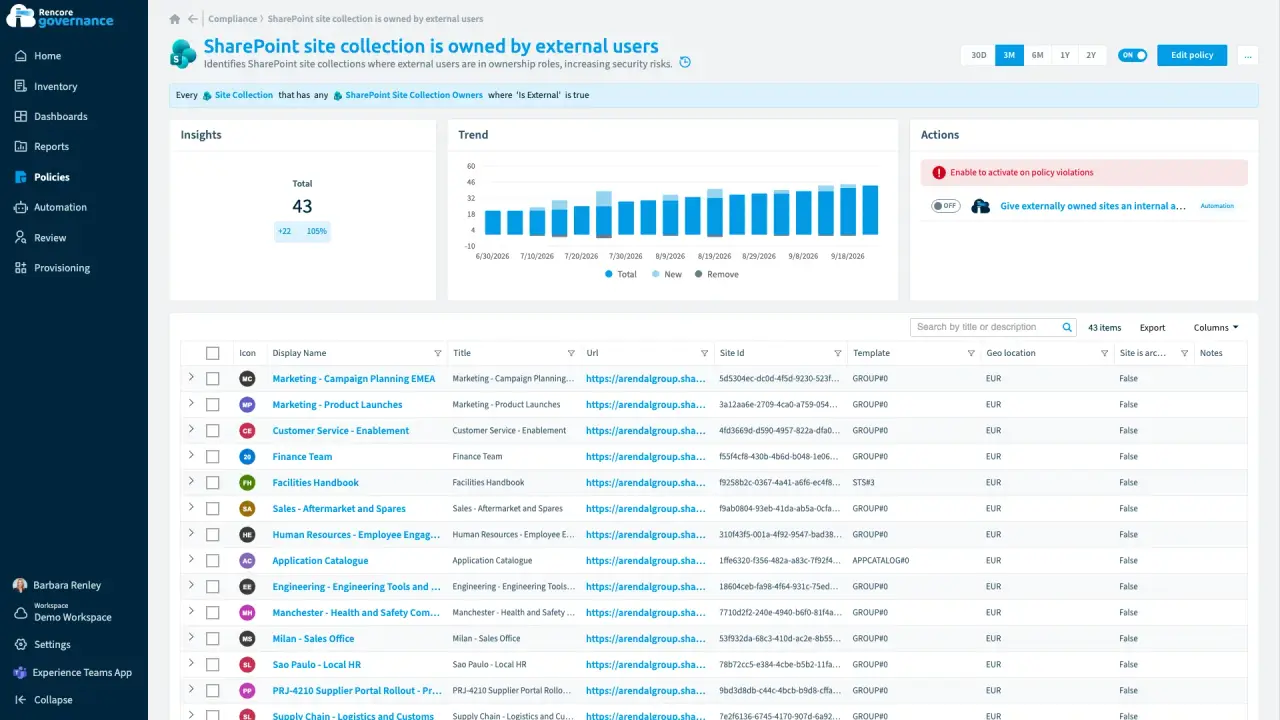
A partner in charge of an internal site
Length: 4 minAn outside guest owns an internal SharePoint site, so someone outside the company decides who gets in.
- SharePoint
- Microsoft 365
- Entra ID
- Access & Sharing
- Policies
- Automation

 Entra ID


Last updated 8 October 2026


