






 Microsoft Copilot


EU AI Act evidence across AI tools is the documentation that shows each AI system your organization uses has been identified, classified by risk and overseen as Regulation (EU) 2024/1689 requires, whichever vendor it comes from. Its core is one record per system and agent: what it does, what data it reaches, who owns it, its risk class and when it was last reviewed.
In short
- The Act's duties attach to how an AI system is used and the risk it carries, so the evidence has to cover every vendor you run.
- The unit of evidence is a record per system and per agent, kept current by its owner.
- Agents built by business users in Copilot Studio or SharePoint count as AI systems you deploy.
- Records that owners confirm on a schedule turn an audit into a handover.
What the Act expects from organizations that use AI
An organization that uses AI systems built by others is a deployer under the EU AI Act. The prohibited practices in Article 5 and the AI literacy duty in Article 4 have applied since 2 February 2025. Article 26 sets the duties for deployers of high-risk systems, including human oversight by competent people, monitoring of operation and keeping the logs the system generates. Article 50 adds transparency duties, such as telling people when they are interacting with an AI system.
None of these duties can be met for a system nobody knows about. Microsoft 365 Copilot, a Copilot Studio agent built by the sales team and a Claude Enterprise project in the research department all need the same basic record, and in many organizations those records live in three places or nowhere.
Why one model across vendors matters
Per-vendor oversight produces per-vendor answers: one report for Copilot, another spreadsheet for the rest. An auditor asking which AI systems you run, and who is accountable for each, wants one list. Applying the same record, the same risk scale and the same review cycle to every vendor gives you that list, and keeps a high-risk agent on one platform from being treated more loosely than the same agent on another.
Step by step
Five steps build the record the Act expects and keep it current.
-
Inventory every AI system and agent
Start with what runs in your tenant: Microsoft 365 Copilot, Copilot Studio agents and SharePoint agents. Add the AI services your teams use beyond Microsoft, such as Claude Enterprise (preview) or ChatGPT Enterprise (preview), and note who uses each and through which account.
Tip: Compare the users of each AI service with Entra ID. Accounts that do not exist there are the ones nobody inside can vouch for.
-
Classify each system by risk
Classify each system against the Act's categories, from prohibited practices to high-risk use cases and transparency duties, based on how it is used. Office assistants usually carry limited duties; an agent that screens job applicants does not.
-
Record purpose, data and owner
For each system write down what it is used for, which data it can reach or was grounded on, and the person accountable for it. For agents, the knowledge sources and connectors decide the data reach.
-
Have owners confirm the record on a schedule
Ask owners at fixed intervals to confirm that purpose, data reach and risk class still match. Retire agents that no longer have an owner or a purpose, and record each decision.
-
Produce reports an auditor can follow
Assemble the inventory, classifications and confirmations into reports that lead from each obligation to its proof, across every vendor. Schedule them, so they exist before anyone asks.
Connectors in this How-to
Each connector page in the Rencore docs lists the objects, policies, reports and actions behind these steps.

Watch it in Rencore
Short narrated product guides that play in your browser, with no sign-in.
-
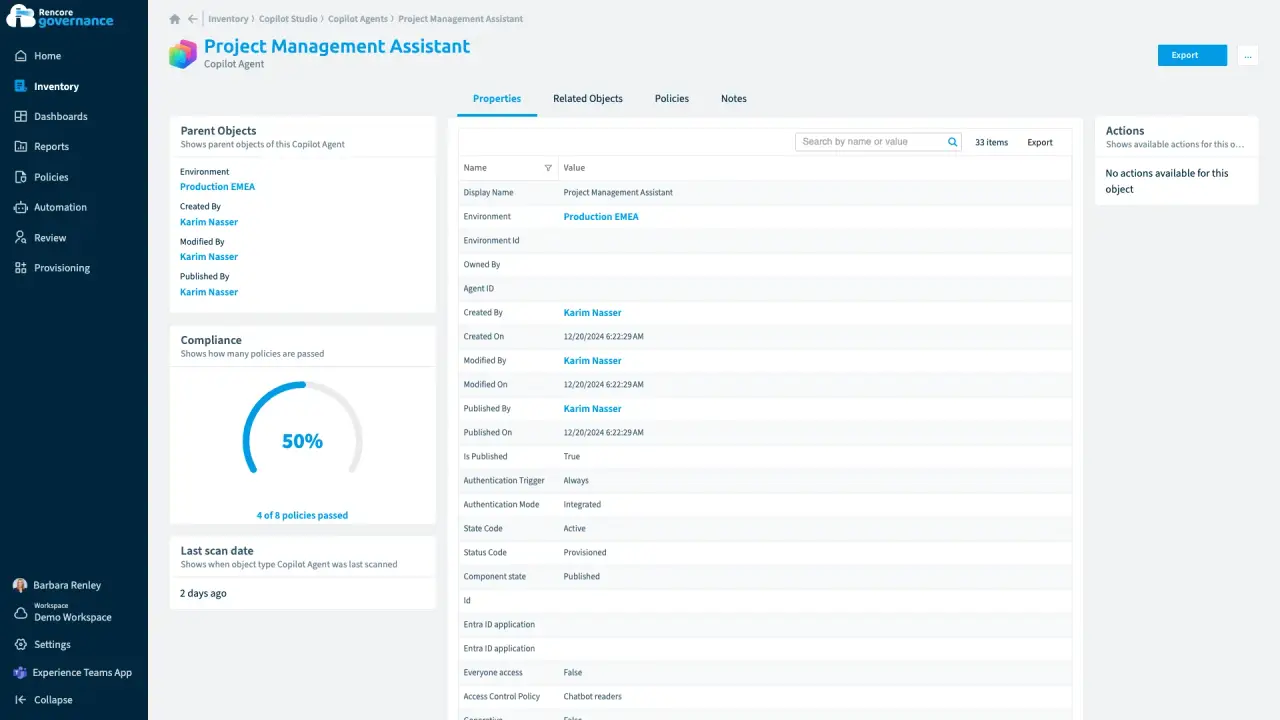
An agent nobody owns anymore
Length: 4 minA Copilot agent keeps running on its own after its maker leaves, and nobody answers for what it can reach.
- Copilot Studio
- AI Governance
- Sprawl & Lifecycle
-
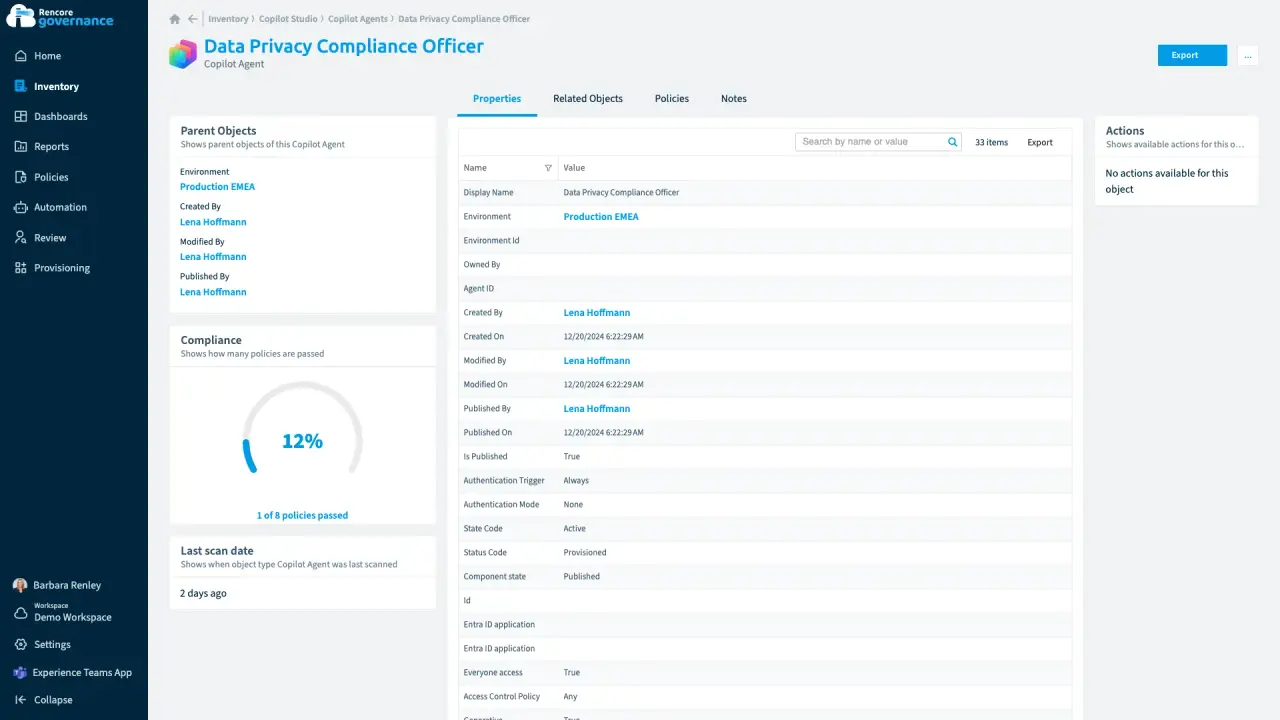
A public agent anyone can talk to
Length: 4 minA Copilot agent published without sign-in lets anyone talk to it, and nobody knows why it is public.
- Copilot Studio
- AI Governance
- Access & Sharing
-
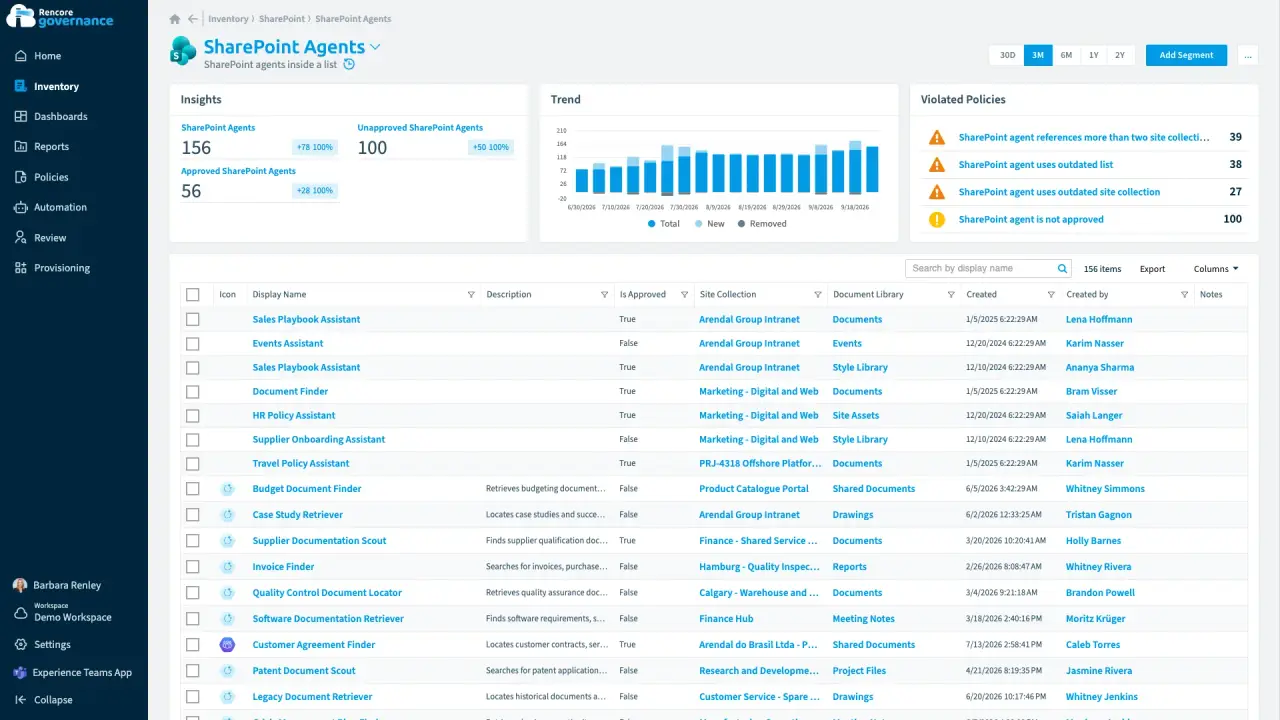
An agent nobody approved, answering from old files
Length: 4 minAnyone can build a SharePoint agent, so one nobody approved answers from other teams' sites and from sources nobody has updated in a year.
- SharePoint Agents
- SharePoint
- AI Governance
- Access & Sharing
- Policies
- Automation
-
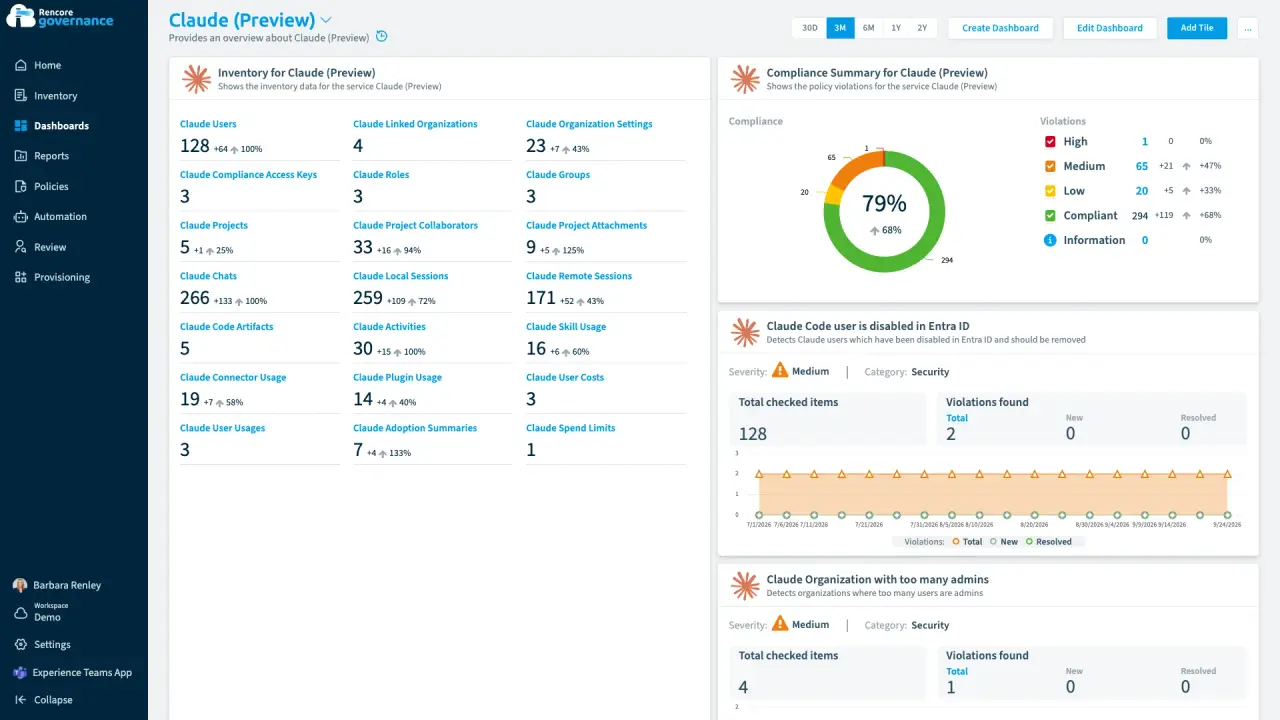
Abandoned Claude projects, cleaned up
Length: 4 minClaude projects nobody has touched in months keep their files and shared context, and nobody decides whether they can go.
- Claude Enterprise
- Sprawl & Lifecycle
- AI Governance


Last updated 8 October 2026


