






 Microsoft Copilot


Governing AI beyond Microsoft Copilot means applying one governance model, with inventory, ownership, risk rating and access review, to every AI tool your teams use, whoever makes it. Many organizations run Microsoft 365 Copilot next to Claude, ChatGPT and other assistants, and each vendor's admin console covers only its own product. One model across vendors keeps oversight consistent as the AI estate grows.
In short
- Your teams use more than one AI vendor, and each console sees only its own.
- Per-vendor oversight fragments the answer to who uses what and who is accountable.
- Join every AI service to your Entra ID, so leavers and outside accounts become visible.
- Use the same owner model, risk scale and review cycle for every vendor.
Where per-vendor governance breaks
Each AI vendor offers an admin console for its enterprise plan: members, projects, usage and spend. What none of them shows is how its users map to your organization. A person who left in March can still hold a Claude seat because the account was created with an email address and never tied to your identity provider. A project shared across the whole organization can hold a customer file nobody approved.
The questions are the same for every vendor, and the same as for a team or a SharePoint site: who created it, who has access, what data it holds, what it costs and who cleans it up. Asking them once, in one place, is what keeps oversight from splitting by vendor.
Step by step
Five steps extend the governance you already run for Microsoft 365 to the AI services beside it.
-
Map the AI services in use
List every AI service your organization licenses or your users have connected, Microsoft and others, with the plan each runs on. Enterprise plans expose the members and metadata governance needs; consumer and team plans usually do not.
-
Join every service to your identities
Match each service's members to Entra ID, with department and manager. Accounts that do not match, and accounts disabled in Entra ID that still hold access, are the first findings.
Tip: Run the join before any other step. Leavers and outside accounts are the findings a vendor console cannot show you.
-
Apply one owner model
Give every AI workspace, project and agent an accountable owner under the same rules you use for teams and sites, so oversight does not depend on the vendor.
-
Rate risk on one scale
Rate each tool and project by the data it reaches, what it can do and who can use it, on the same scale across vendors, so a high-risk project in one tool is treated like a high-risk agent in another.
-
Review access and report across vendors
Have owners confirm on a schedule who can use each tool and project, and report usage, cost and findings for all vendors in one view for leadership and auditors.
Connectors in this How-to
Each connector page in the Rencore docs lists the objects, policies, reports and actions behind these steps.

Watch it in Rencore
Short narrated product guides that play in your browser, with no sign-in.
-
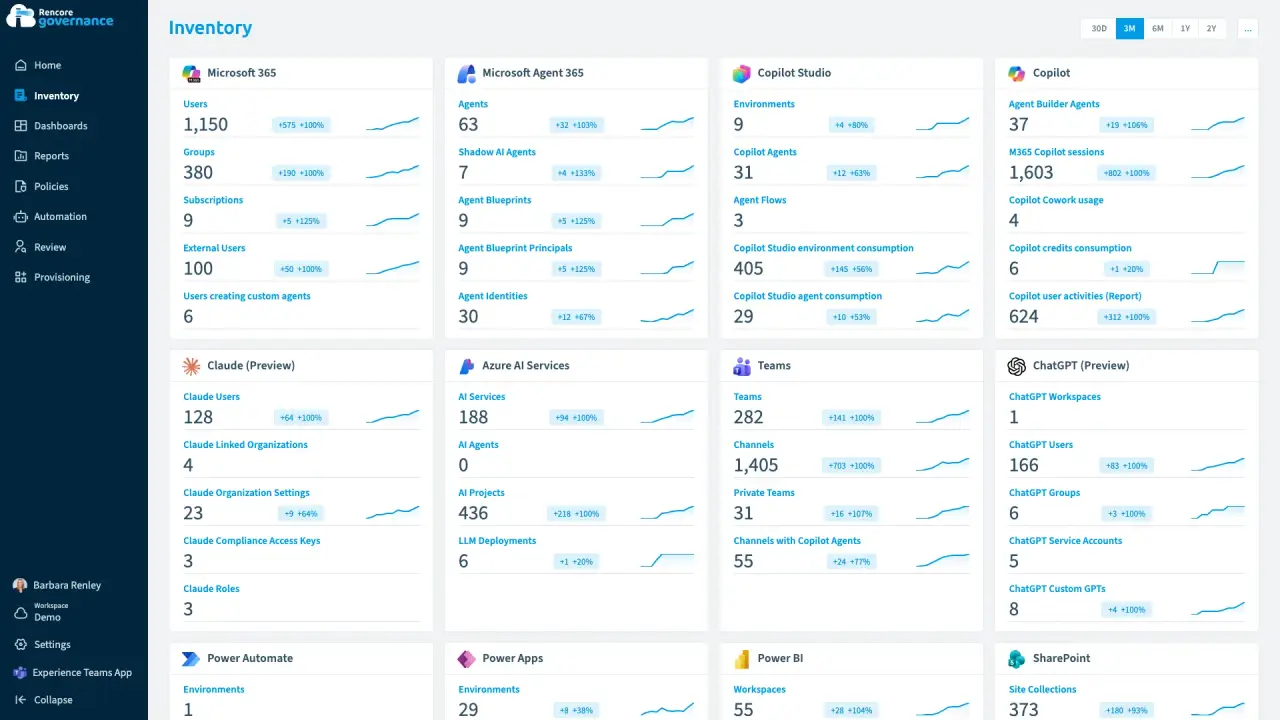
One outside account in Claude and ChatGPT
Length: 5 minAn account that is in Claude and ChatGPT but not in your Entra ID keeps access to company AI work that nobody inside can vouch for.
- Claude Enterprise
- ChatGPT Enterprise
- Entra ID
- Access & Sharing
- AI Governance
-
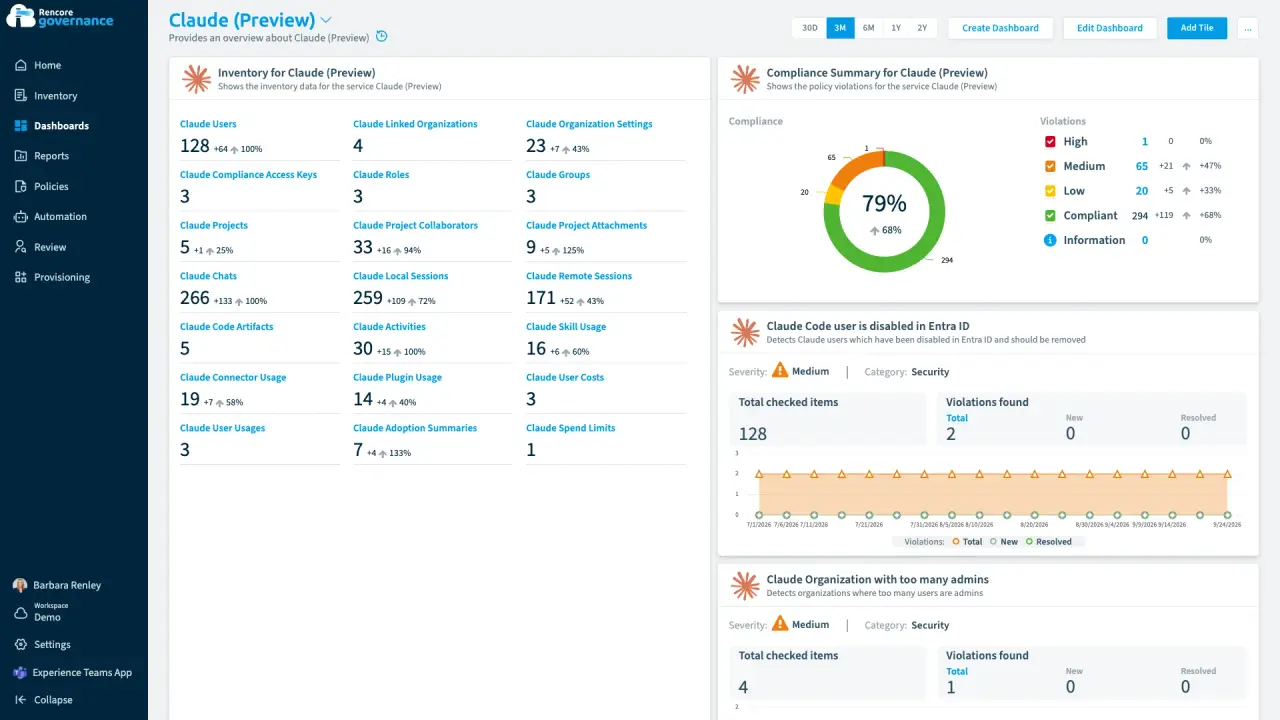
Abandoned Claude projects, cleaned up
Length: 4 minClaude projects nobody has touched in months keep their files and shared context, and nobody decides whether they can go.
- Claude Enterprise
- Sprawl & Lifecycle
- AI Governance


Last updated 8 October 2026


