






 Microsoft Copilot


Power Platform governance is the oversight of Power Apps, Power Automate and Power BI as one low-code estate. Because business users build apps, flows and reports faster than IT can review them, it means knowing what exists in every environment, giving each asset an accountable owner, watching how connectors move data and having owners confirm who can use and edit what.
In short
- Apps, flows and reports share data, connections and makers, so govern them together.
- Low-code assets outlive their makers and keep their connections, which is where the risk sits.
- Connectors decide where data goes, so a flow that sends sensitive data to an outside service is an exposure path.
- Owner reviews on a cycle keep access in line as the estate grows.
Why low-code needs its own routine
The Power Platform pays off because people build without waiting for IT. The same property makes it hard to govern. Apps and flows appear in the default environment, run on the maker's personal connections and keep running after the maker changes roles. Reports get shared with guests for a project and stay shared.
Microsoft gives administrators strong controls for the platform itself: data loss prevention policies for connectors, managed environments and the admin center. What those controls leave open is the question for each asset: who owns it now, is it still used, who can reach it and should it keep running.
Step by step
Five steps bring apps, flows and reports under one routine.
-
Inventory apps, flows and reports
List Power Apps, Power Automate flows and Power BI workspaces and reports across all environments, with maker, owners, last use, sharing and the connectors each one calls.
-
Give every asset an owner
Find apps and flows without owners and Power BI workspaces without administrators, and assign an accountable owner to each. An asset whose maker left is the one most likely to run with access nobody reviews.
Tip: Add a co-owner or an owner group to business-critical apps and flows, so one departure does not stop them.
-
Watch environments and connectors
Check where apps and flows run, including the default environment, and which connectors they use, including custom and on-premises connections. Flag apps shared with the whole organization and flows that use a connector you want to restrict.
-
Review access on a cycle
Have owners confirm on a schedule who can use and edit each app, flow and workspace, guests included, and remove what they do not confirm.
-
Retire what is no longer used
Ask owners to turn off or delete flows that stopped or never ran and to clean up empty Power BI workspaces. Quarantine or delete apps their owners no longer need, after telling the owner, and keep a record of each decision.
Connectors in this How-to
Each connector page in the Rencore docs lists the objects, policies, reports and actions behind these steps.
Watch it in Rencore
Short narrated product guides that play in your browser, with no sign-in.
-
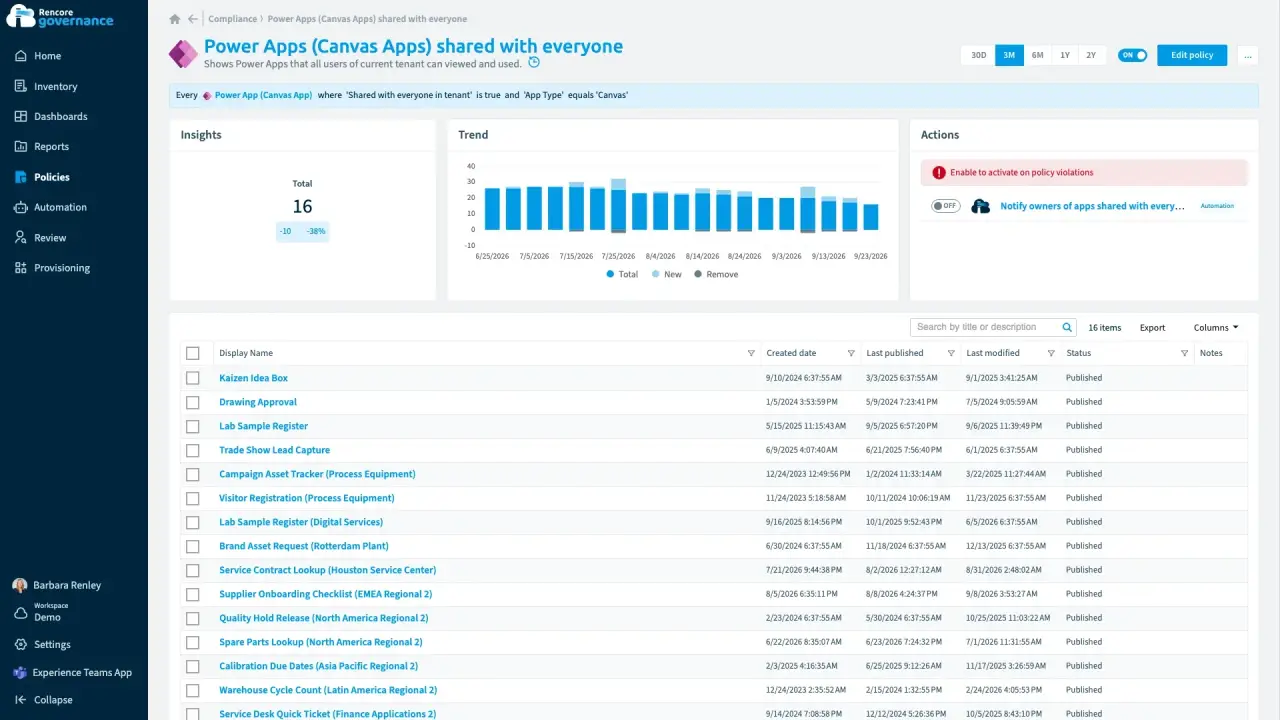
Apps and flows shared broadly
Length: 3 minPower Apps shared with the whole organization expose their data to people who never needed it.
- Power Apps
- Access & Sharing
-
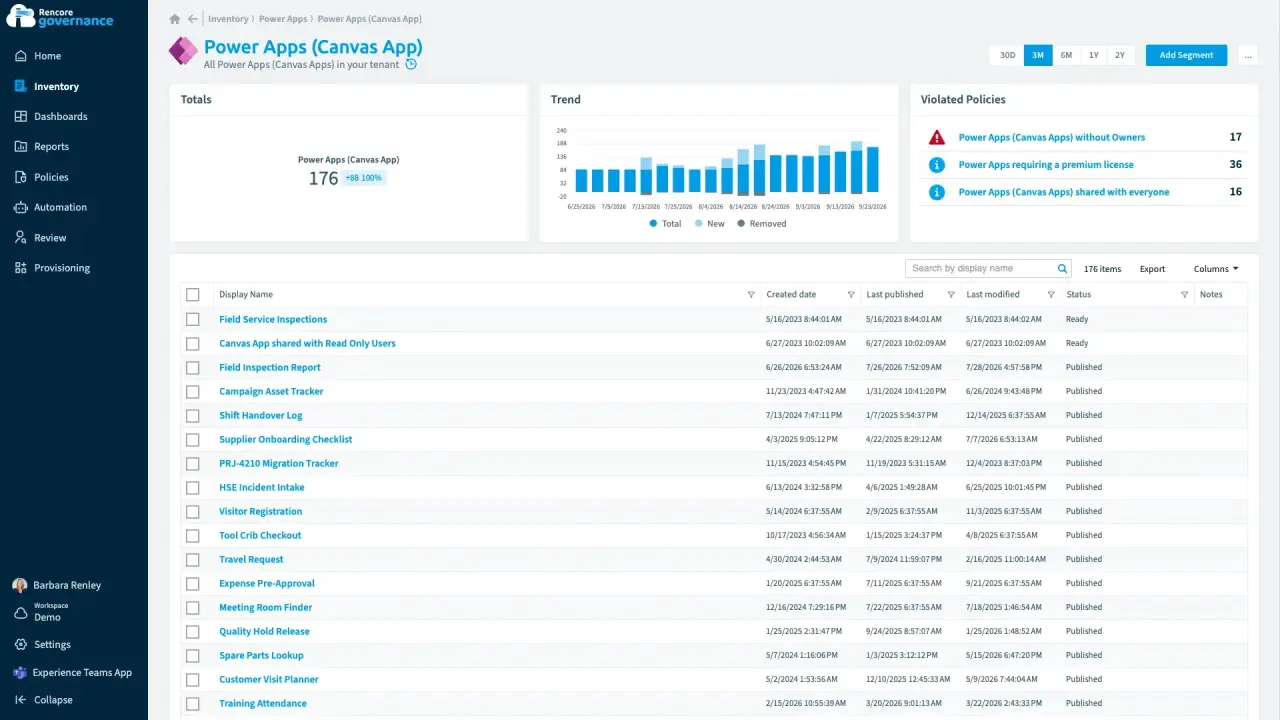
Power Apps and flows without owners
Length: 5 minApps and flows keep running after their makers leave, and nobody is accountable for them.
- Power Apps
- Power Automate
- Sprawl & Lifecycle
- Policies
- Automation
-
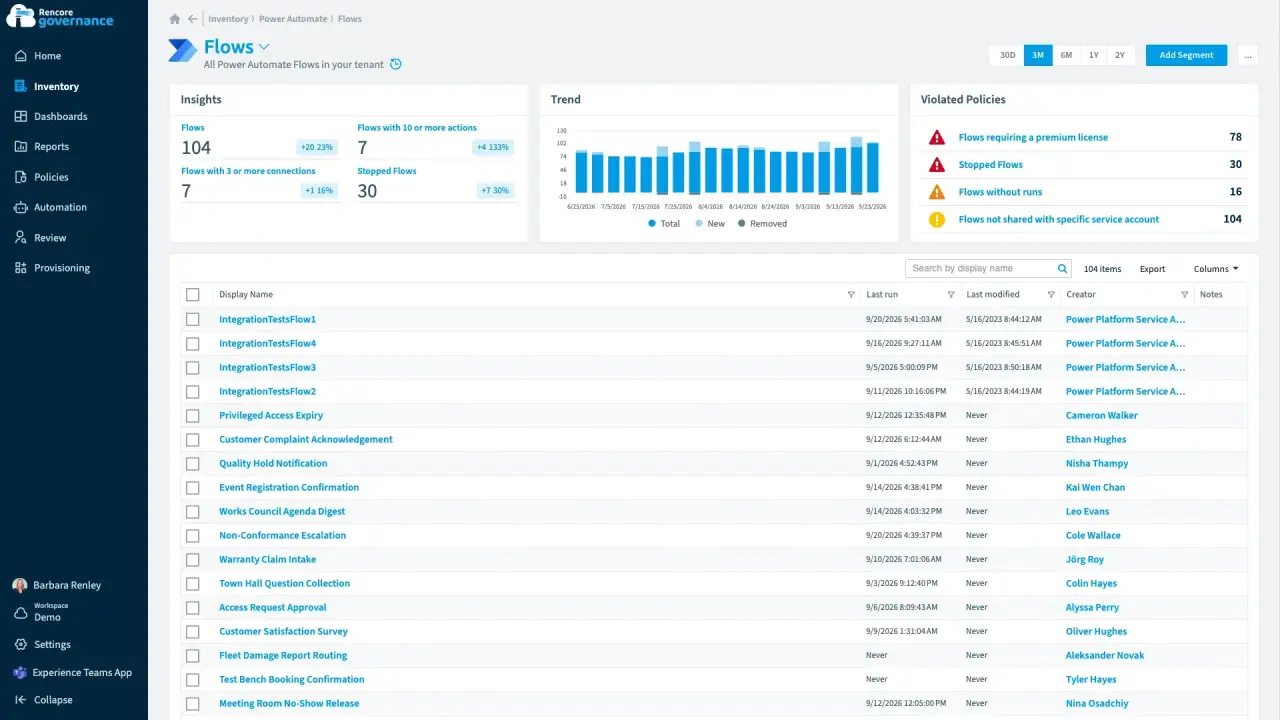
Unused and stopped flows
Length: 4 minFlows that never ran or quietly stopped clutter your environments, and nobody knows whether they still matter.
- Power Automate
- Sprawl & Lifecycle
- Policies
- Automation
-
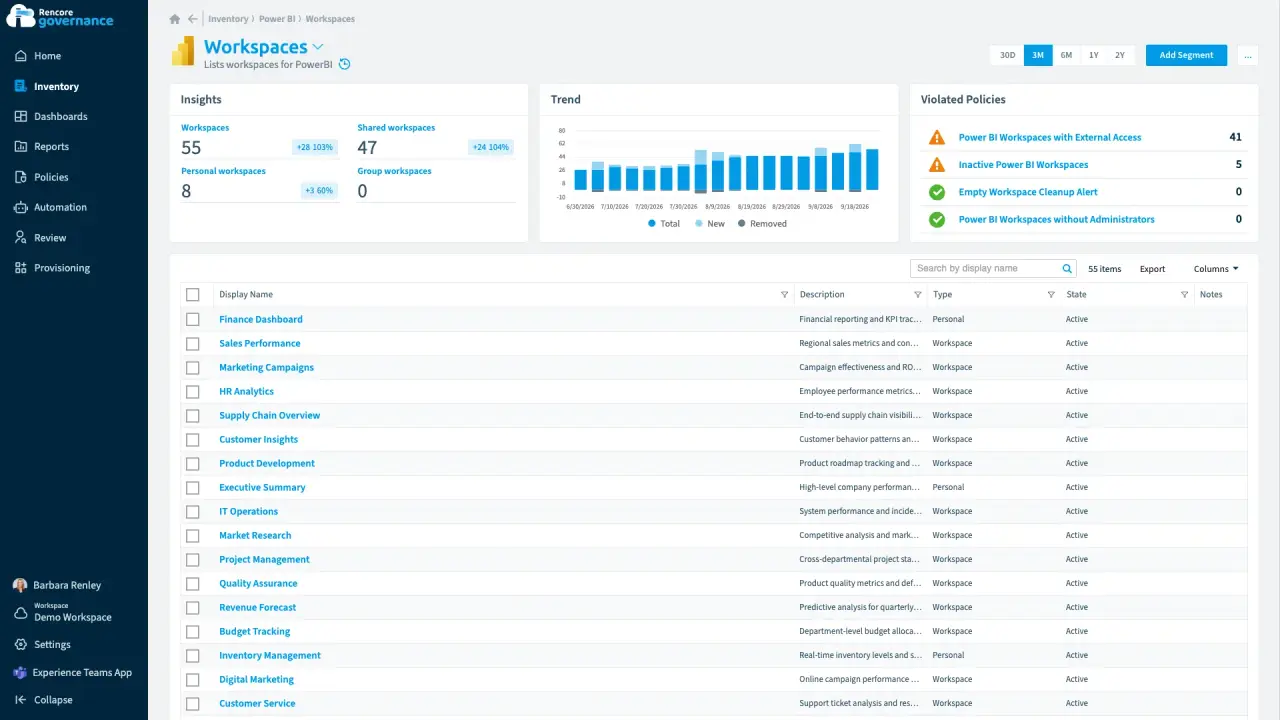
A partner guest in the HR analytics workspace
Length: 4 minAn external guest in an HR Power BI workspace can still see sensitive reports long after the work ended.
- Power BI
- Access & Sharing
- Reviews
- Policies
- Automation


Last updated 8 October 2026


