






 Microsoft Copilot


An AI tool inventory is a current list of the AI assistants, agents and AI services in use across your organization, from Microsoft 365 Copilot to the services teams adopt beside it. For each tool and agent it records who owns it, who uses it, what data it can reach and the risk it carries. Risk classification, access reviews and EU AI Act evidence all build on it.
In short
- Many organizations run Microsoft 365 Copilot next to other AI services, and no single admin center lists them all.
- Each entry needs an owner, its users, its data reach and a risk rating.
- Your identity provider and your Microsoft tenant are the most reliable sources to start from.
- Refresh the inventory on a schedule, because new tools and agents appear every month.
Why the AI estate is wider than it looks
The AI estate many organizations run is wider than Microsoft 365 Copilot. Business users build agents in Copilot Studio and SharePoint. Teams sign up for AI services with a company email address. Developers connect assistants to code and internal systems. Each of these reaches data and acts for someone, and each lives in its own admin console, if anyone administers it at all.
A survey of department heads produces a list of the tools people remember. An inventory built from signals, such as the agents in your tenant, the applications users have consented to in Entra ID and the members of your AI workspaces, produces the list of tools that exist.
Step by step
Five steps build an AI inventory from real signals and keep it current.
-
Start with what runs in your tenant
List Microsoft 365 Copilot licences and usage, Copilot Studio agents and SharePoint agents, with their creators, owners and knowledge sources. This is the part of the AI estate you can see completely today.
-
Add the AI services connected to your identities
Review the enterprise applications in Entra ID that users or administrators have consented to, and the permissions each holds. Then add the AI services your organization licenses beyond Microsoft, such as Claude Enterprise (preview) and ChatGPT Enterprise (preview), with their members.
Tip: Applications with Microsoft Graph permissions and no owner are the first to look at. They read company data and nobody answers for them.
-
Record owner, users and data reach
For every tool and agent, record an accountable owner, who uses it and what data it can reach or was grounded on. This turns a list of vendors into an inventory you can govern.
-
Rate the risk of each entry
Rate each tool by the sensitivity of the data it touches, the breadth of its actions and how many people use it, so review effort goes where harm is possible.
-
Refresh on a schedule
Re-run discovery on a fixed cycle and have owners confirm their entries. An AI inventory that is not refreshed is out of date within a quarter.
Connectors in this How-to
Each connector page in the Rencore docs lists the objects, policies, reports and actions behind these steps.

Watch it in Rencore
Short narrated product guides that play in your browser, with no sign-in.
-
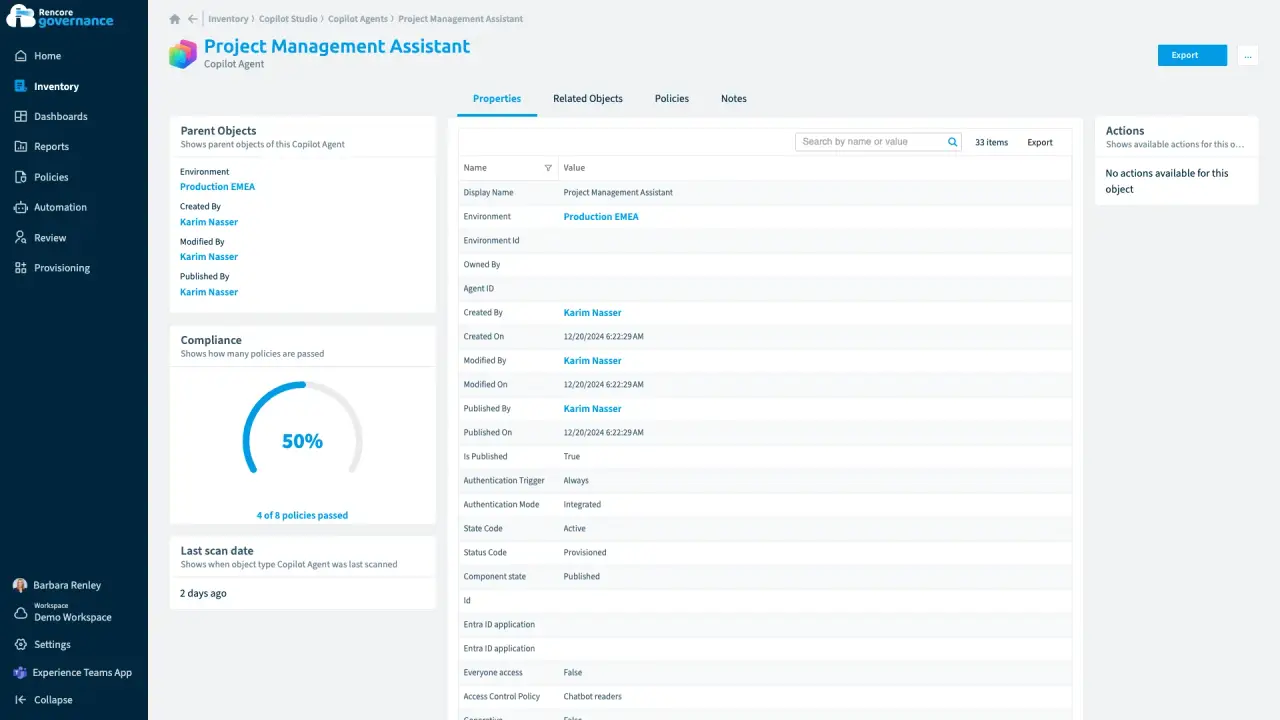
An agent nobody owns anymore
Length: 4 minA Copilot agent keeps running on its own after its maker leaves, and nobody answers for what it can reach.
- Copilot Studio
- AI Governance
- Sprawl & Lifecycle
-
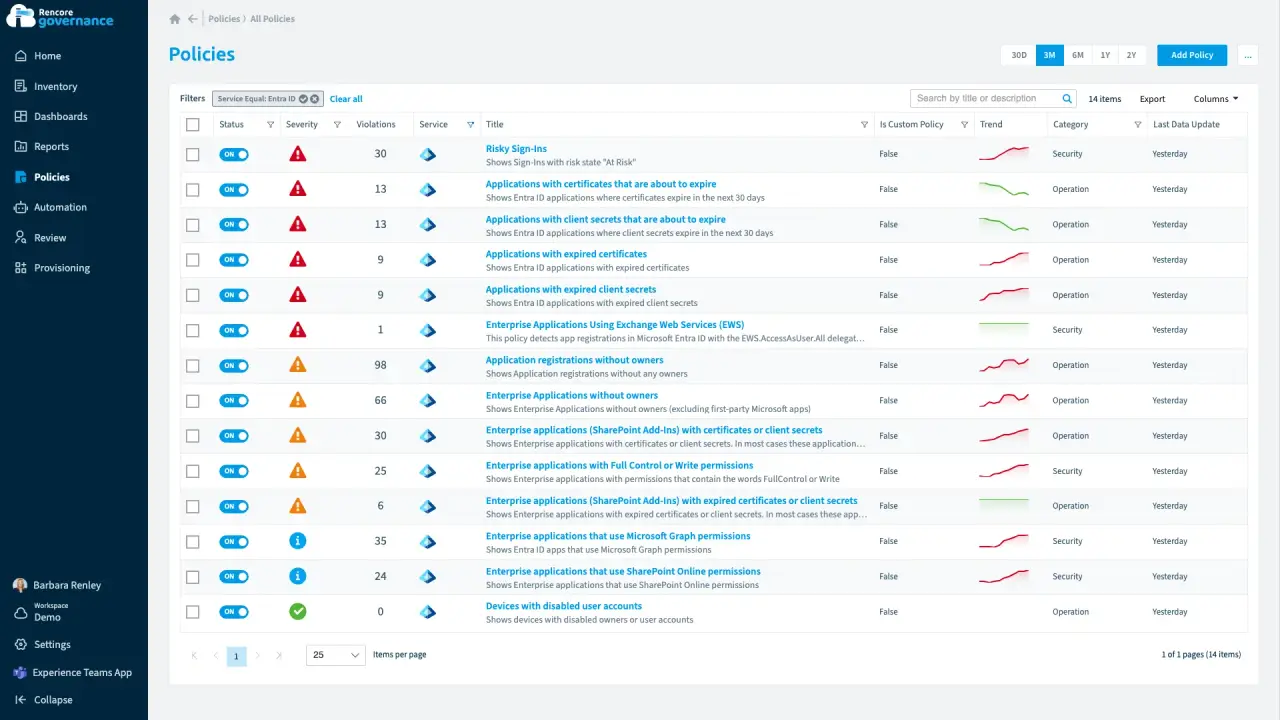
Entra ID and app registrations under control
Length: 6 minAn app that can read every mailbox has no owner, and an expiring secret can stop an integration without warning.
- Entra ID
- Exchange
- Access & Sharing
- Policies
- Automation
-
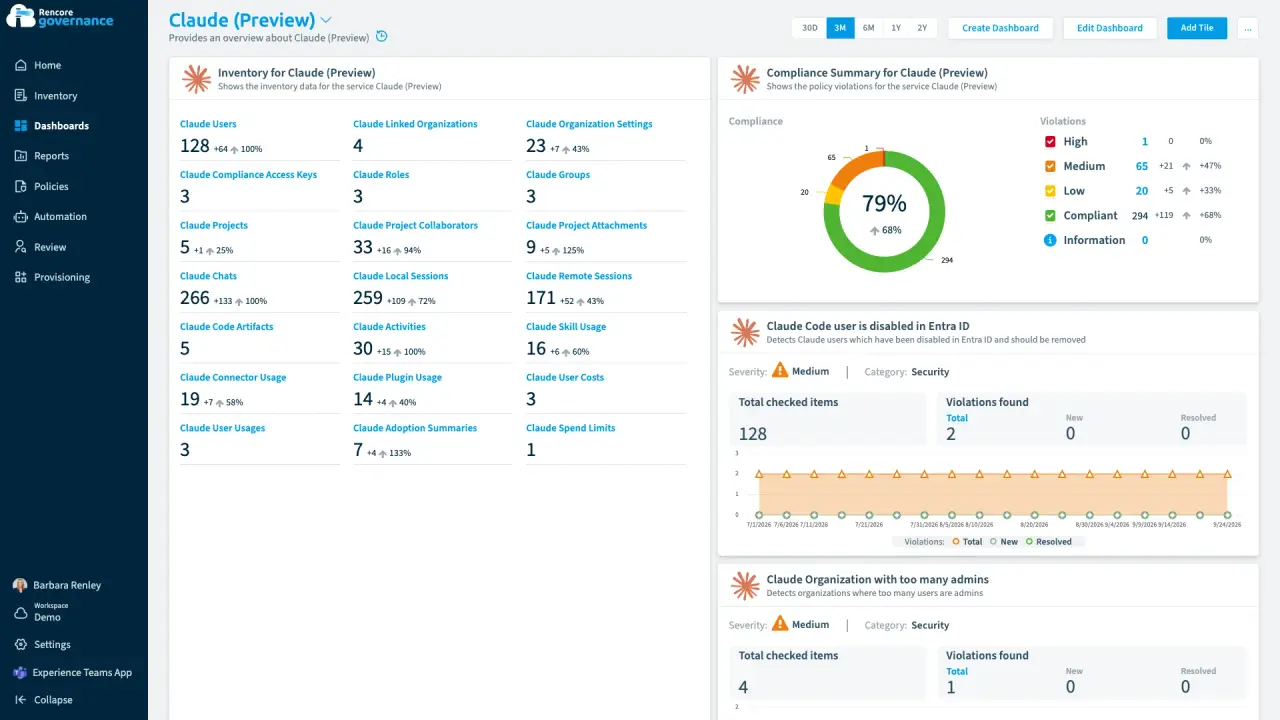
Abandoned Claude projects, cleaned up
Length: 4 minClaude projects nobody has touched in months keep their files and shared context, and nobody decides whether they can go.
- Claude Enterprise
- Sprawl & Lifecycle
- AI Governance
-
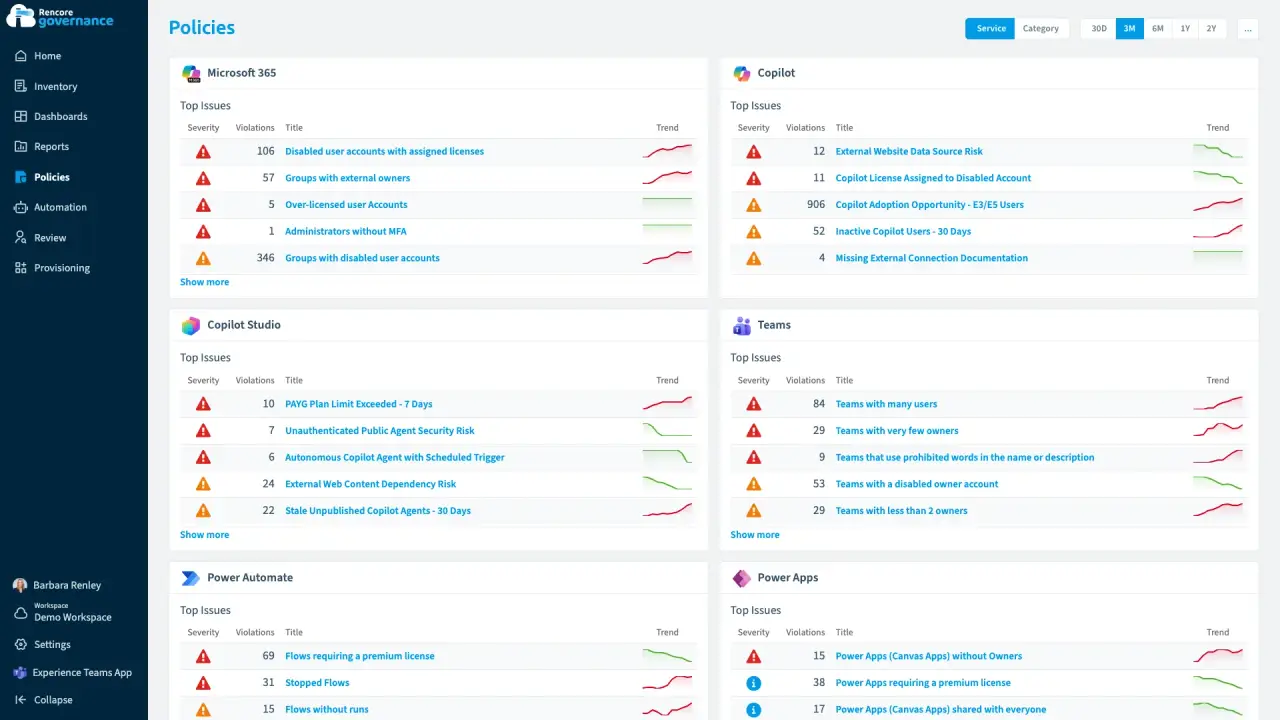
Copilot seats back from people who stopped using them
Length: 4 minCopilot licences stay on people who still work here but never open Copilot, and every idle seat is billed again each month.
- Copilot
- Microsoft 365
- Entra ID
- Licences & Costs
- AI Governance
- Policies
- Automation


 Microsoft 365
 Last updated 8 October 2026


