






 Microsoft Copilot


NIS2 readiness in Microsoft 365 is the work of showing that access, configuration and incidents in your tenant are handled the way the NIS2 Directive (EU) 2022/2555 requires of essential and important entities. The gaps tend to sit in the evidence: who has access, who owns each asset, what changed and when it was last reviewed, kept as records an auditor can follow from duty to proof.
In short
- NIS2 makes management accountable for cybersecurity risk measures and expects you to show they work.
- In Microsoft 365 the hard part is keeping that evidence current over time.
- Owners, access reviews and configuration checks that run on a schedule produce that evidence as a by-product.
- When the evidence already exists, an audit is a matter of packaging it.
What NIS2 asks of a Microsoft 365 tenant
NIS2 widens the set of organizations in scope and raises the bar from having controls to proving them. Article 20 makes the management body approve and oversee the cybersecurity risk-management measures. Article 21 lists those measures, among them asset management, access control, multi-factor authentication and basic cyber hygiene. Article 23 sets the reporting clock for significant incidents: an early warning within 24 hours and a notification within 72 hours.
Each of those duties lands on Microsoft 365. The tenant holds your identities, your collaboration data and, increasingly, the agents and automations that act on it. Member states transpose the directive into national law, so check your national requirements alongside this How-to.
Why the evidence trail is where entities fall short
A tenant can be configured well on the day of an assessment and drift a month later. A guest stays in a team after the project ends, an administrator loses MFA during an account change, a mailbox forwarding rule appears. NIS2 asks you to show control over time, so the record of who reviewed what, and what was fixed, matters as much as the settings themselves.
Step by step
These five steps build the Microsoft 365 part of your NIS2 evidence so that it accumulates during normal operations.
-
Map the NIS2 duties to Microsoft 365 controls
Translate the Article 21 measures that touch the tenant into concrete controls: MFA for administrators, guest and external access, mailbox forwarding and audit settings, app permissions in Entra ID, ownership of teams and sites. Give each control a named owner, so every duty has someone who answers for it.
-
Set a baseline for access and configuration
Record the state you consider correct for each control, such as every administrator with MFA, no mailbox rule that redirects mail to an external recipient and at least two owners per team. A baseline lets you show what good looked like and spot drift away from it.
Tip: Express the baseline as policies that flag every deviation. A document describing the baseline proves nothing on its own.
-
Keep owners and access reviews current
Make sure every workspace, app and agent has an accountable owner, and have owners confirm on a schedule who can reach it, guests included. Reviews that owners complete leave a dated record of who decided what.
-
Capture changes and incident evidence
Keep the Microsoft 365 audit log in Microsoft Purview at a retention period that covers your reporting duties, and watch for the changes that matter under NIS2: redirect rules that send mail to external recipients, new high-privilege app permissions and risky sign-ins.
-
Package the evidence for audit
Assemble the control map, the baseline, the policy results over time and the completed reviews into reports an auditor can follow from each duty to its proof. Schedule them, so the package exists before anyone asks for it.
Connectors in this How-to
Each connector page in the Rencore docs lists the objects, policies, reports and actions behind these steps.


Watch it in Rencore
Short narrated product guides that play in your browser, with no sign-in.
-
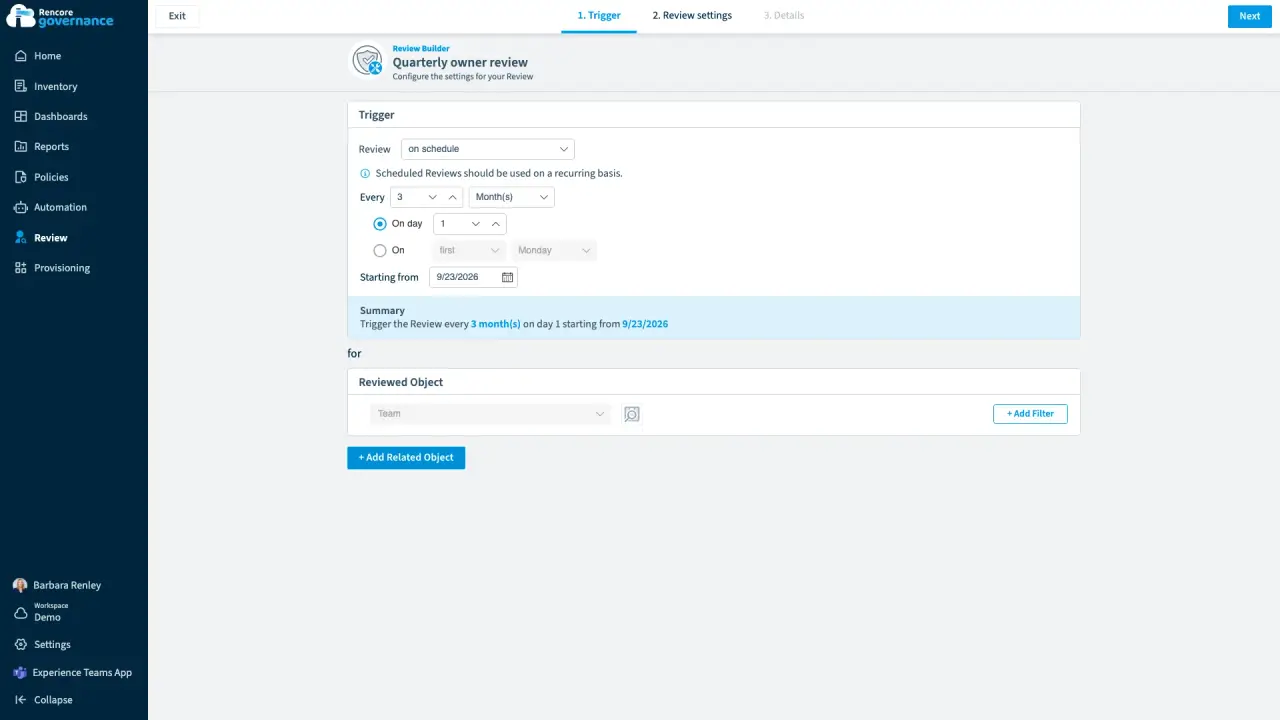
Scheduled owner review
Length: 5 minMembers and guests drift out of date every week, and nobody checks them unless a review makes them.
- Teams
- Reviews
-
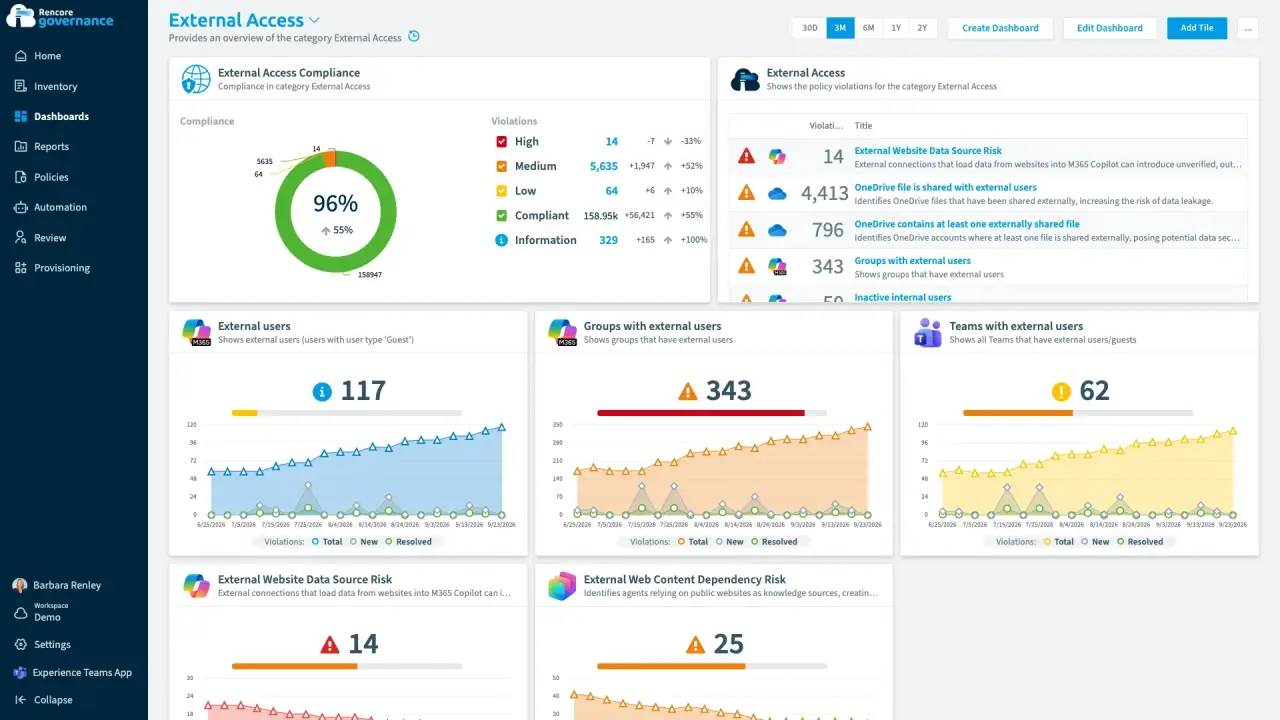
Recertify guest and external access
Length: 4 minGuests and external users keep their access long after the work ends, and nobody confirms whether each one still needs it.
- Teams
- SharePoint
- Entra ID
- Reviews
- Access & Sharing
-
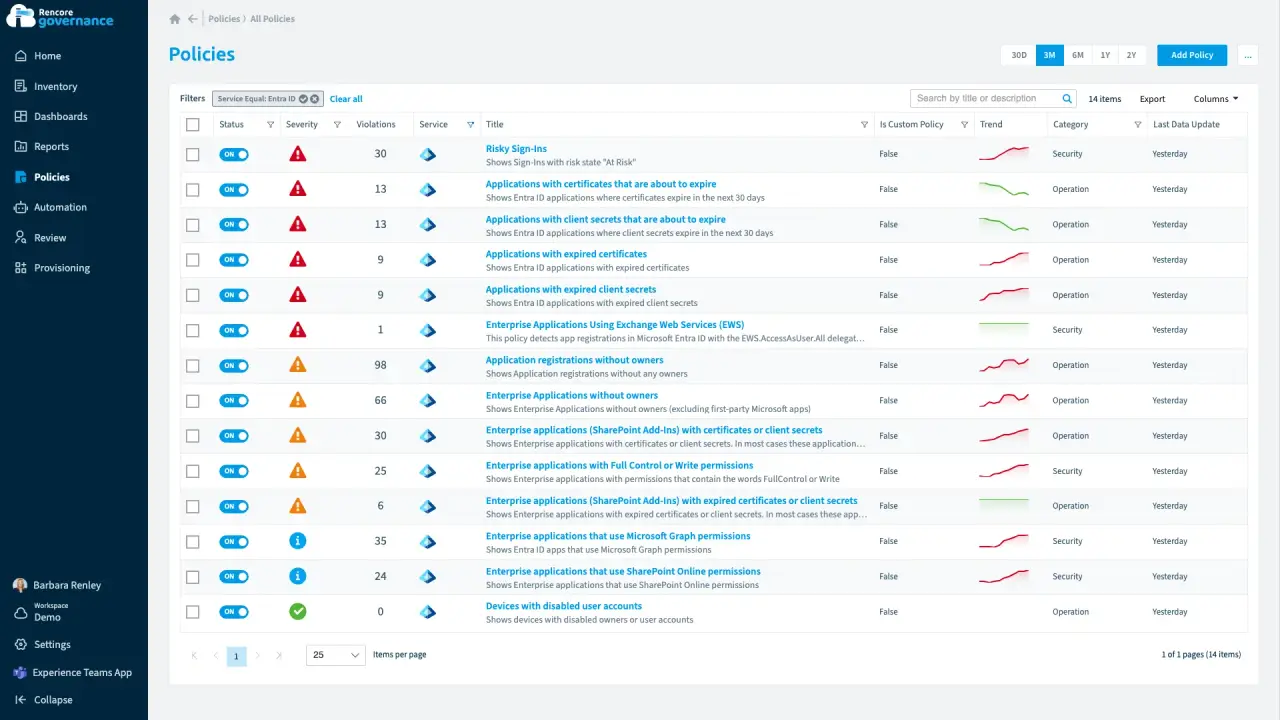
Entra ID and app registrations under control
Length: 6 minAn app that can read every mailbox has no owner, and an expiring secret can stop an integration without warning.
- Entra ID
- Exchange
- Access & Sharing
- Policies
- Automation
-
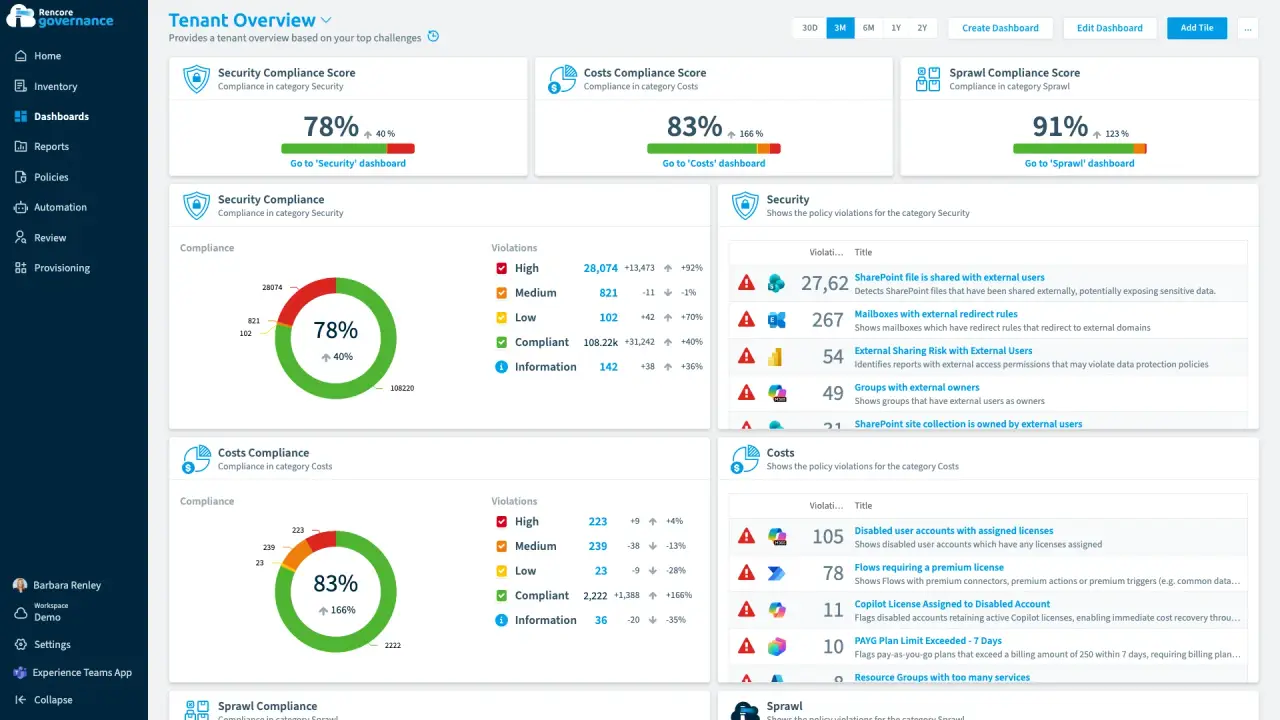
Build a governance dashboard
Length: 4 minLeadership, security and service owners each want their own view of the estate, and building every one by hand takes days.
- Teams
- SharePoint
- Power Platform
- Copilot
- Dashboards


 Power Platform
 Last updated 8 October 2026


