






 Microsoft Copilot


Tenant sprawl is the build-up of teams, SharePoint sites, Microsoft 365 groups, Power Platform apps and flows, and licences that self-service creates faster than IT can track. It slows governance because every workspace nobody tracks has to be found before it can be reviewed, secured or retired, so policy work turns into search and cleanup.
In short
- Sprawl makes governance a search problem. Each unknown team, site or licence is found by hand before anyone can act on it.
- The cost shows up in four places: licences, people's time, IT's time and compliance exposure. Measure all four.
- Start with workspaces that have no activity and no owner: cleaning them up frees licences and lowers risk for the least effort.
- A one-off cleanup buys a quarter. Owners and expiry set at creation, plus a review cycle, keep the gains.
Why sprawl slows governance down
Every Microsoft 365 tenant that grows also sprawls. A team is created for one meeting and never archived. A Microsoft 365 group brings a SharePoint site nobody asked for. A Power Automate flow keeps running long after its project ended. Self-service produces this whenever nothing records who owns a workspace and when it ends.
The expensive part is what the clutter does to the people who govern the tenant. A policy can only be applied to something you know exists, so every untracked workspace adds a step: find it, work out who is responsible, then decide. When that step repeats across thousands of objects, review cycles stretch and the controls you already have reach less of the estate.
Where the cost lands
Licences: seats stay on people who left or never use the service, and users sit on higher plans than their role needs. Productivity: people search through duplicates for the current version of a file. IT time: specialists keep an oversized environment running instead of improving it. Compliance: personal and confidential data settles in workspaces nobody watches, which is where GDPR exposure builds up unnoticed.
Many teams cannot put a number on any of this, because they do not measure usage in the first place. In Gartner's research, 38% of IT leaders do not measure Microsoft 365 adoption or usage at all (Microsoft 365 Copilot and Agents: Assessing Impact and Value, 2026). Without a usage baseline, nobody can say what sprawl costs.
Step by step
Five steps take a sprawling tenant back to one where every workspace has an owner and a reason to exist. Run steps 1 to 3 once, then keep steps 4 and 5 as a routine.
-
Inventory what has already accumulated
List every team, SharePoint site, Microsoft 365 group, Power App, flow and licence assignment in the tenant, with owner and last activity. Include what Microsoft 365 creates on its own, such as the site behind every group, or the count will be too low.
Tip: A spreadsheet export is out of date before the next review. Use an inventory that is scanned on a schedule.
-
Put a cost on the clutter
Turn the inventory into the four costs: licences on inactive or disabled accounts, duplicated content people search through, IT hours spent on upkeep, and sensitive data in unwatched workspaces. A cost tells the budget owner why governance is slow.
-
Start with inactive and ownerless workspaces
Flag teams, sites and flows with no recent activity and no valid owner. Cleaning these up first frees licences and lowers compliance risk for the least effort.
-
Set an owner and an end date at creation
Require an accountable owner, ideally two, and a review or expiry date on every new team, site, group and app when it is requested. Add the same fields to what already exists. This is the step that stops next quarter's sprawl from costing the same hours again.
-
Review inactivity on a fixed cycle
Ask owners on a schedule to confirm, archive or delete their inactive workspaces, and escalate when they do not answer. Self-service creation never stops, so the review cannot stop either.
Connectors in this How-to
Each connector page in the Rencore docs lists the objects, policies, reports and actions behind these steps.

Watch it in Rencore
Short narrated product guides that play in your browser, with no sign-in.
-
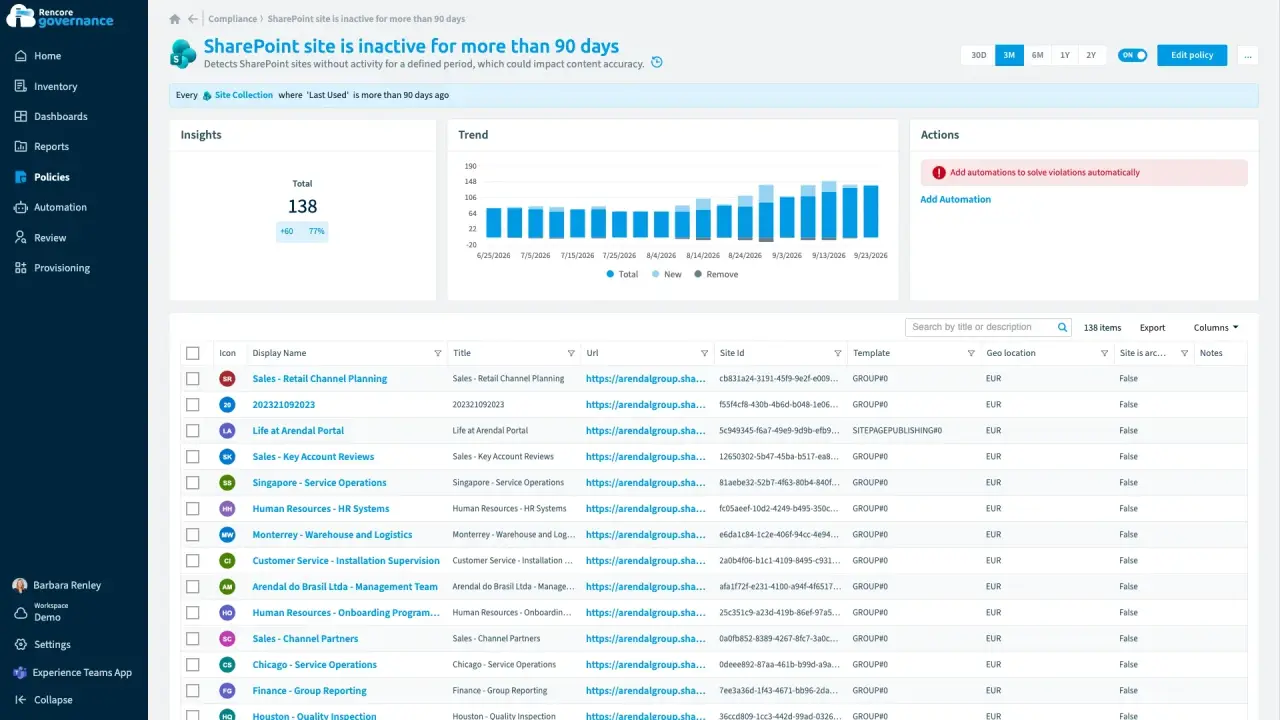
Archive inactive workspaces
Length: 5 minUnused teams and sites pile up because nobody decides whether to keep or archive them.
- Teams
- SharePoint
- Sprawl & Lifecycle
- Reviews
- Policies
- Automation
-
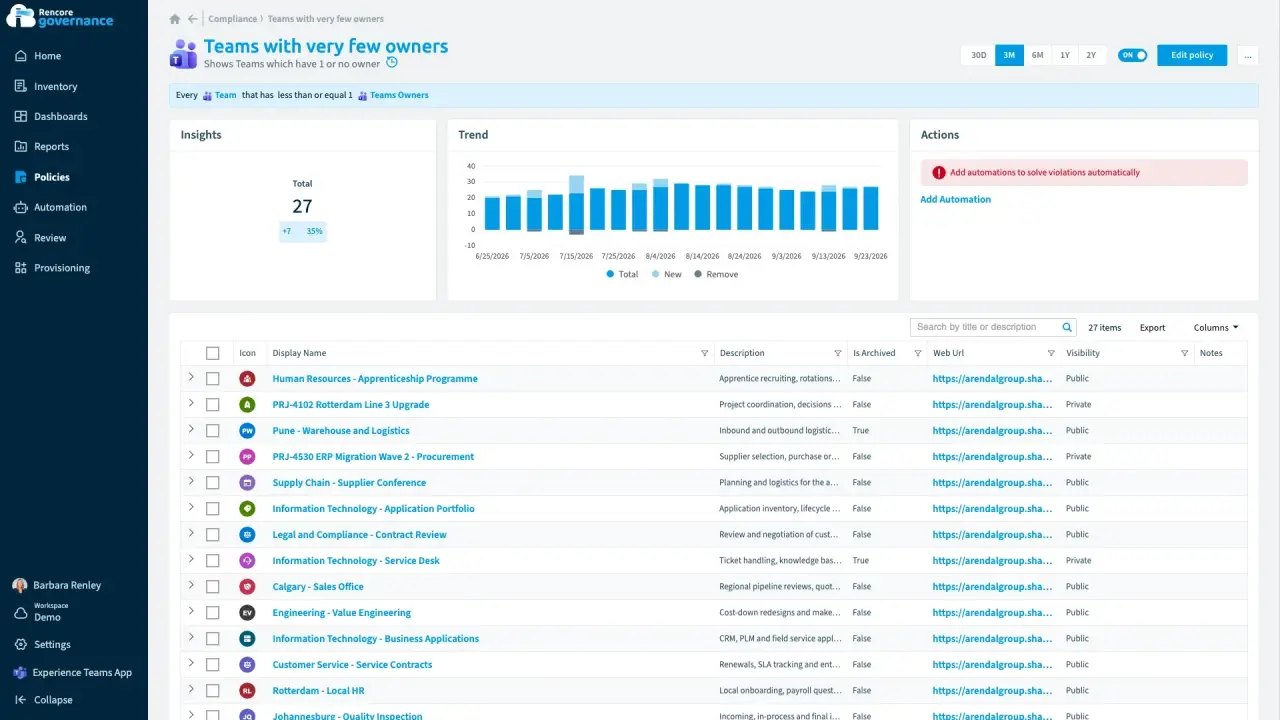
Fix ownerless workspaces with manager escalation
Length: 6 minTeams lose their owners when people leave or change roles, and nobody is left to decide what happens to them.
- Teams
- Entra ID
- Sprawl & Lifecycle
- Policies
- Automation
-
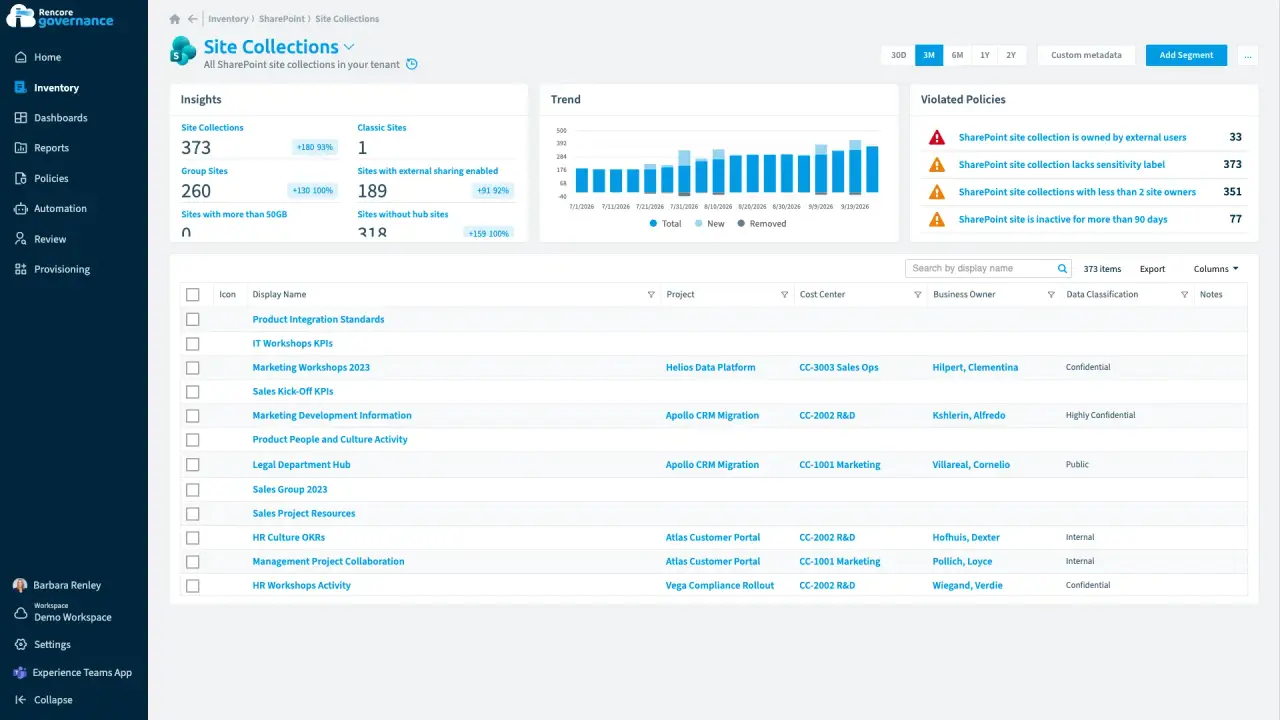
Who pays for this site?
Length: 4 minMicrosoft 365 knows who owns a site but not which cost center pays for it, so finance has nothing to start a chargeback from.
- SharePoint
- Teams
- Licences & Costs
- Reviews
-
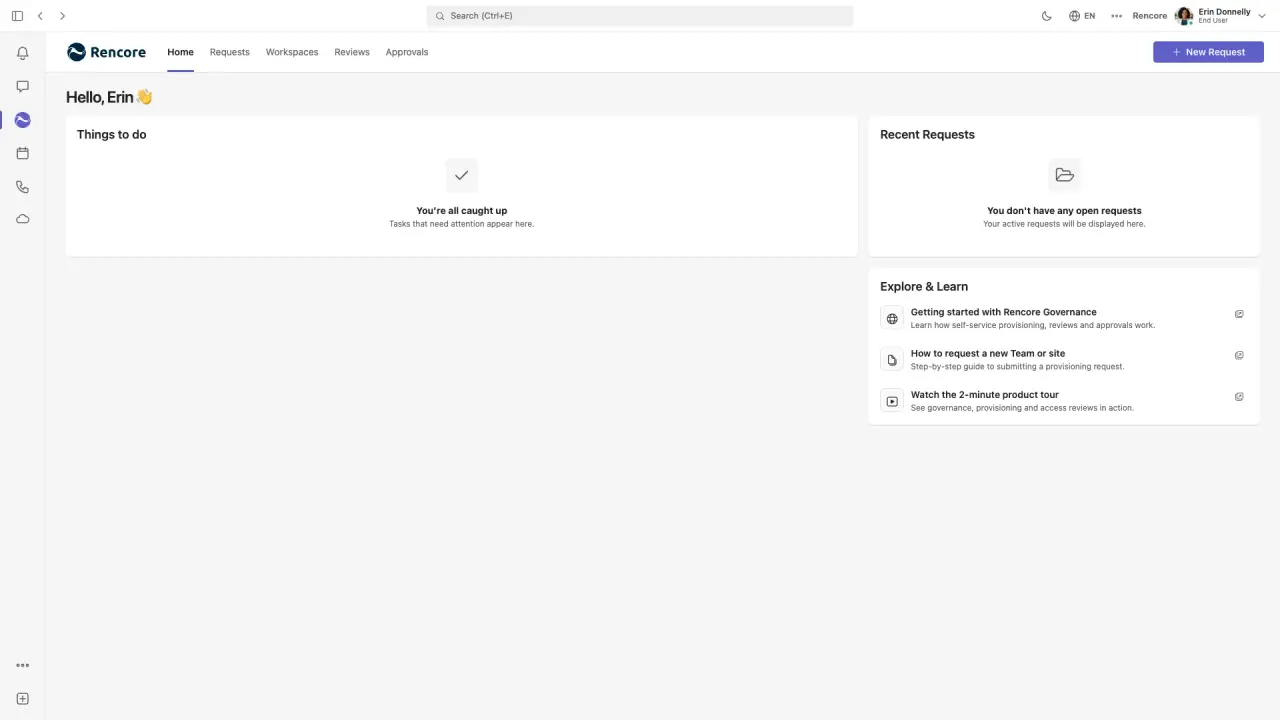
Request a governed workspace in Microsoft Teams
Length: 4 minTeams created without rules arrive with a single owner, no naming convention and no label, and fixing them afterwards is slow.
- Teams
- Provisioning


 Entra ID

Last updated 8 October 2026


