






 Microsoft Copilot


Copilot readiness is the work of getting a Microsoft 365 tenant into a state where Microsoft 365 Copilot can be deployed without surfacing content users should not see or should not rely on. Because Copilot answers with the permissions of the person who asks, readiness is mostly access hygiene: finding oversharing, labelling sensitive content, retiring stale content and checking that what each user can reach matches what they should reach, before seats are assigned.
In short
- Copilot can surface anything a user can open, so its safety depends on your permissions.
- Close oversharing first, because it decides what Copilot can surface.
- Stale and duplicate content makes answers worse, so retire it before Copilot reads it.
- Expand the rollout on evidence from a pilot.
Why readiness is a question about the tenant
Copilot rollouts are often planned as a licensing project. The seats are the easy part. Copilot searches everything the prompting user can open, so a site shared too widely three years ago becomes material for a summary today, and an outdated policy document becomes an answer.
The delay this causes is measurable. In Gartner's research, 40% of organizations delayed their Copilot rollout by three months or more over sprawl and oversharing (Gartner Impact of GenAI in the Digital Workplace Survey, 2024). Doing the readiness work before assigning seats is cheaper than pausing a rollout halfway.
Step by step
Five steps take a tenant from assumed to proven ready.
-
Measure your exposure
Measure external sharing, broken inheritance, sites owned by external users and sites without owners across SharePoint, OneDrive and Teams. This baseline shows whether the tenant is ready and where the risk sits.
-
Close the broadest oversharing
Remove the widest access first: links shared with anyone or with external users, guests who are no longer active and permissions that broke inheritance for one person and were never repaired.
-
Label sensitive sites
Make sure sites with sensitive content carry a sensitivity label, and treat unlabelled sites as a finding. Labels let Microsoft Purview and Copilot treat the most sensitive material differently.
Tip: Start with sites whose owners are in HR, finance and legal. They are the most likely to hold content Copilot should not read freely.
-
Retire stale content
Archive inactive sites and remove files nobody has opened in years, so Copilot answers from current content. Old versions and duplicates lower the quality of answers and raise the risk.
-
Pilot, check, then expand
Assign seats to a pilot group, check for a sample of users what they can reach, and widen the rollout once that picture holds. Keep the readiness checks running after rollout, because permissions keep changing.
Connectors in this How-to
Each connector page in the Rencore docs lists the objects, policies, reports and actions behind these steps.


Watch it in Rencore
Short narrated product guides that play in your browser, with no sign-in.
-
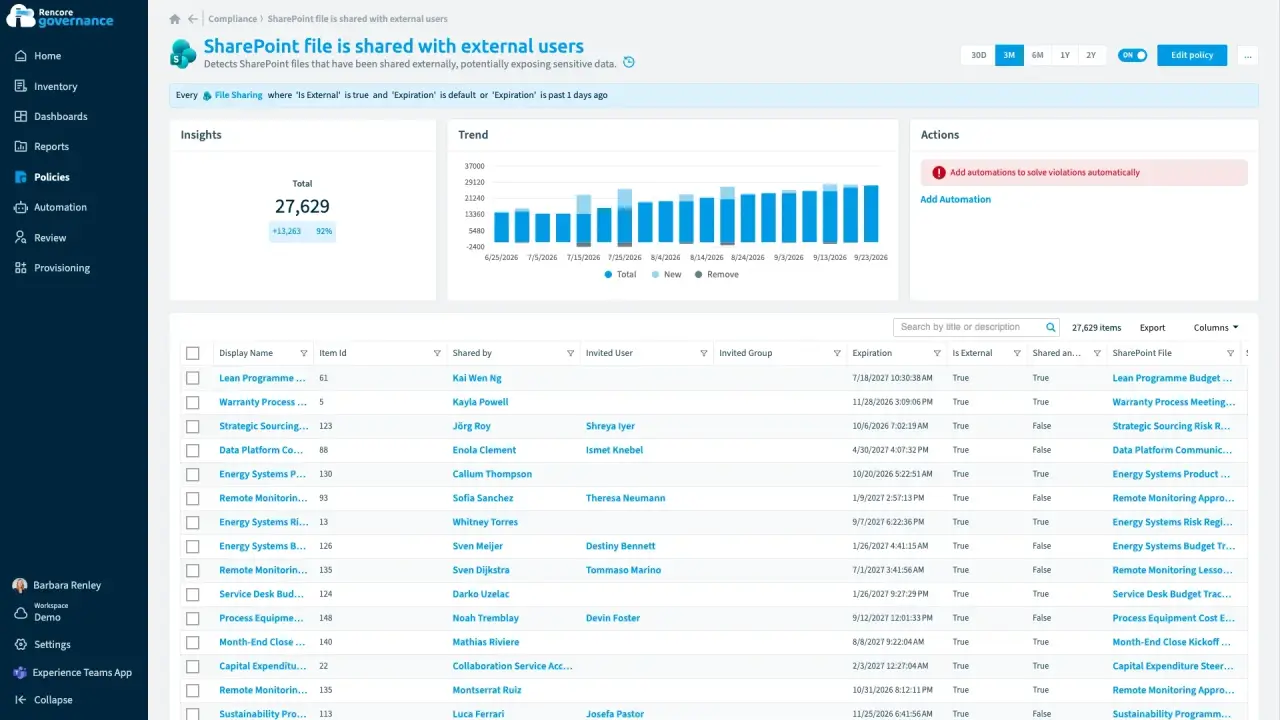
Find and fix oversharing
Length: 4 minGuests and sharing links reach further into your content than anyone intended, and nobody removes the ones that are no longer needed.
- Teams
- SharePoint
- Entra ID
- Access & Sharing
- Reviews
-
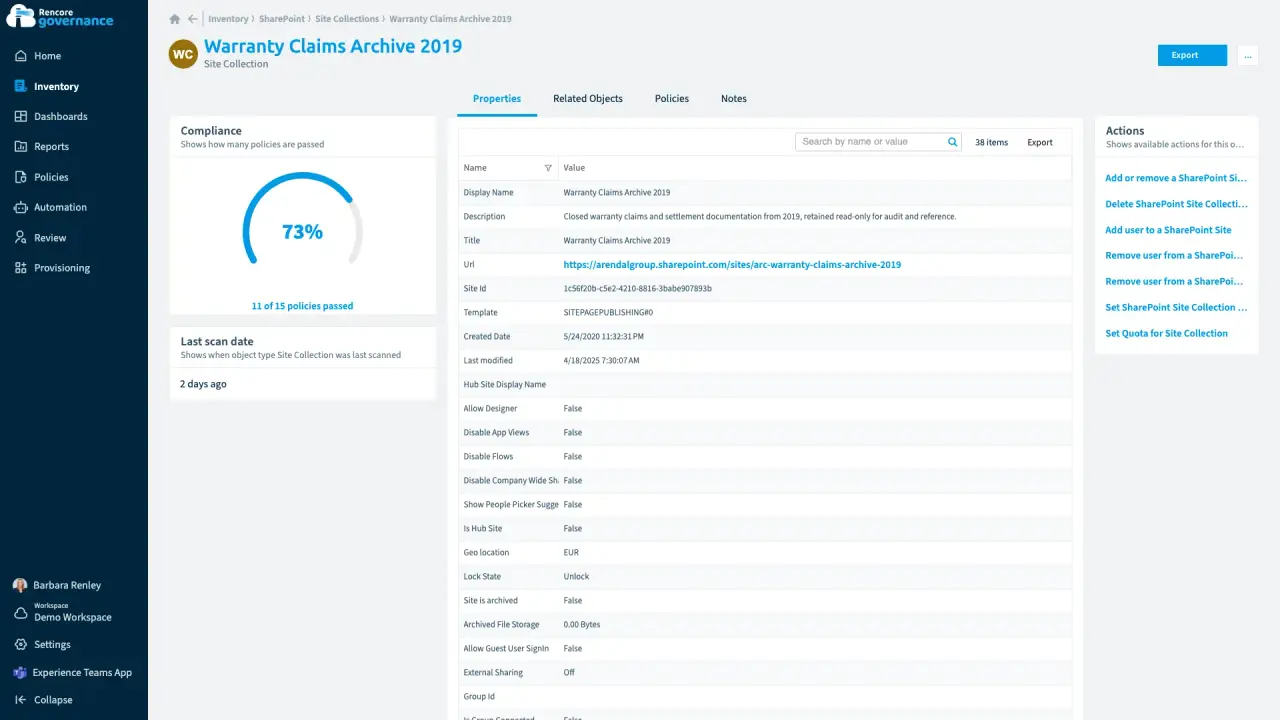
Label the sites Copilot should not read freely
Length: 4 minSites without a sensitivity label slip past your Copilot checks, so Copilot can read content it should not read freely.
- SharePoint
- Copilot
- AI Governance
- Policies
- Automation
-
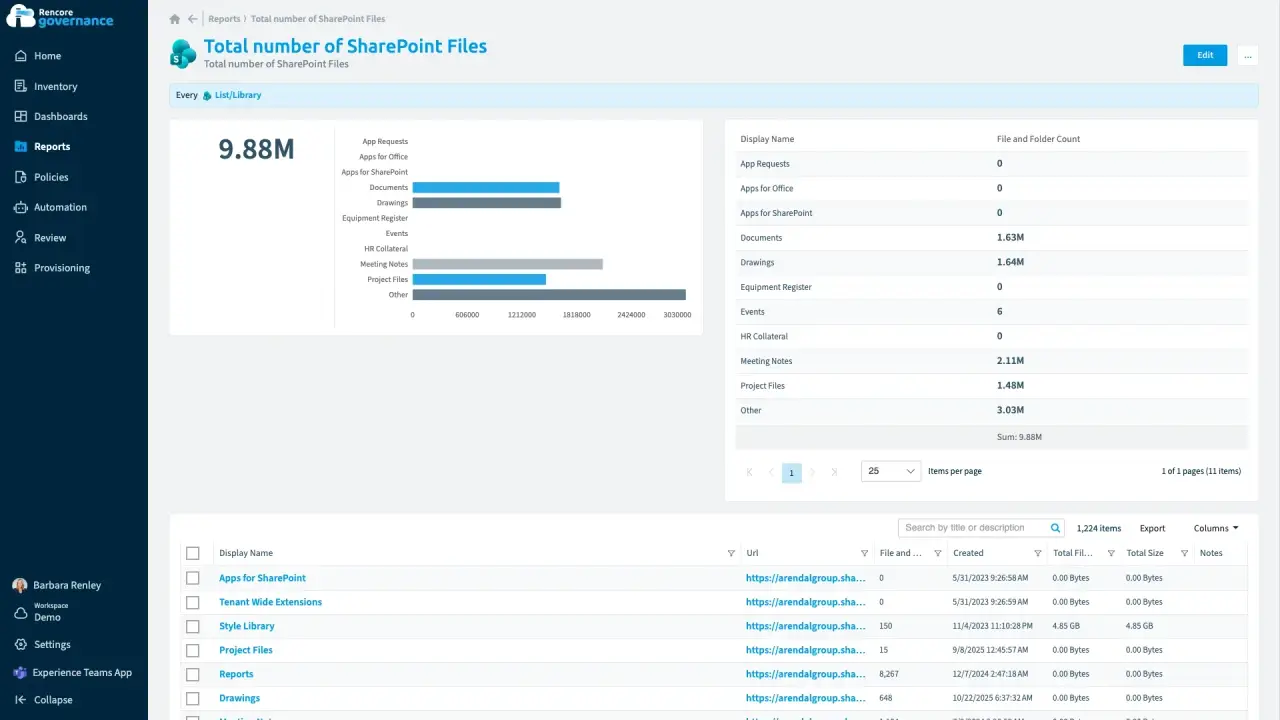
Clean up redundant, obsolete and trivial content
Length: 4 minOutdated files and unused sites stay searchable, so Copilot can answer from content nobody should rely on.
- SharePoint
- Copilot
- Sprawl & Lifecycle
- AI Governance
- Policies
- Automation
-
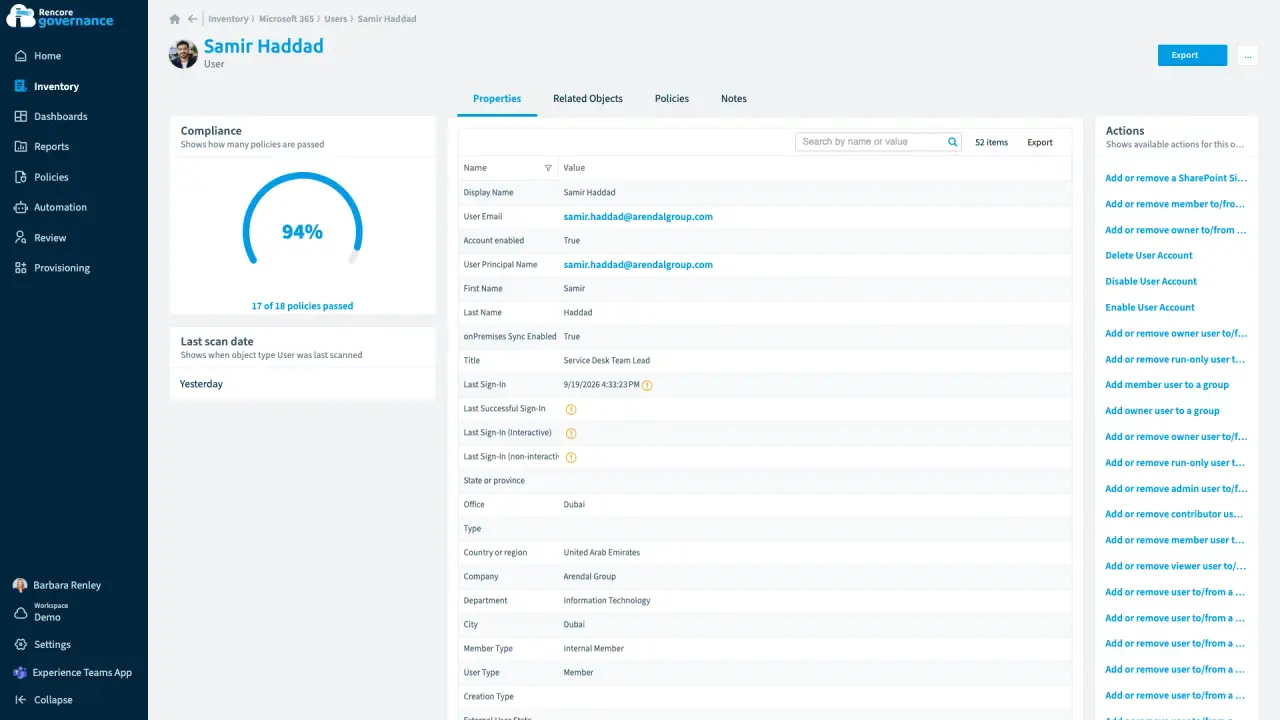
Who has access to what for one user
Length: 3 minWhen someone leaves or an auditor asks, nobody can say quickly which teams, sites, licences and shared files one person can reach.
- Microsoft 365
- Teams
- SharePoint
- OneDrive
- Entra ID
- Access & Sharing
- Reports

 Entra ID


Last updated 8 October 2026


